> ## Documentation Index
> Fetch the complete documentation index at: https://docs.kwebby.com/llms.txt
> Use this file to discover all available pages before exploring further.
# Set up your products
> Sizes, servings, notice and badges for cakes.
Frosting reads a few extra details from your products to show servings, notice and badges. They are optional: products without them still work.
## Create the custom fields once
In **Settings → Custom data**, add these definitions with namespace `custom` and storefront access on:
| Applies to | Name | Key | Type | Used for |
| - | - | - | - | - |
| Products | Lead days | `lead_days` | Integer | How many days' notice the product needs. Use 0 for same-day bakes. |
| Products | Short description | `short_description` | Single line text | One line under the title on product cards. |
| Products | Badge | `badge` | Single line text | A label on the product card, such as Bestseller. |
| Variants | Servings | `servings` | Single line text | Shown under the size, such as "Serves 8–10". |
| Variants | Tiers | `tiers` | Integer | Tier count for the cake builder drawing. |
| Variants | Lead days | `lead_days` | Integer | Notice for one size, such as a tiered cake. |
| Pages | Delivery area code | `area_code` | Single line text | The postcode an area landing page describes. |
## Fill them in
Open a product and scroll to **Metafields** to set Lead days, Short description and Badge. Open each variant (size) to set Servings and Tiers.
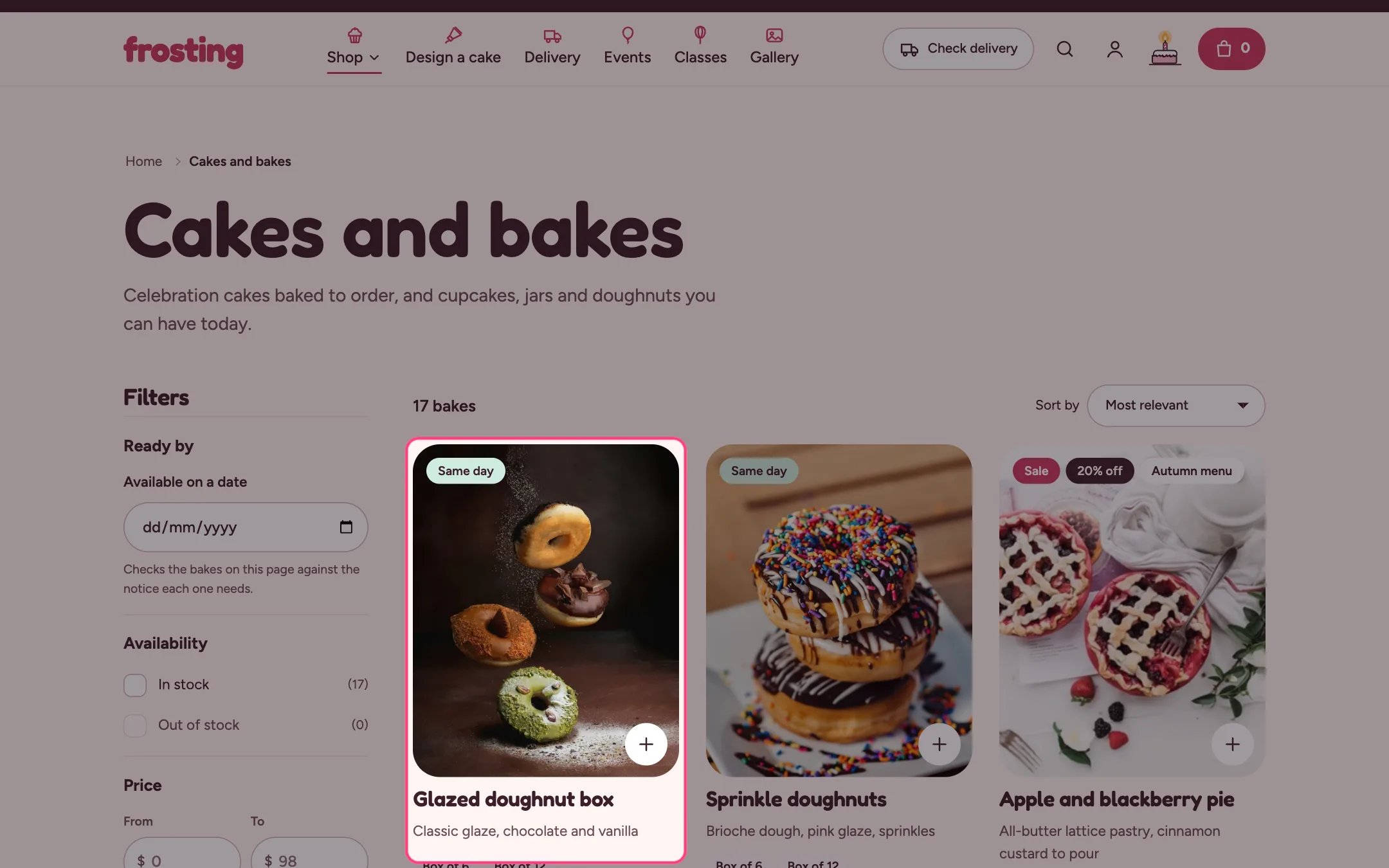 ## Same-day bakes
Tag products that can be ready today with `same-day` (or the tag you choose in **Theme settings → Delivery and pickup**). They get the **Same day** badge and show up in the date filter for today.
## Sale prices
Set a **Compare-at price** higher than the price on a variant. Frosting strikes through the old price and adds the sale tags chosen in **Theme settings → Product cards → Sale badge**.
This documentation is built and hosted on [Mintlify](https://mintlify.com), a developer documentation platform.
## Same-day bakes
Tag products that can be ready today with `same-day` (or the tag you choose in **Theme settings → Delivery and pickup**). They get the **Same day** badge and show up in the date filter for today.
## Sale prices
Set a **Compare-at price** higher than the price on a variant. Frosting strikes through the old price and adds the sale tags chosen in **Theme settings → Product cards → Sale badge**.
This documentation is built and hosted on [Mintlify](https://mintlify.com), a developer documentation platform.