> ## Documentation Index
> Fetch the complete documentation index at: https://docs.kwebby.com/llms.txt
> Use this file to discover all available pages before exploring further.
# Delivery dates and time windows in the cart
> How shoppers choose delivery or pickup, a date and a time, and where you see it on the order.
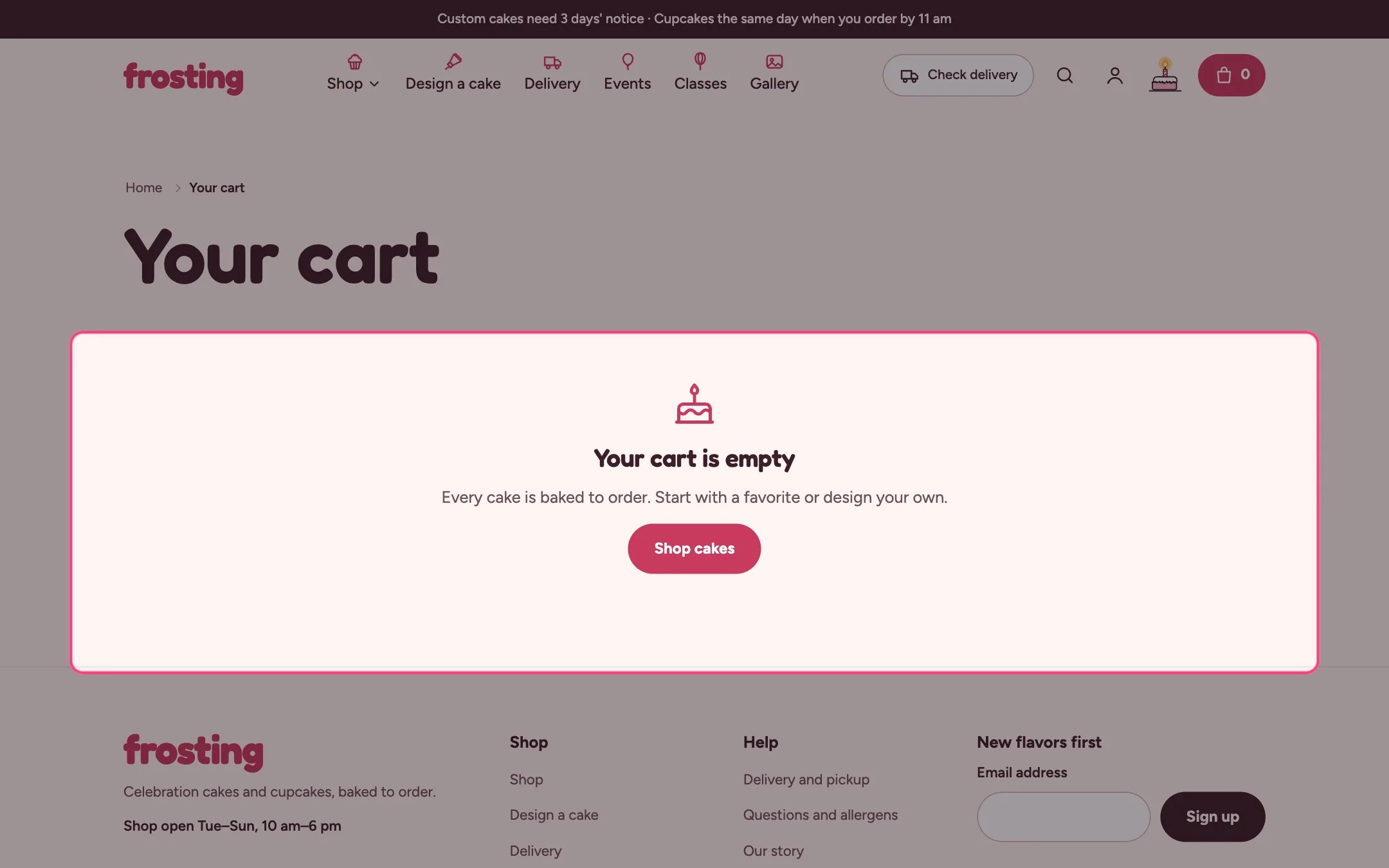
 Cakes are baked to order, so Frosting asks for a date before checkout. The cart drawer and the cart page both have a When and how? box with Delivery or Pickup, a date and a time window.
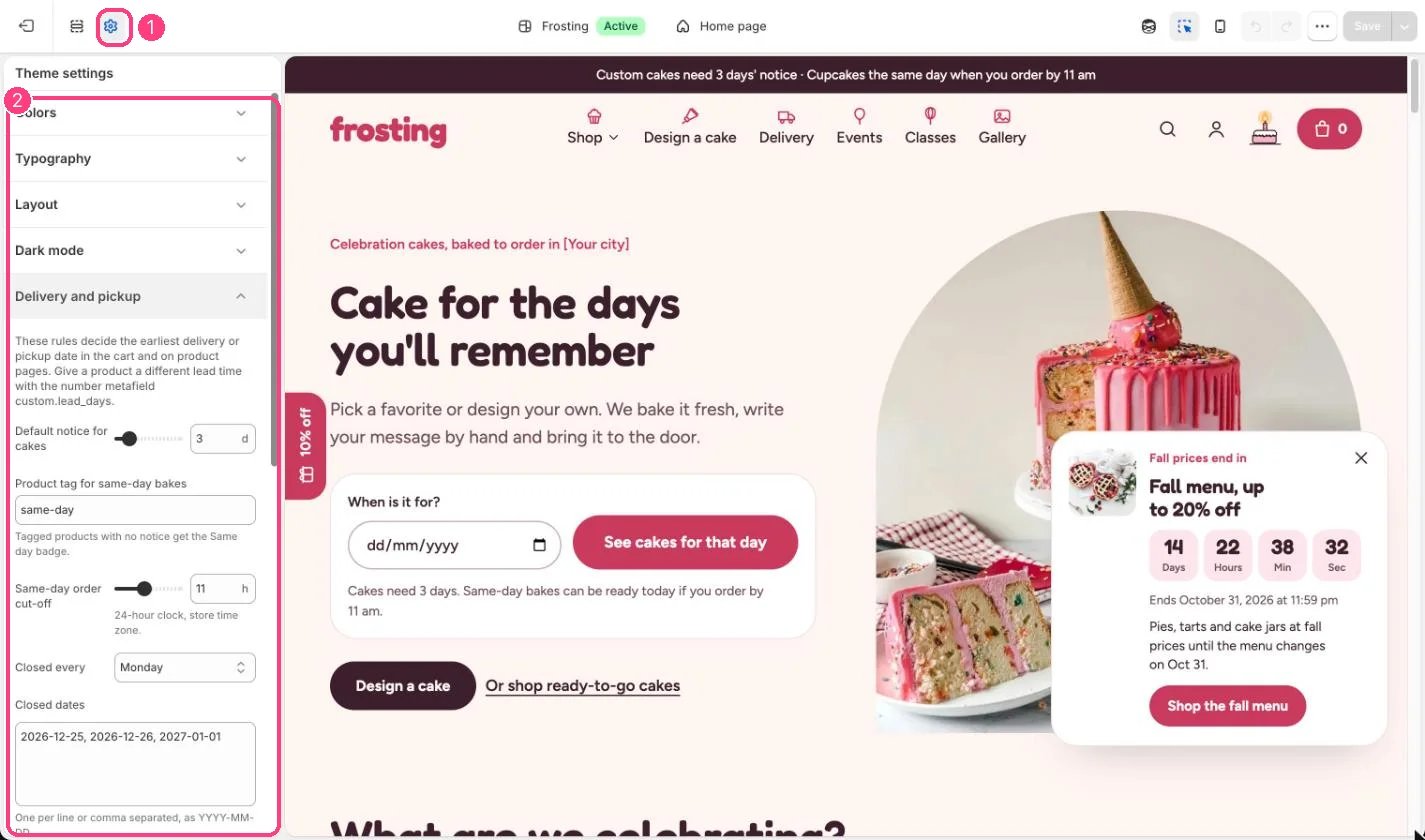
**Set the rules.** In Theme settings, Delivery and pickup:
* Default notice for cakes and the same-day tag decide how far ahead each product can be ready.
* Same-day order cut-off moves same-day orders to tomorrow after that hour.
* Closed every and Closed dates block days the kitchen is shut.
* Delivery time windows and Pickup time windows fill the time menu, comma separated.
* Ask for a date before checkout stops the checkout button until a valid date is chosen.
**What shoppers see.** The earliest date follows the product with the longest notice in the cart, including the size chosen in the cake builder. Too-soon, closed and holiday dates show a message next to the date field. Picking Pickup swaps in the pickup windows and hides the free delivery bar.
**On the order.** The answers are saved on the order as Delivery method, Delivery date and Time window, and show in the order's additional details in Shopify admin. The cart page's gift box adds Gift: Yes so you can leave the price off the delivery note. Use these in your packing slips or order printer templates.
**Free delivery bar.** Set Free delivery from to show progress towards free delivery in the cart, then create the matching free shipping rate in Settings, Shipping and delivery.
**Good to know.**
* Buy it now and express checkout buttons skip the cart, so those orders have no date. Turn them off on the product page's Buy buttons block and in the Cart drawer if every order needs one.
* The cut-off and dates use the shopper's device clock, which matches your store's time for local shoppers.
* The account hub reads the Delivery date to show the customer's next cake.
This documentation is built and hosted on [Mintlify](https://mintlify.com), a developer documentation platform.
Cakes are baked to order, so Frosting asks for a date before checkout. The cart drawer and the cart page both have a When and how? box with Delivery or Pickup, a date and a time window.
**Set the rules.** In Theme settings, Delivery and pickup:
* Default notice for cakes and the same-day tag decide how far ahead each product can be ready.
* Same-day order cut-off moves same-day orders to tomorrow after that hour.
* Closed every and Closed dates block days the kitchen is shut.
* Delivery time windows and Pickup time windows fill the time menu, comma separated.
* Ask for a date before checkout stops the checkout button until a valid date is chosen.
**What shoppers see.** The earliest date follows the product with the longest notice in the cart, including the size chosen in the cake builder. Too-soon, closed and holiday dates show a message next to the date field. Picking Pickup swaps in the pickup windows and hides the free delivery bar.
**On the order.** The answers are saved on the order as Delivery method, Delivery date and Time window, and show in the order's additional details in Shopify admin. The cart page's gift box adds Gift: Yes so you can leave the price off the delivery note. Use these in your packing slips or order printer templates.
**Free delivery bar.** Set Free delivery from to show progress towards free delivery in the cart, then create the matching free shipping rate in Settings, Shipping and delivery.
**Good to know.**
* Buy it now and express checkout buttons skip the cart, so those orders have no date. Turn them off on the product page's Buy buttons block and in the Cart drawer if every order needs one.
* The cut-off and dates use the shopper's device clock, which matches your store's time for local shoppers.
* The account hub reads the Delivery date to show the customer's next cake.
This documentation is built and hosted on [Mintlify](https://mintlify.com), a developer documentation platform.