> ## Documentation Index
> Fetch the complete documentation index at: https://docs.kwebby.com/llms.txt
> Use this file to discover all available pages before exploring further.
# Search suggestions
> The live suggestions that appear in the header search box as shoppers type: products, collections, articles and pages.
## Where to find it
Inside the search box that opens from the header's search button on every page. It has no settings and does not appear in the theme editor sidebar; its popular searches are set in the Header section.
## How it works
* Before typing, the box shows your Popular searches from the Header section.
* As shoppers type, it shows up to six products with photo and price, plus matching collections, articles and pages.
* Products with the seo.hidden metafield set to 1, such as cake builder add-ons, never appear.
* A See all results button opens the full search page.
 ## Edit it
* Set Popular searches in Header, Search, as a comma-separated list.
* Give products and collections images so the suggestions show thumbnails; otherwise a small cake icon shows.
* Hide add-on products with the seo.hidden metafield. See the cake builder guide.
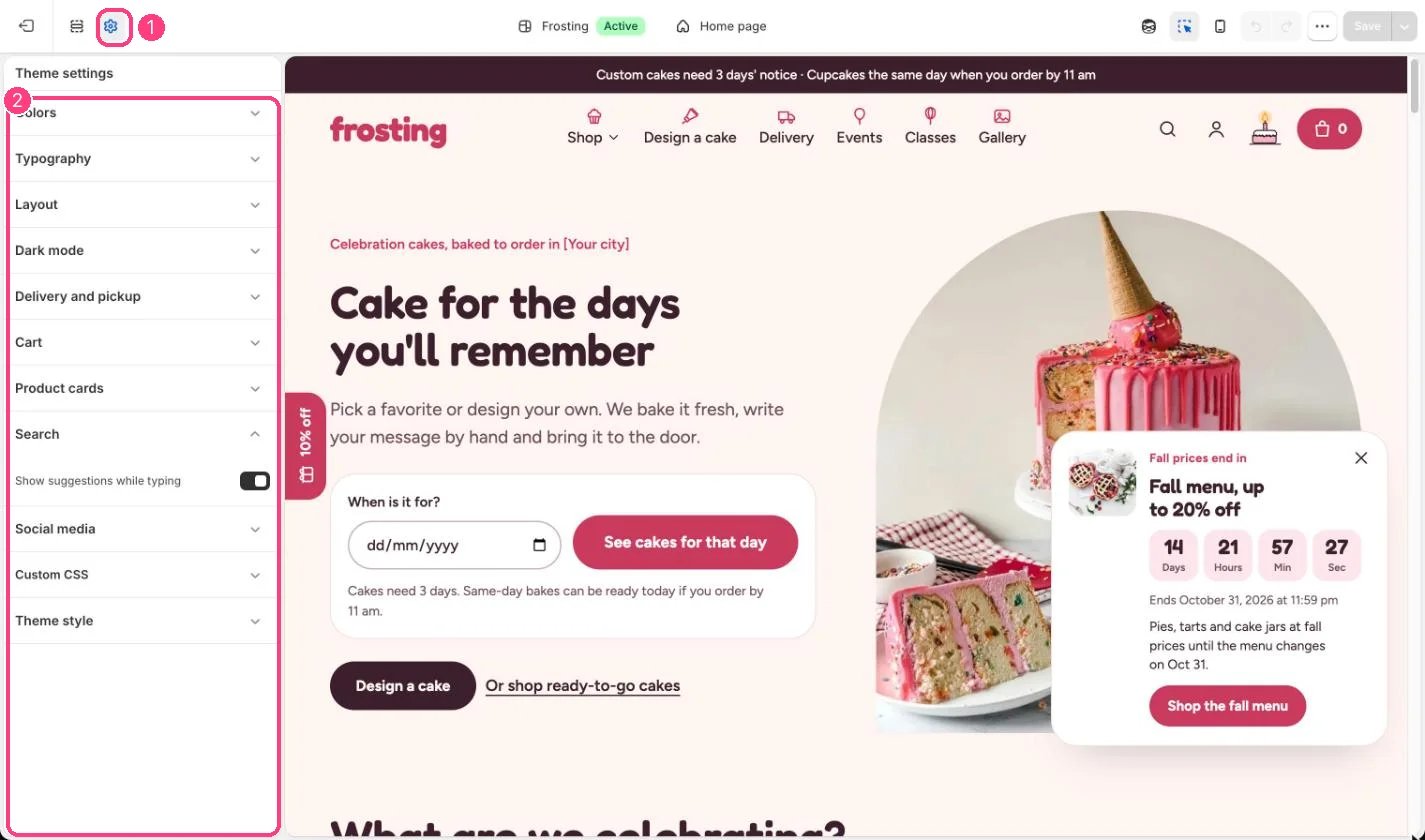
The Show suggestions while typing checkbox in Theme settings, Search does not switch suggestions off in this version.
This documentation is built and hosted on [Mintlify](https://mintlify.com), a developer documentation platform.
## Edit it
* Set Popular searches in Header, Search, as a comma-separated list.
* Give products and collections images so the suggestions show thumbnails; otherwise a small cake icon shows.
* Hide add-on products with the seo.hidden metafield. See the cake builder guide.
The Show suggestions while typing checkbox in Theme settings, Search does not switch suggestions off in this version.
This documentation is built and hosted on [Mintlify](https://mintlify.com), a developer documentation platform.