
Create the custom fields once
In Settings → Custom data, add these definitions with namespacecustom and storefront access on:
Fill them in
Open a product and scroll to Metafields to set Lead days, Short description and Badge. Open each variant (size) to set Servings and Tiers.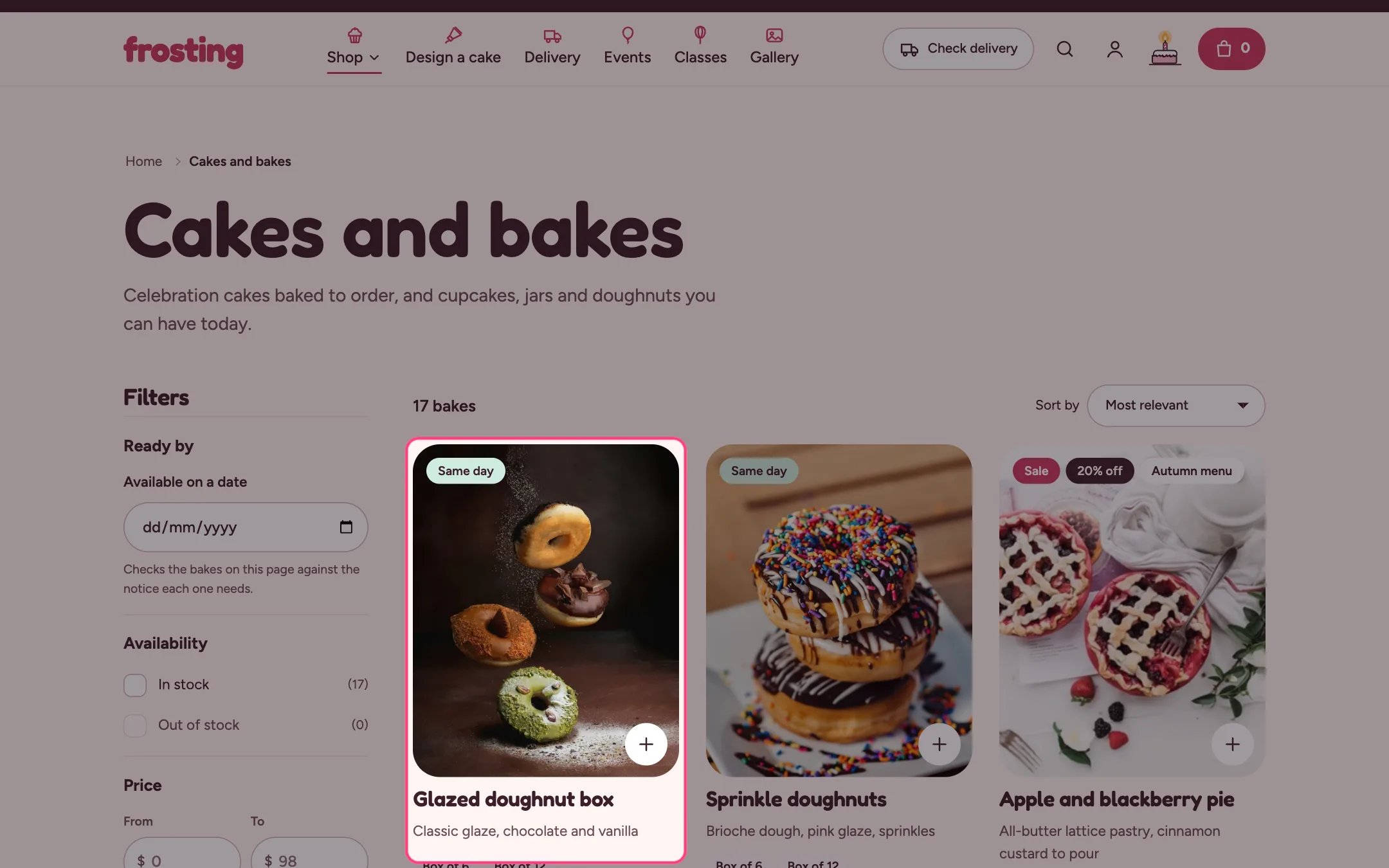
Badge, short description, sizes and price on a product card
Same-day bakes
Tag products that can be ready today withsame-day (or the tag you choose in Theme settings → Delivery and pickup). They get the Same day badge and show up in the date filter for today.