
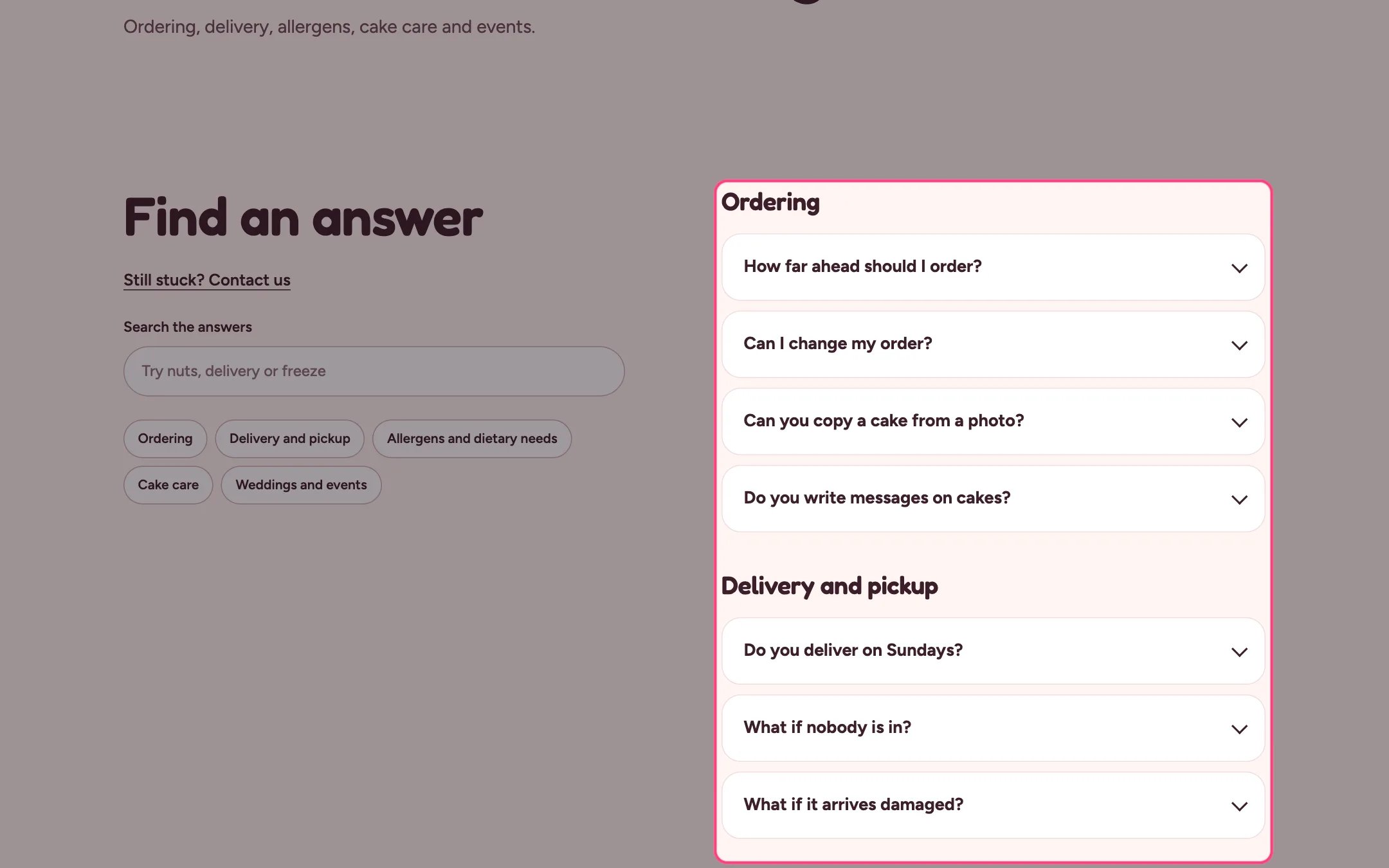
FAQ, highlighted on the demo store
Where to find it
The FAQ page, home page, classes page and delivery area pages. In the theme editor choose Pages, then faq, and select FAQ. Can be added to any page.How it works
- Up to 50 blocks. Group blocks start a group; the questions below belong to it until the next group.
- With more than one group, chips at the top jump to each group.
- Show search box filters the questions as shoppers type, hides empty groups and says how many match.
- Open the first question opens it when the page loads.
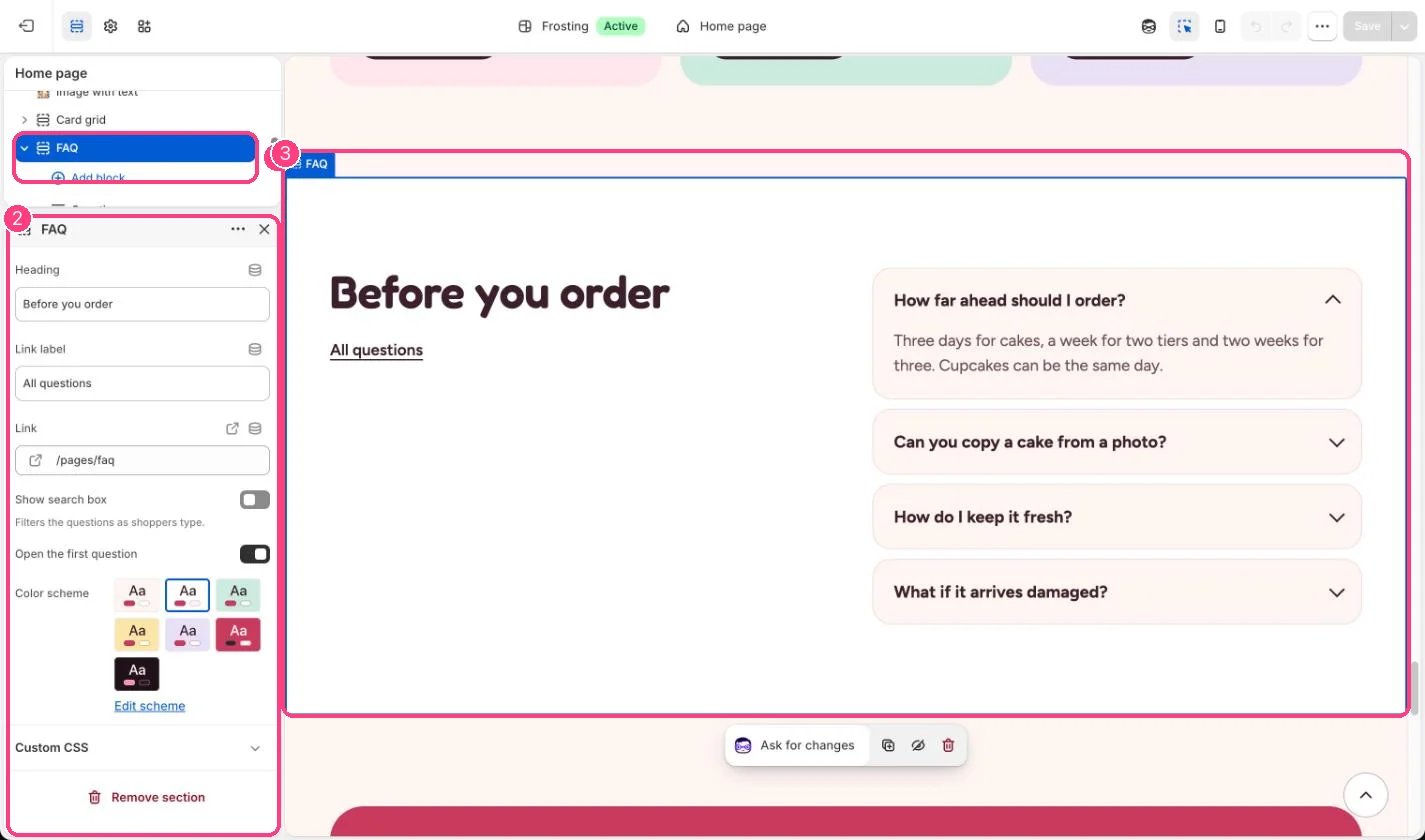
In the theme editor: 1 the section in the sidebar · 2 its settings · 3 the section in the preview
Edit it
- Add a Group block, then Question blocks under it.
- Give a group an Anchor ID such as allergens to link to it from other pages, for example /pages/faq#allergens.
- Set Link label and Link to point to your full FAQ page.