
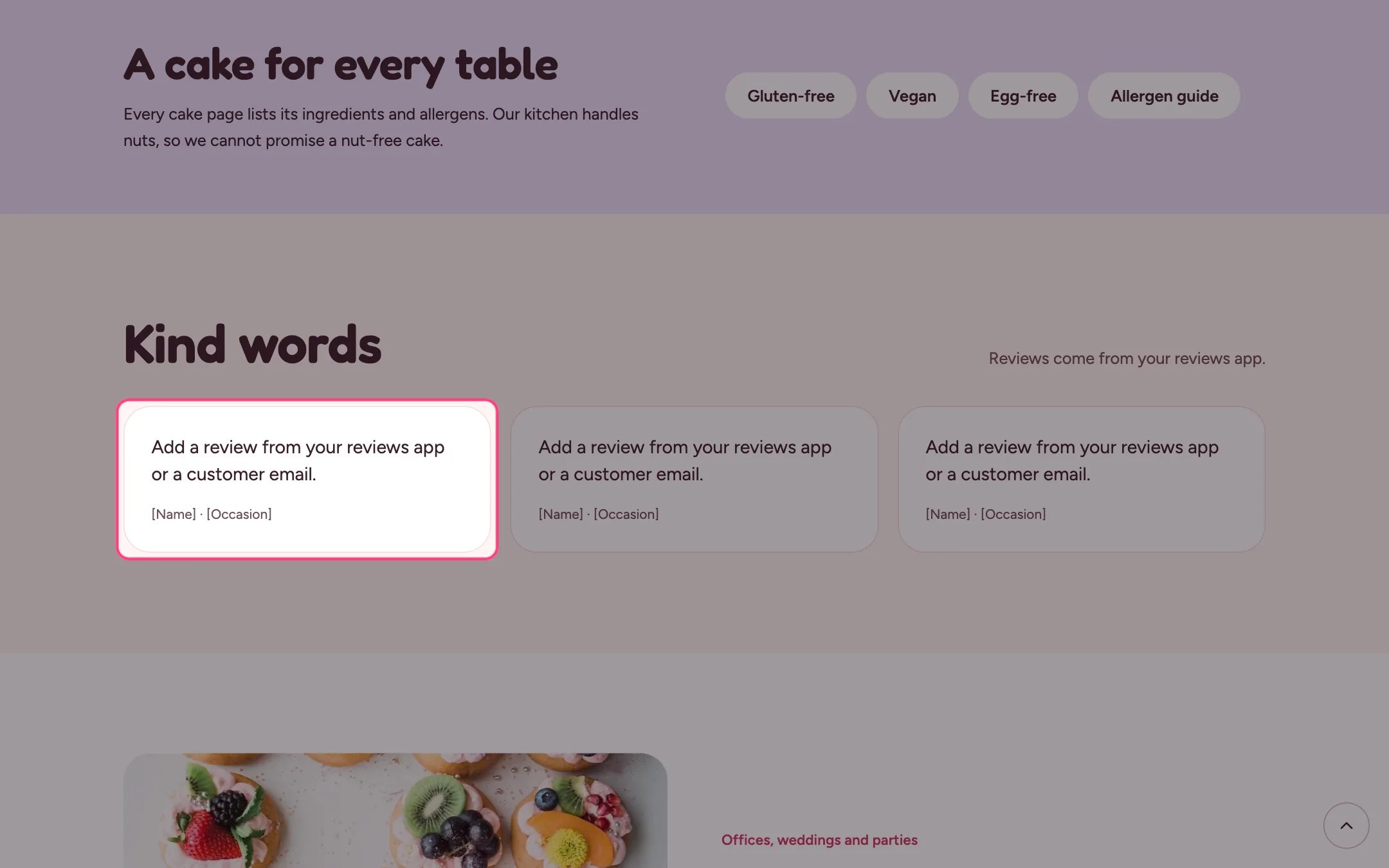
Testimonials, highlighted on the demo store
Where to find it
Home page. In the theme editor choose Home page, then select the section (default heading Kind words). Can be added to any page.How it works
- Up to 12 blocks: Quote blocks and app blocks from a reviews app.
- An app block spans the full width of the section.
- Each quote shows the name and a detail such as the occasion.
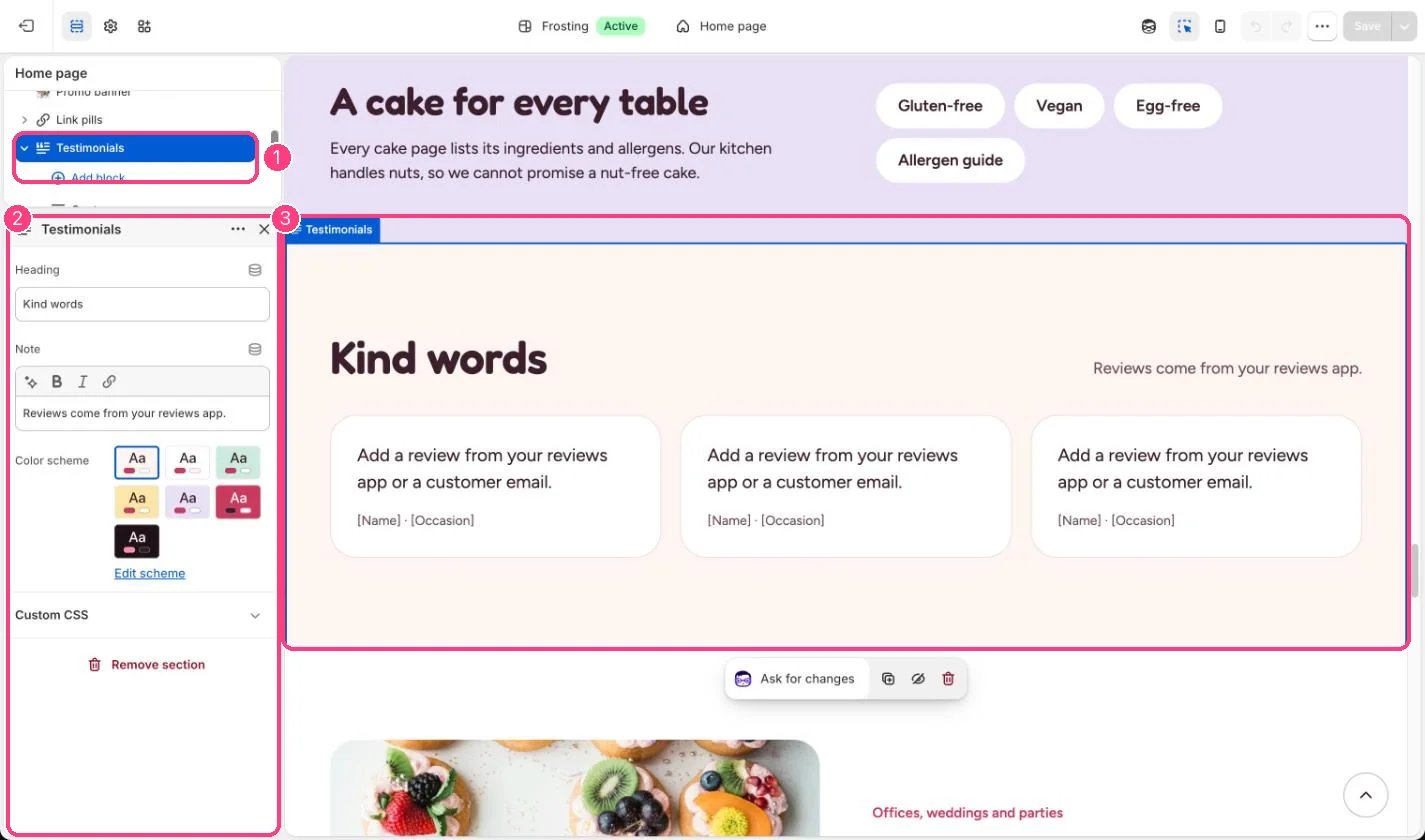
In the theme editor: 1 the section in the sidebar · 2 its settings · 3 the section in the preview
Edit it
- Use real words from real customers, with their permission.
- To show app reviews, add the app’s block from Add block, Apps.
- Replace [Occasion] in each quote’s detail, or clear it.