
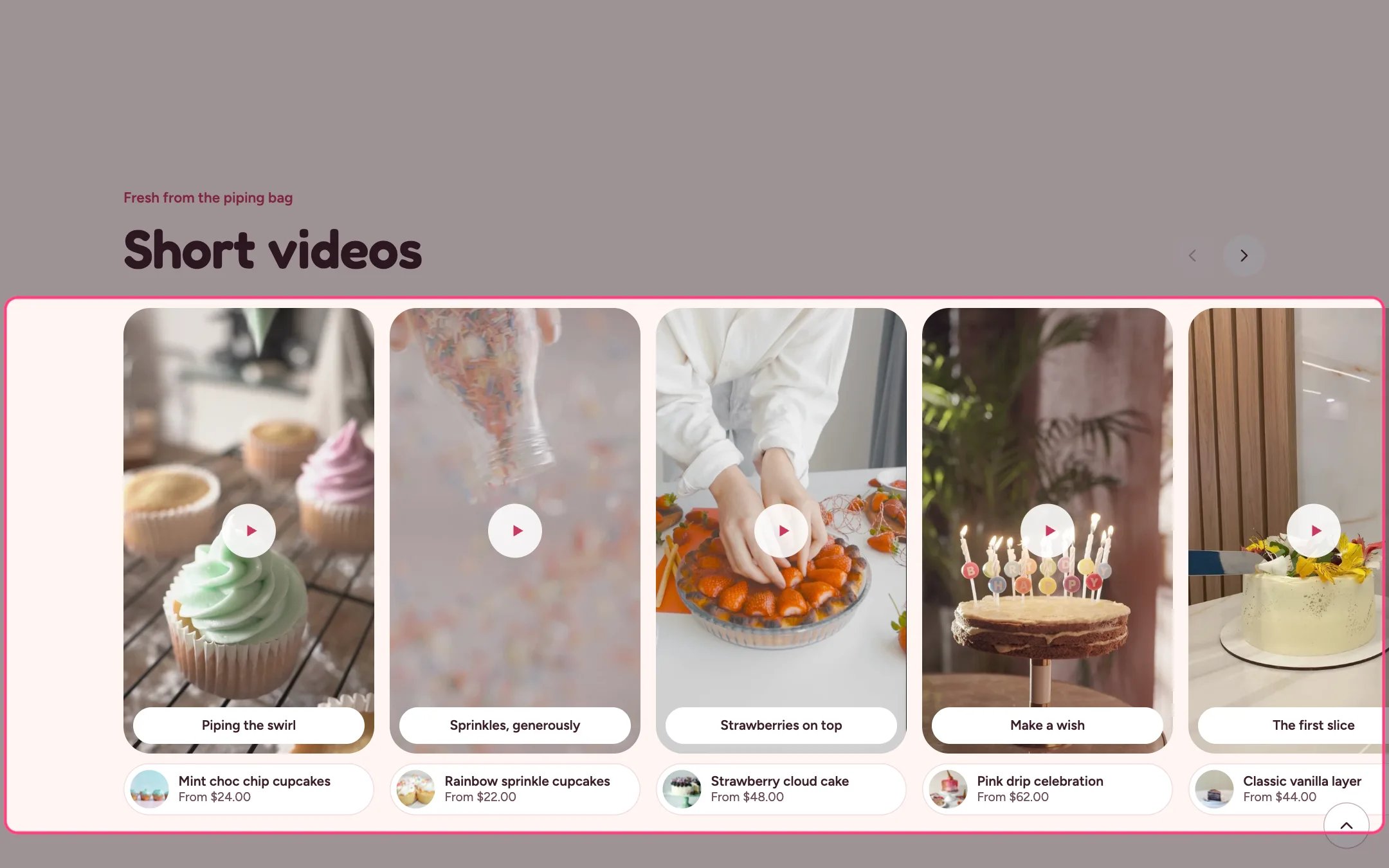
Short videos, highlighted on the demo store
Where to find it
Home page, near the bottom. In the theme editor choose Home page, then select Short videos. Can be added to any page.How it works
- Up to 16 Video blocks, each an uploaded video or a YouTube or Vimeo link.
- Uploaded clips play silent previews while a card is mostly on screen, never for visitors who ask for reduced motion or save data.
- Pressing a card opens the viewer with sound on request, previous and next buttons, arrow keys and a Shop button for the linked product.
- YouTube and Vimeo clips load only inside the viewer.
- A card linked to a product shows the product’s photo, title and price under the clip.
- Arrow buttons move the strip two cards at a time.
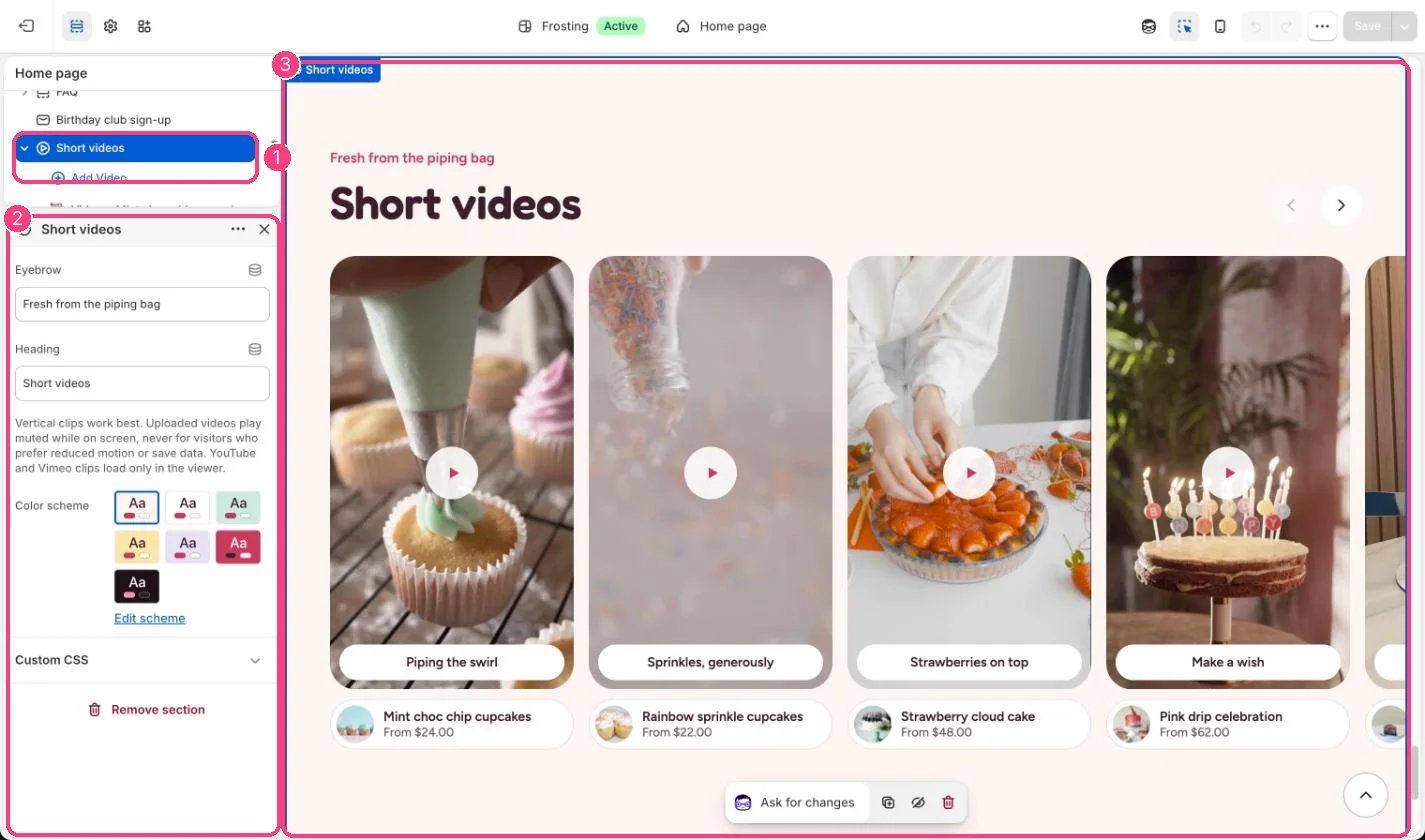
In the theme editor: 1 the section in the sidebar · 2 its settings · 3 the section in the preview
Edit it
- Use vertical (portrait) clips.
- Add a poster image for YouTube and Vimeo clips; otherwise the card shows a placeholder.
- Write a short caption and pick the product the clip shows.