
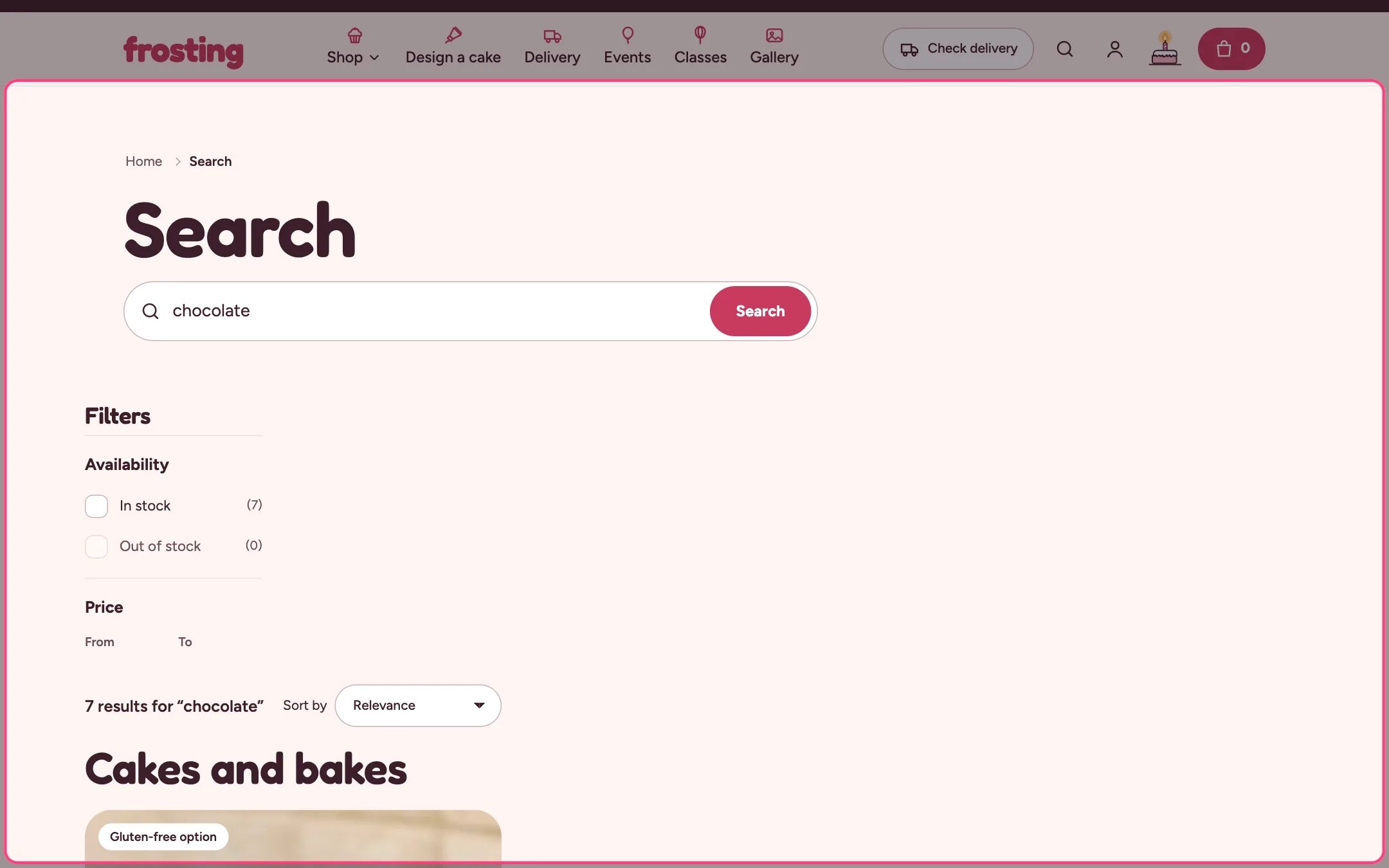
Search results, highlighted on the demo store
Where to find it
The search page. In the theme editor choose Search in the page selector.How it works
- Products show as product cards; articles and pages show in a list below.
- Filters and sorting apply to products.
- Products with the seo.hidden metafield set to 1, such as cake builder add-ons, are left out.
- When nothing is found, your text and a cake builder button suggest what to do next.
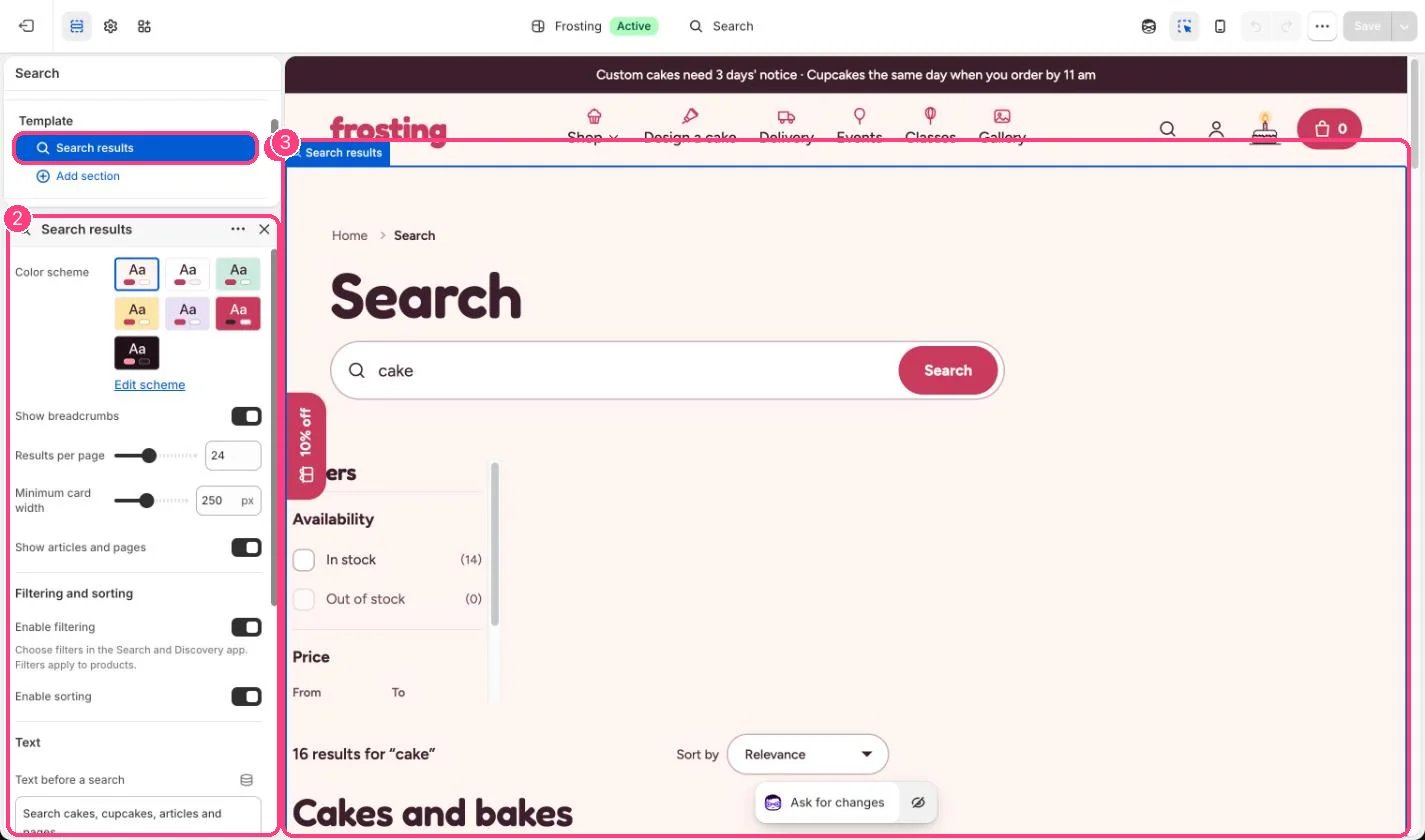
In the theme editor: 1 the section in the sidebar · 2 its settings · 3 the section in the preview
Edit it
- Set Results per page (8 to 48).
- Edit Text before a search and Text when nothing is found.
- Set the Cake builder link and its label.
- Untick Show articles and pages to show products only.
Settings
Filtering and sorting
Text