
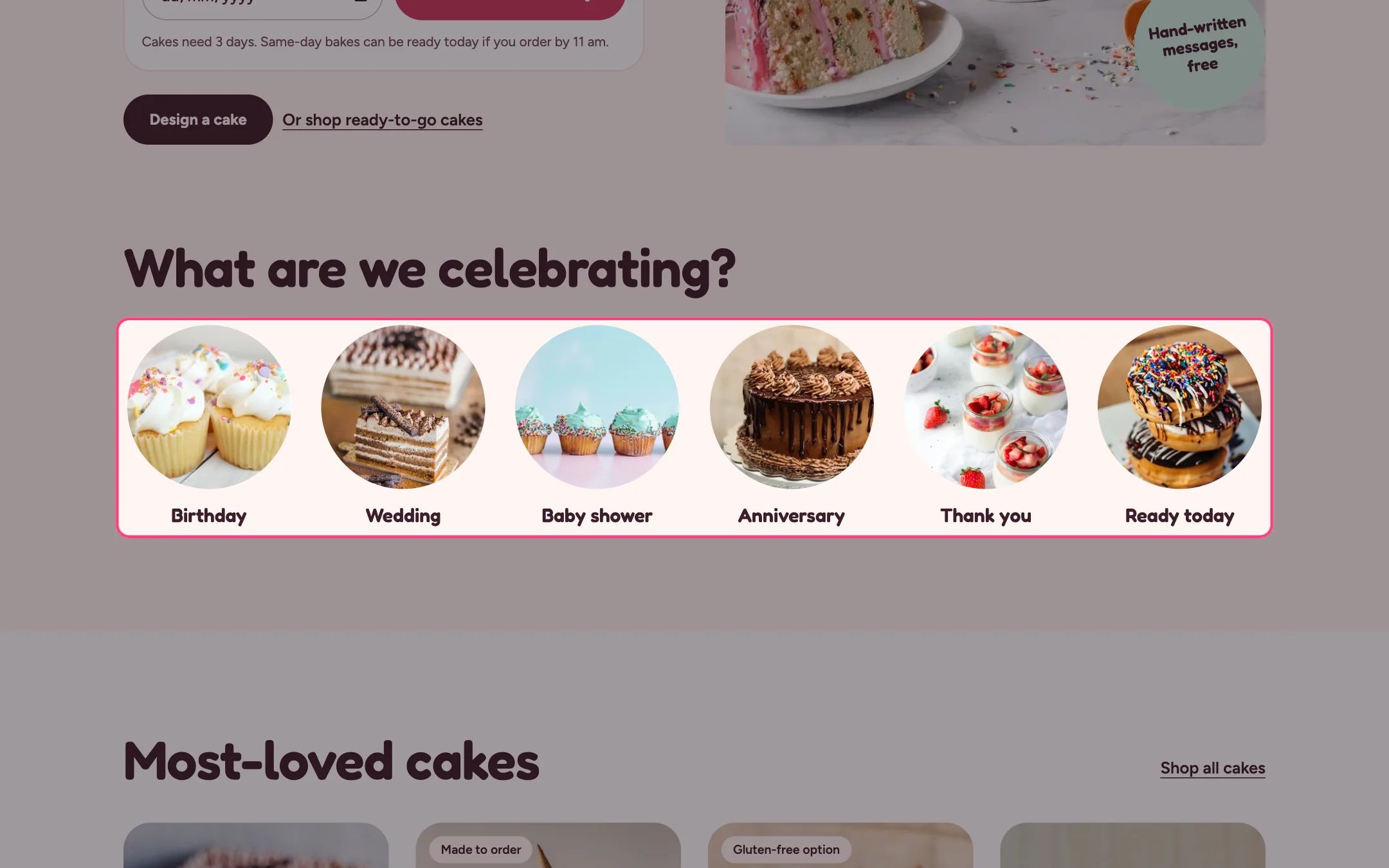
Occasions, highlighted on the demo store
Where to find it
Home page, under the hero. In the theme editor choose Home page, then select Occasions. Can be added to any page with Add section.How it works
- Each Occasion block shows a photo cropped to a circle with a label underneath.
- Up to 12 occasions.
- Blocks without a photo show a drawn placeholder so the row keeps its shape.
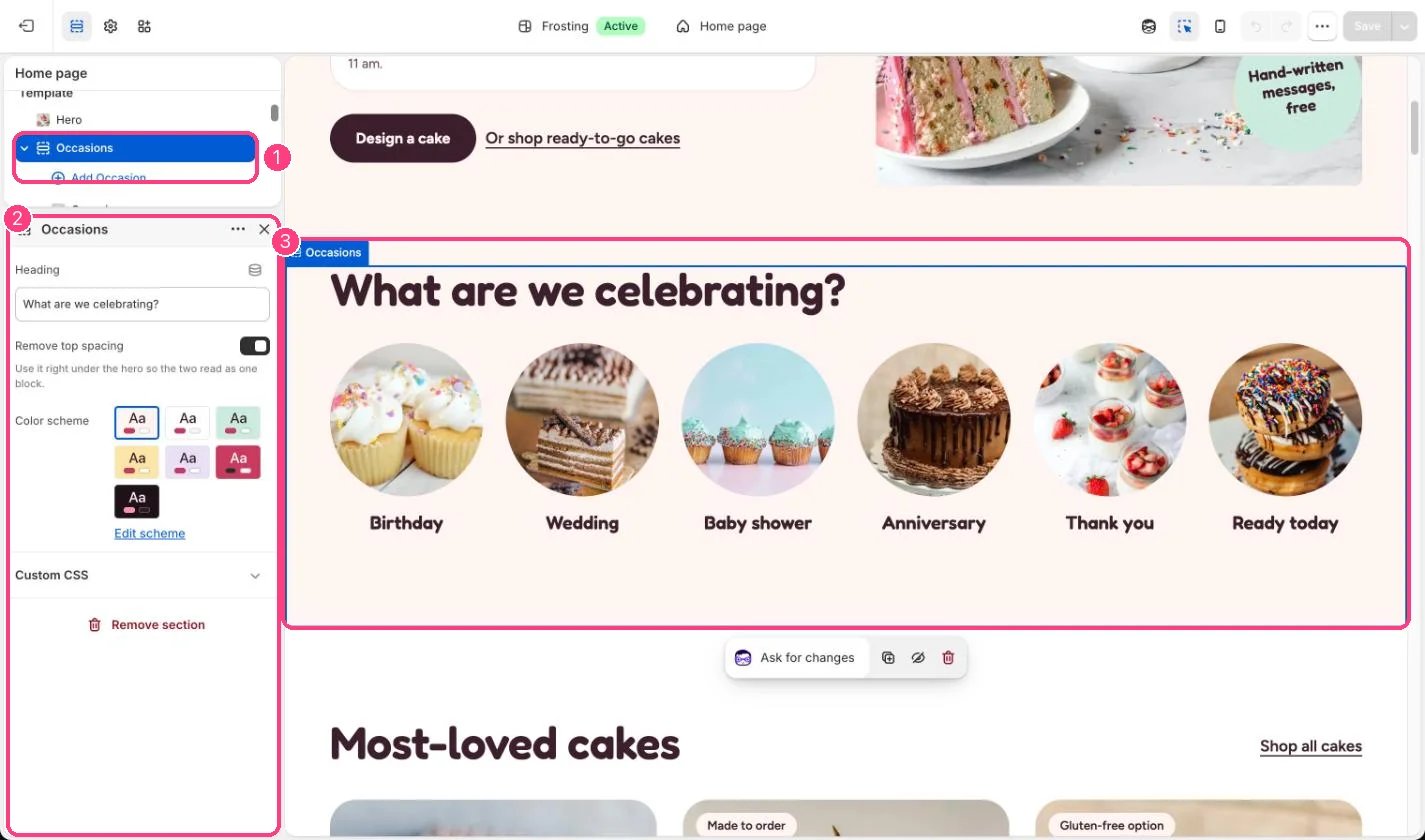
In the theme editor: 1 the section in the sidebar · 2 its settings · 3 the section in the preview
Edit it
- Use square photos so the circle crop looks right.
- Link each occasion to a collection, or to a filtered collection such as birthday cakes.
- Tick Remove top spacing when the section sits right under the hero, so the two read as one block.