
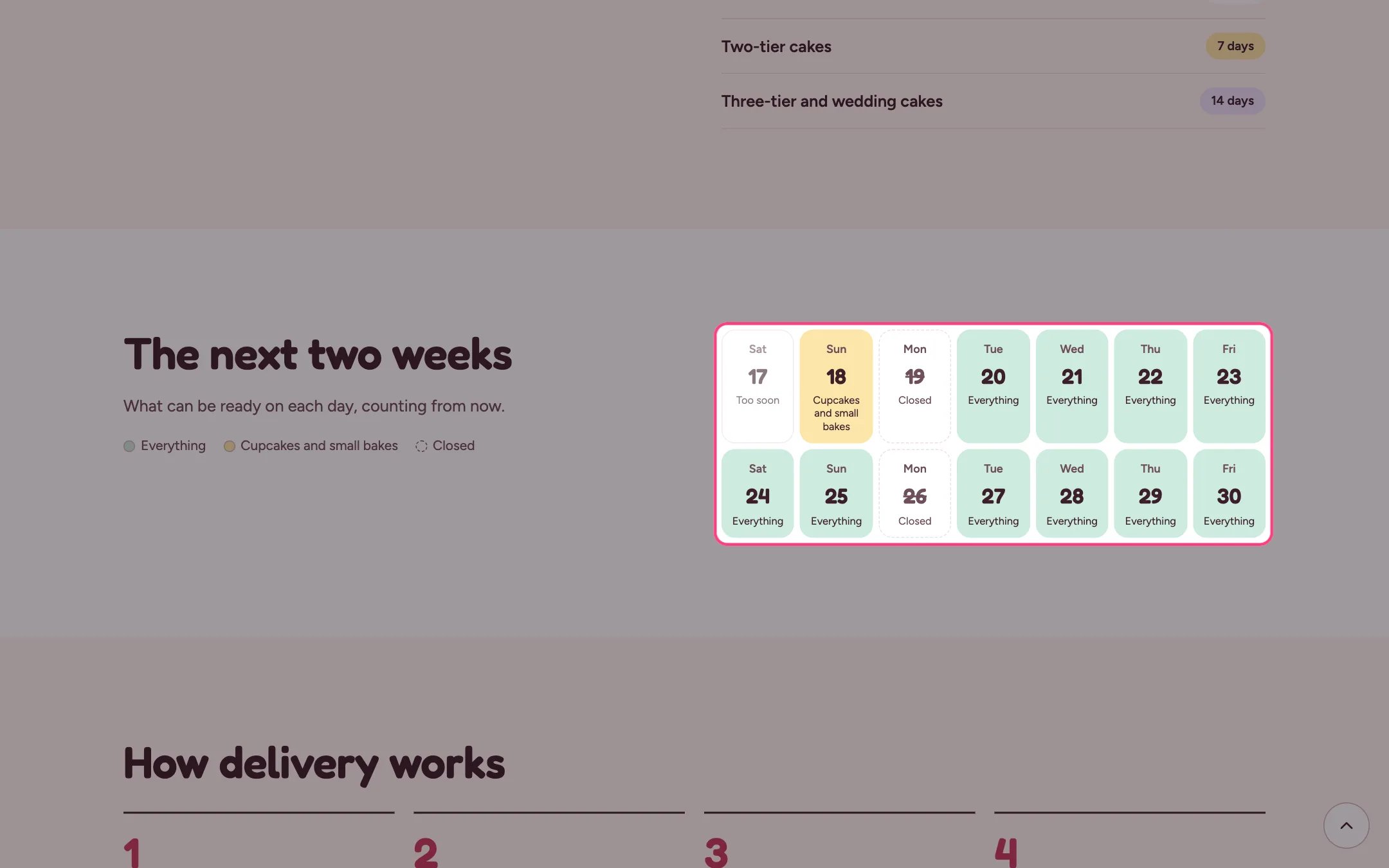
Bake calendar, highlighted on the demo store
Where to find it
The delivery page. In the theme editor choose Pages, then delivery, and select Bake calendar. Can be added to any page.How it works
- Each day is marked Everything, Cupcakes and small bakes, Closed or Too soon.
- Days come from Theme settings, Delivery and pickup: default notice, same-day cut-off, closed day and closed dates.
- It counts from the moment the shopper looks, so after the same-day cut-off today shows as Too soon.
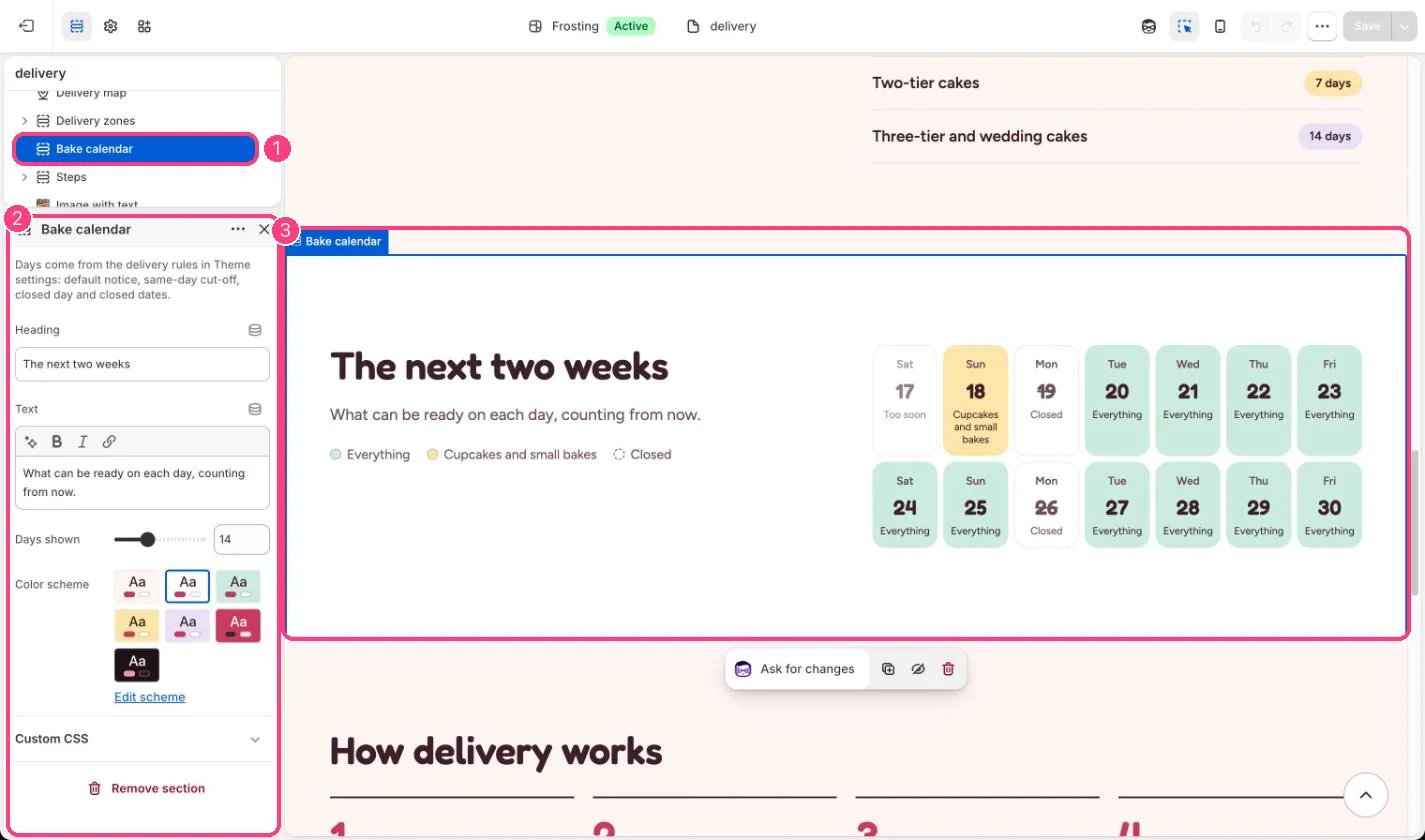
In the theme editor: 1 the section in the sidebar · 2 its settings · 3 the section in the preview
Edit it
- Set Days shown to 7, 14, 21 or 28.
- Add closed dates for holidays in Theme settings so they show as Closed.
- Edit the heading and text to match how you take orders.
Settings
It uses the default notice, not each product’s own lead days.