
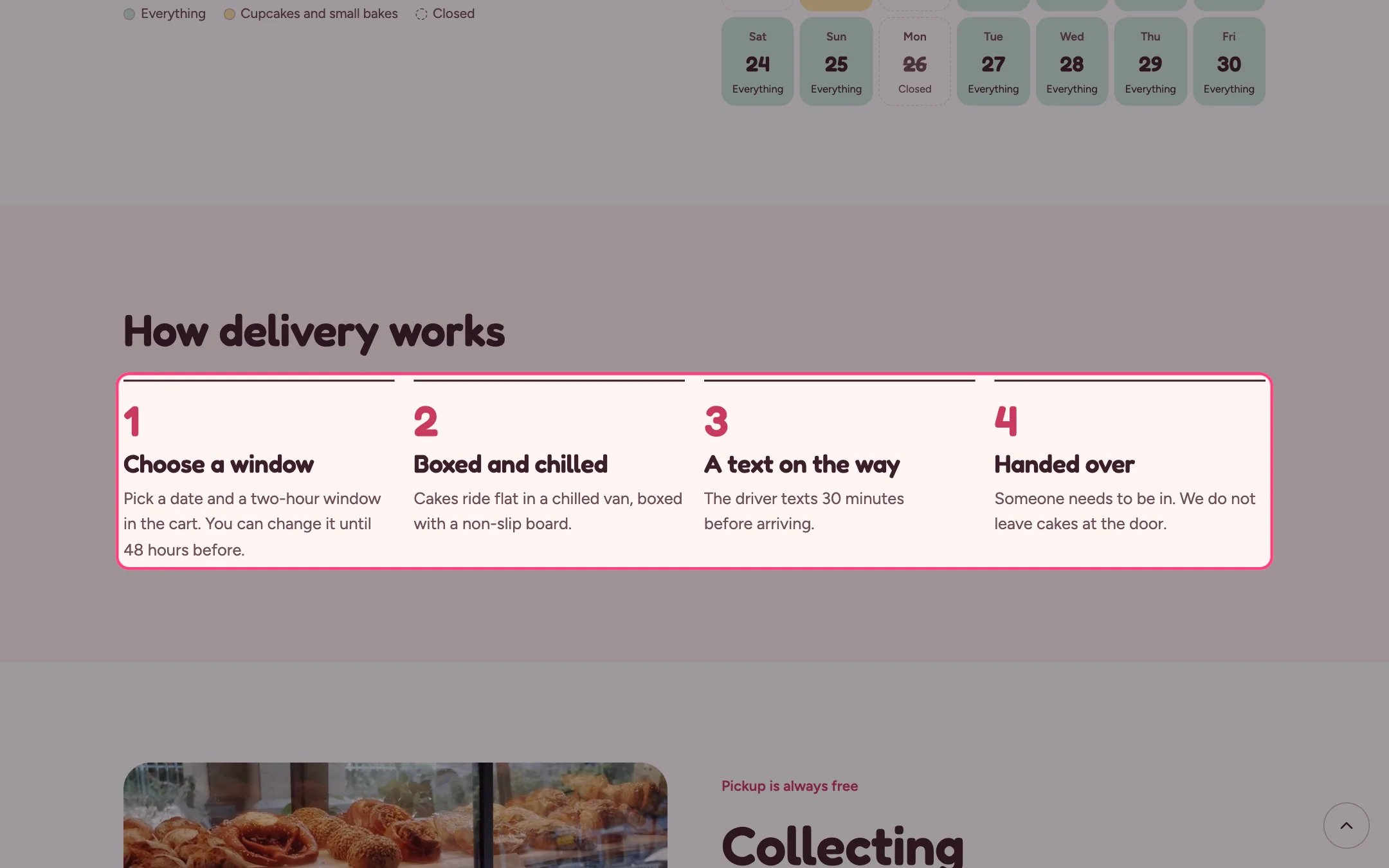
Steps, highlighted on the demo store
Where to find it
The delivery page and the events page. In the theme editor choose Pages, then delivery, and select Steps. Can be added to any page.How it works
- Up to 8 steps, numbered automatically in order.
- Each step has a heading and a line of text.
- Steps sit side by side on wide screens and wrap onto new rows on smaller ones.
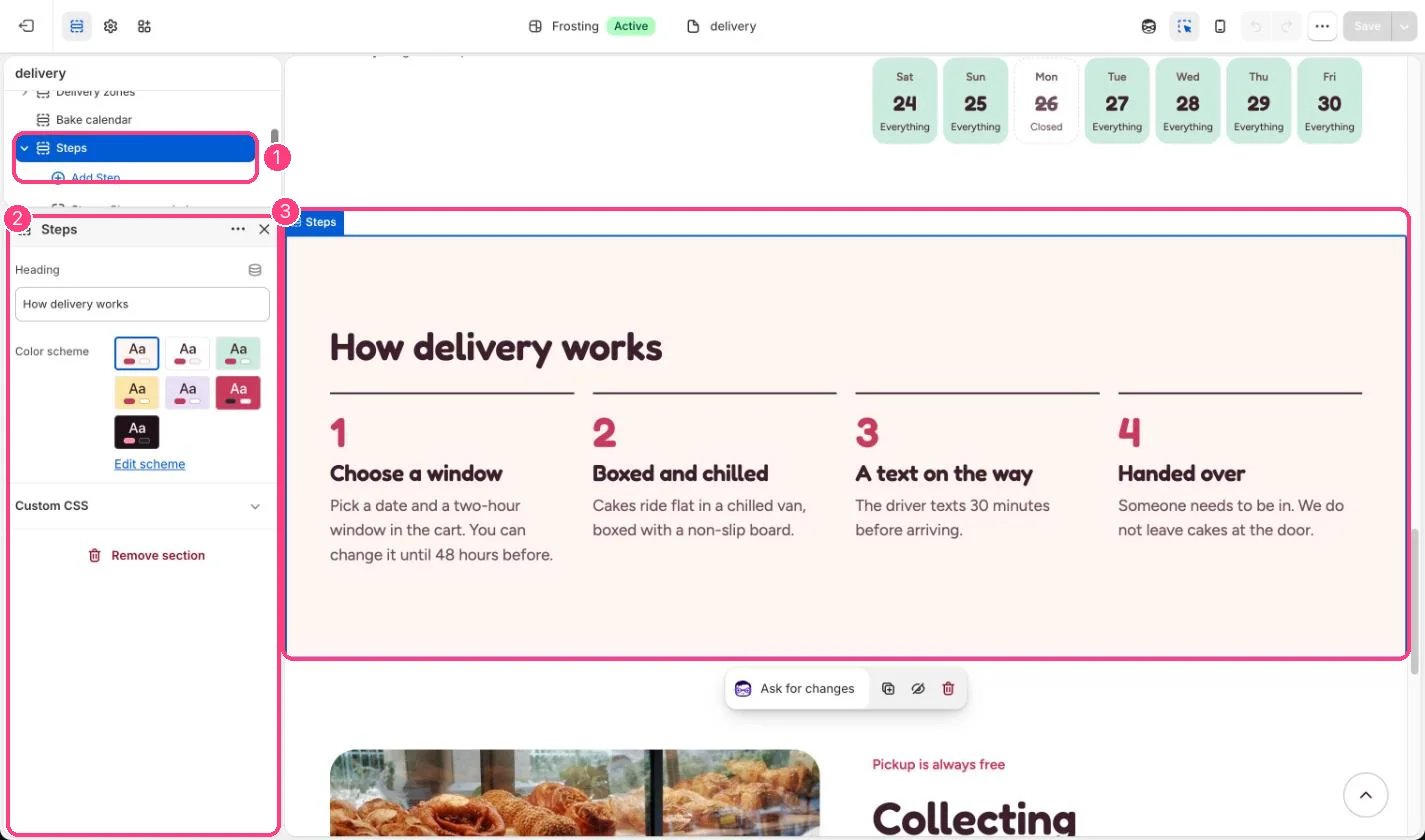
In the theme editor: 1 the section in the sidebar · 2 its settings · 3 the section in the preview
Edit it
- Drag steps to reorder them; the numbers follow.
- Change the heading, for example How ordering works.
- Keep each step’s text to one short sentence.