
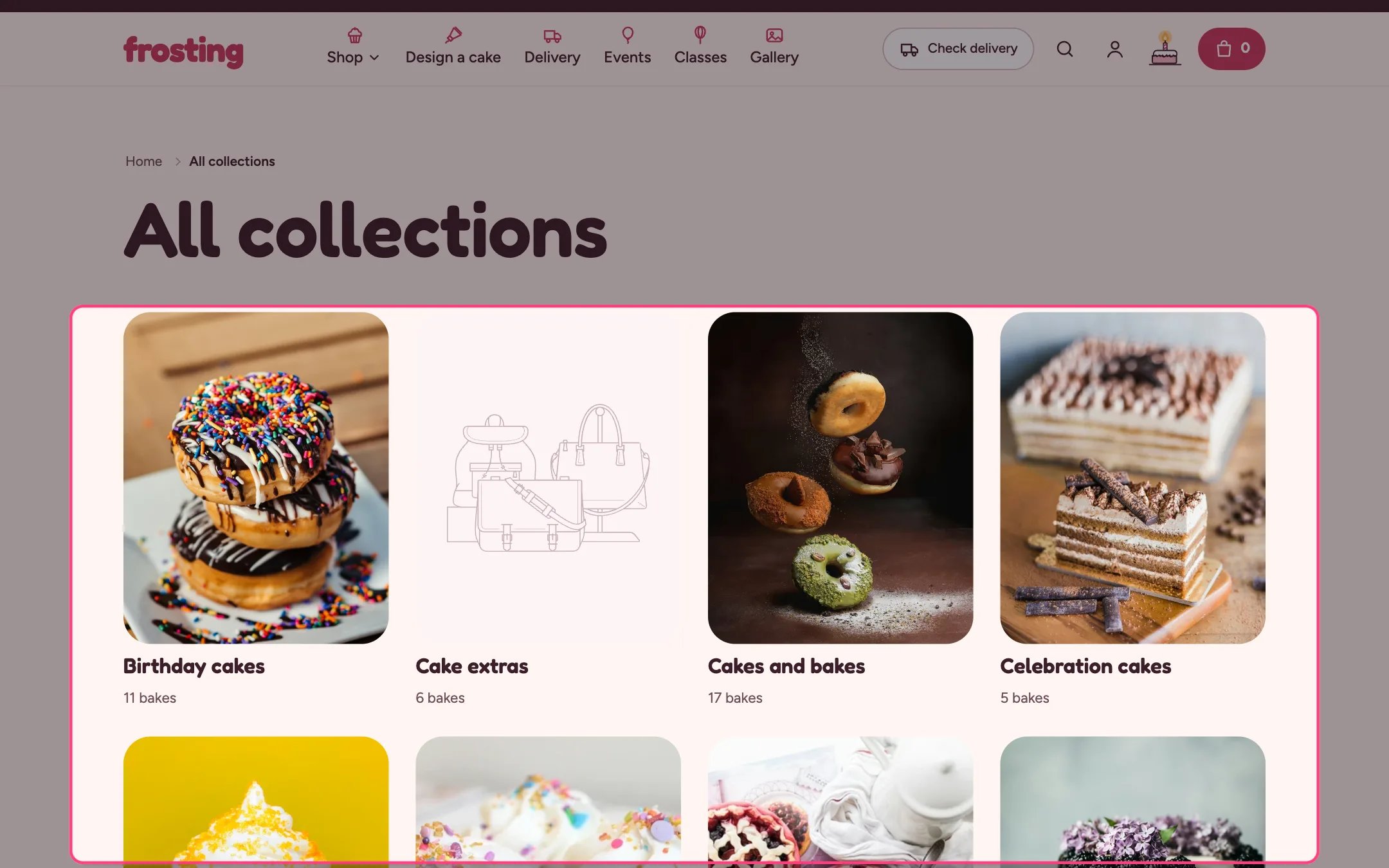
Collections list page, highlighted on the demo store
Where to find it
The all collections page (/collections). In the theme editor choose Collections list in the page selector.How it works
- Collections can be sorted alphabetically, by date or by product count.
- Cards can show the number of products in each collection.
- Circles crop each collection image round, like the Occasions row.
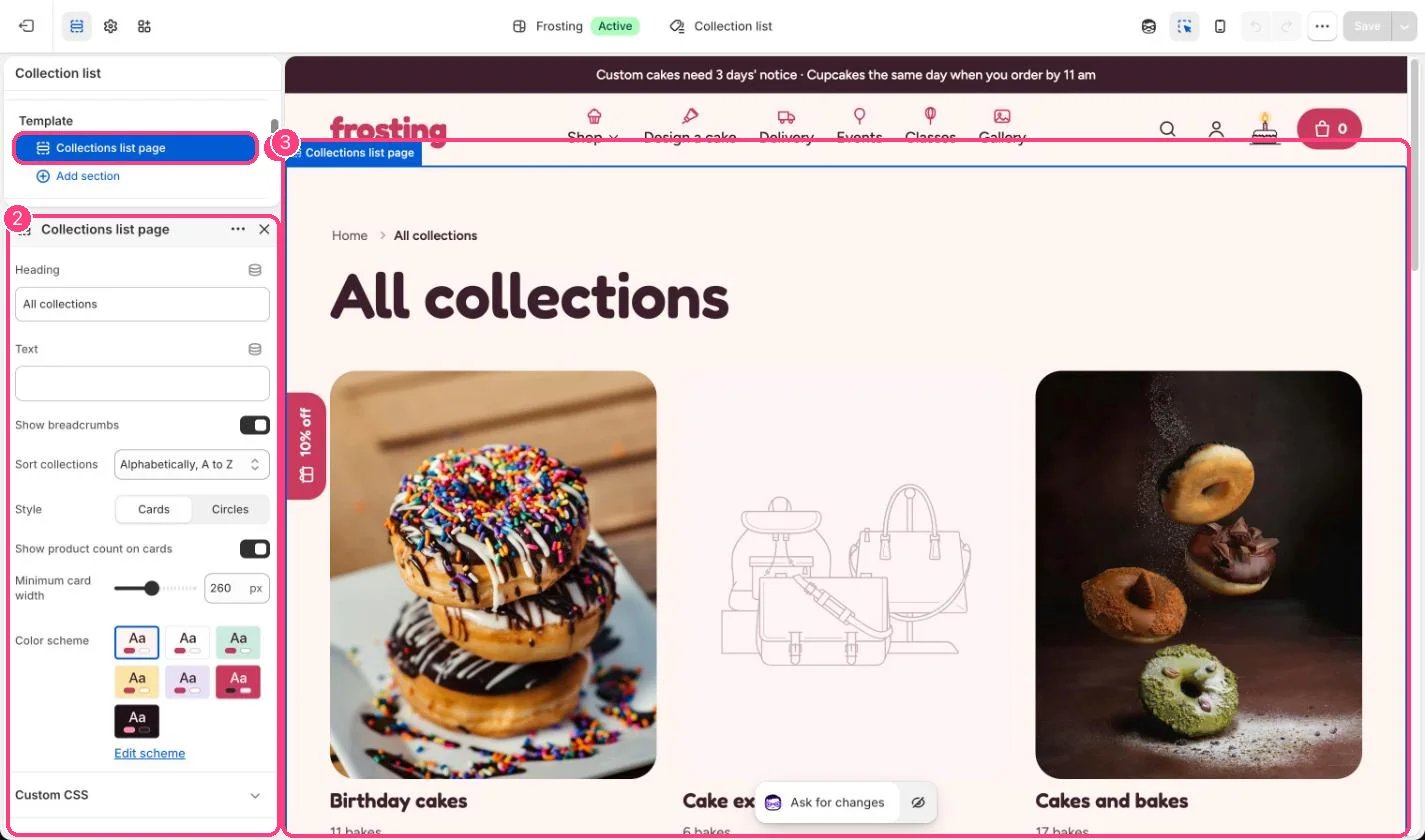
In the theme editor: 1 the section in the sidebar · 2 its settings · 3 the section in the preview
Edit it
- Choose Style: Cards or Circles.
- Set Sort collections and Minimum card width (180 to 360 px).
- Give each collection an image in Products, Collections so the cards are not blank.