
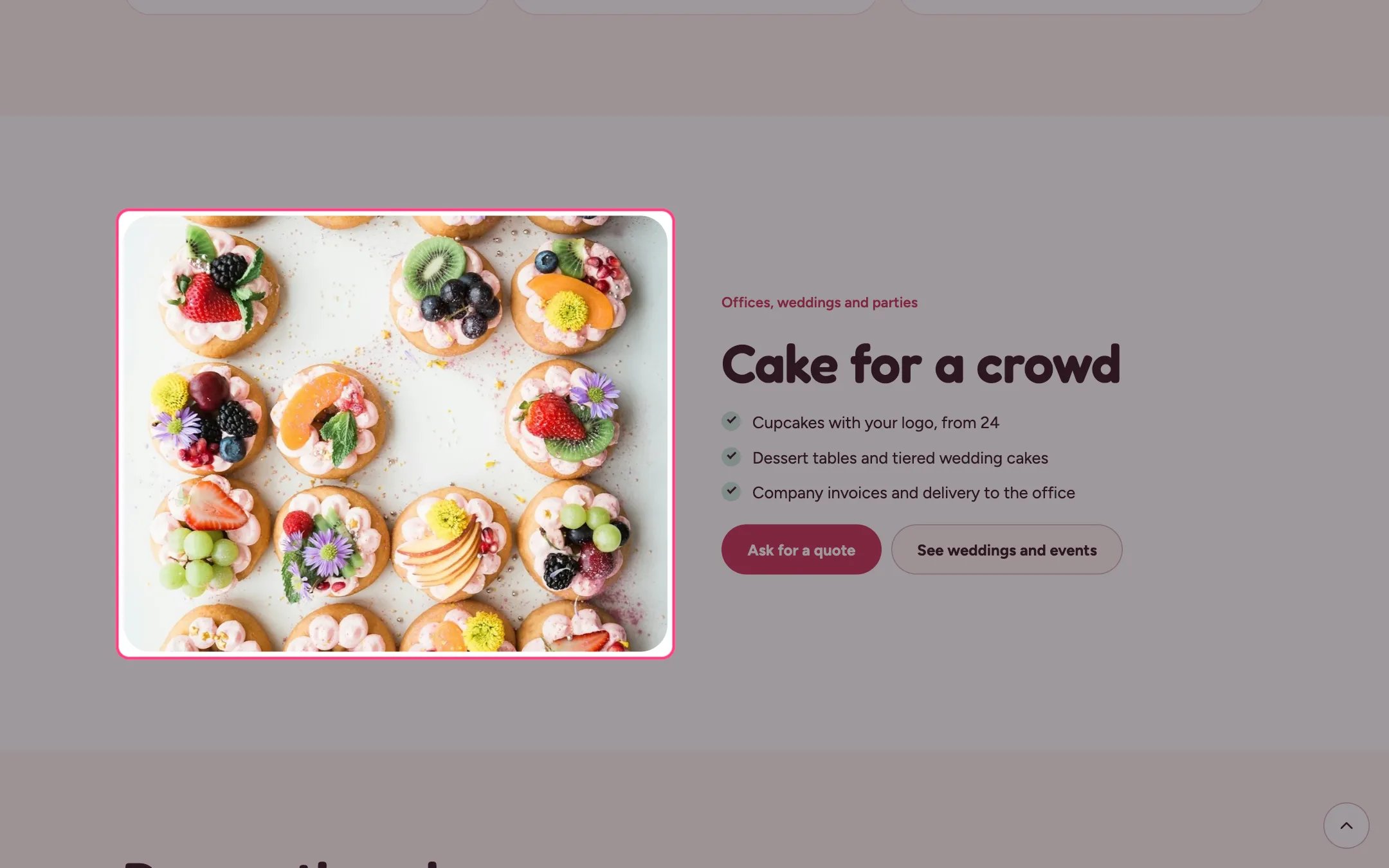
Image with text, highlighted on the demo store
Where to find it
Home page, plus the about, classes, delivery and events pages. In the theme editor choose Home page, then select the section (default heading Cake for a crowd). Can be added to any page.How it works
- Image position puts the photo on the left or the right on wide screens. On phones the image always comes first.
- The tick list shows one item per line from the Tick list box, with a check mark.
- The first button is the accent color, the second is light.
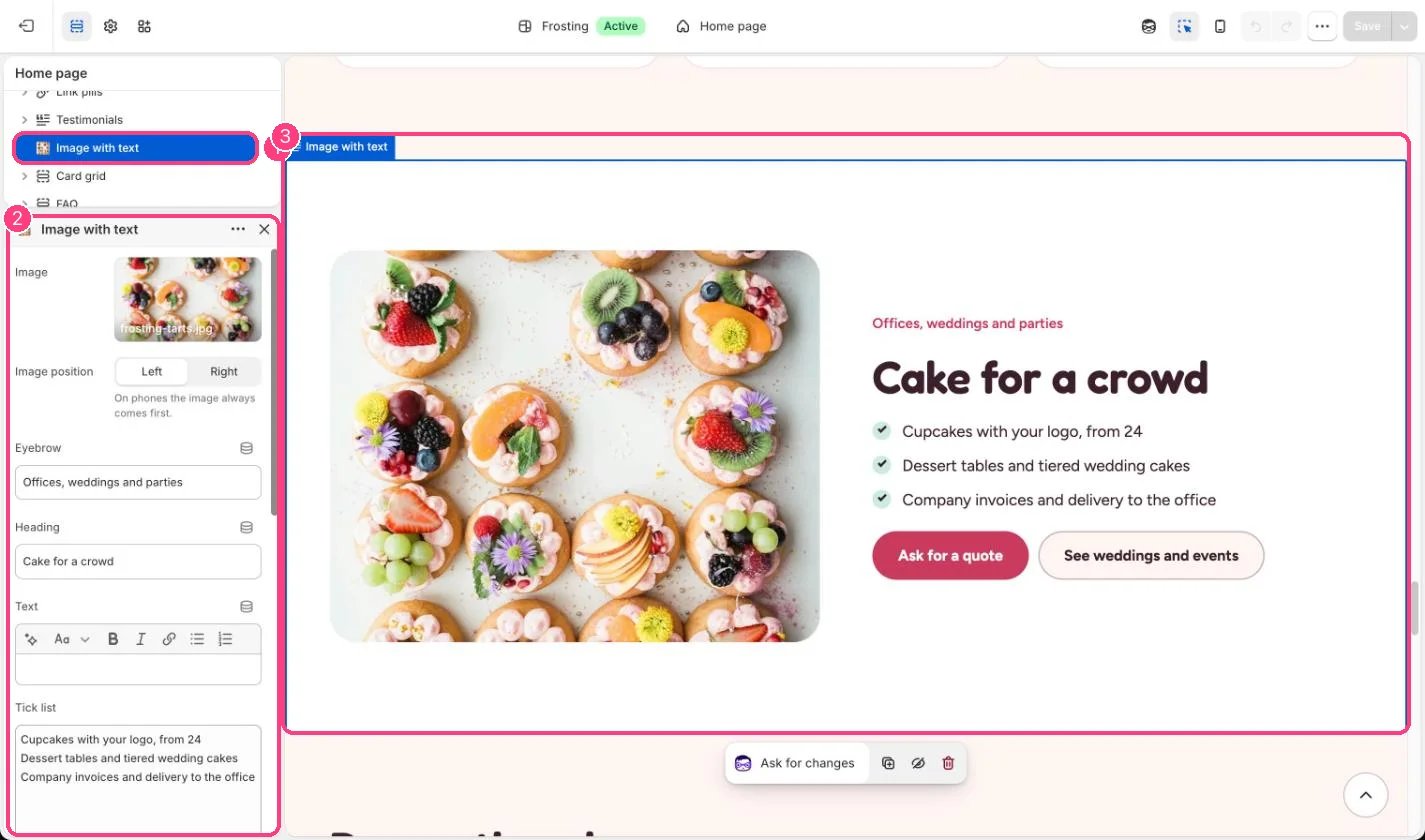
In the theme editor: 1 the section in the sidebar · 2 its settings · 3 the section in the preview
Edit it
- Type one tick list item per line, or clear the box to hide the list.
- Leave a button label empty to hide that button.
- Use Color scheme to give the section a mint, butter or lilac band.
Settings
Buttons
Colors