
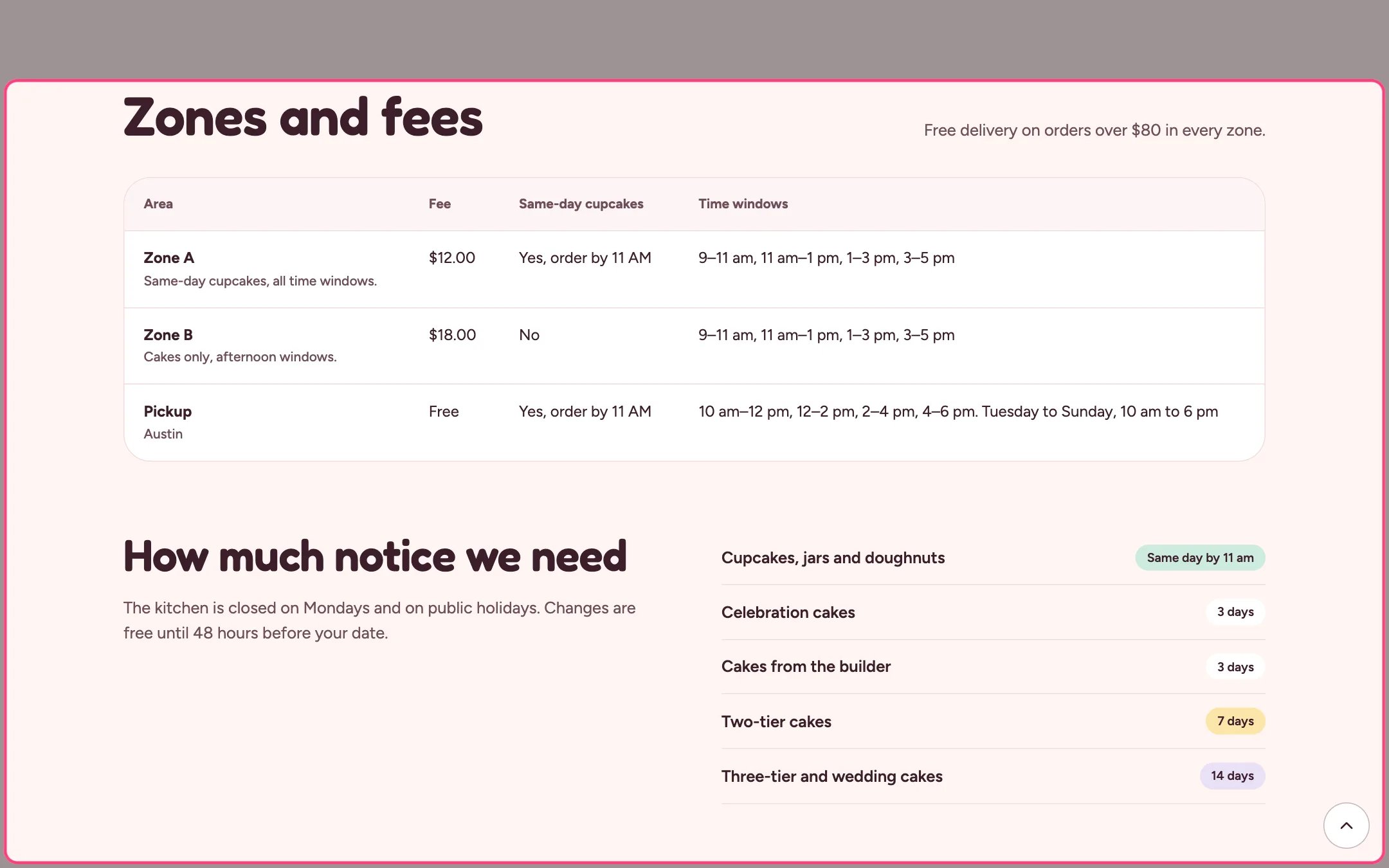
Delivery zones, highlighted on the demo store
Where to find it
The delivery page. In the theme editor choose Pages, then delivery, and select Delivery zones. Can be added to any page.How it works
- Rows are built from the zones in Local business; a zone with no areas is left out.
- Time windows come from Theme settings, Delivery and pickup.
- The pickup row shows the shop address, free pickup, the same-day cut-off and your pickup windows and opening hours.
- With the text left empty, the free delivery threshold from Theme settings shows instead.
- Notice blocks (up to 12) list a kind of bake with a colored badge, for example Cupcakes with a Same day badge.
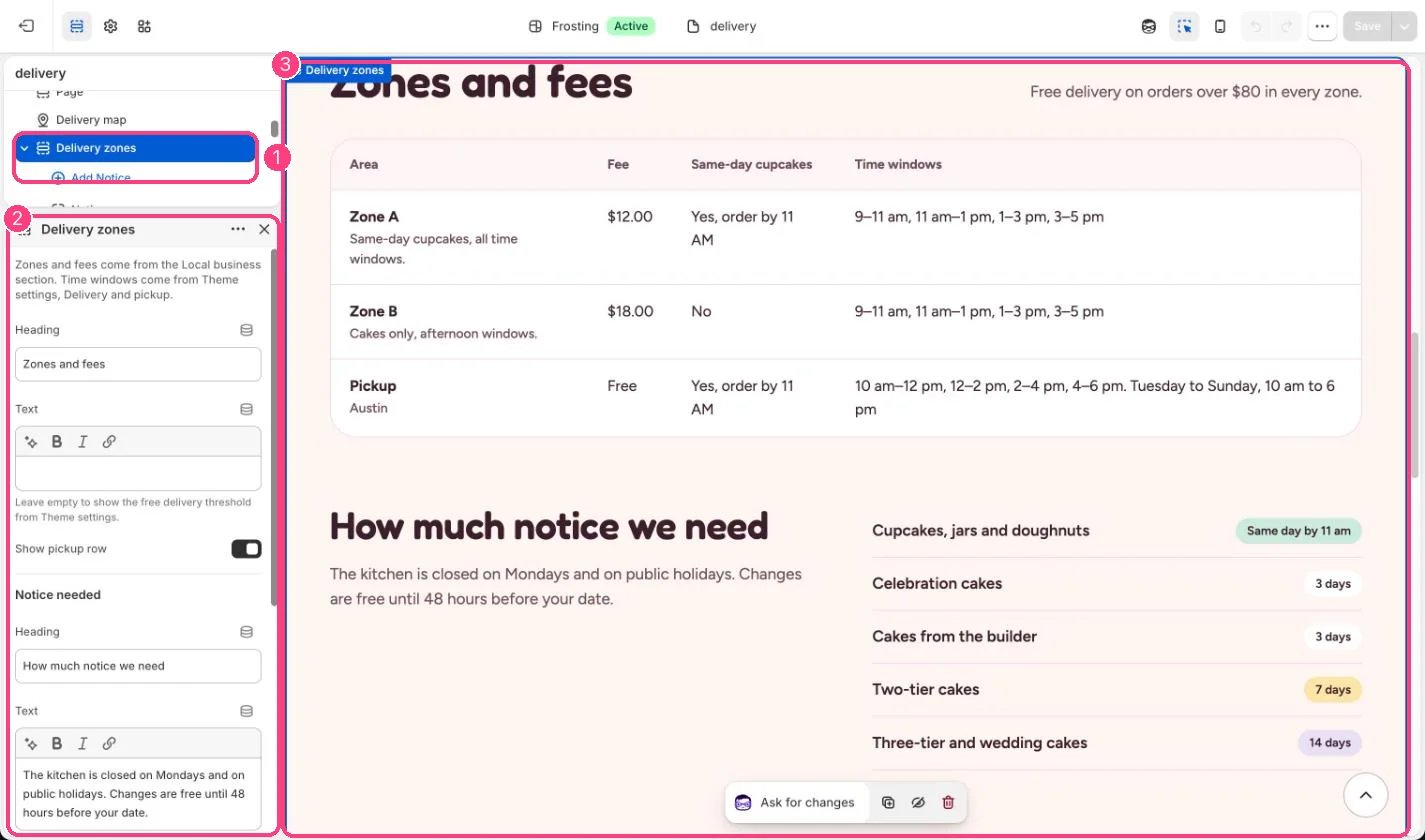
In the theme editor: 1 the section in the sidebar · 2 its settings · 3 the section in the preview
Edit it
- Add Notice blocks with a label, badge text and badge color.
- Untick Show pickup row if you do not offer pickup.
- Edit the notice text, which mentions Monday closures by default.
- Tick Remove top spacing when it follows a section with the same color scheme.
Settings
Notice needed