
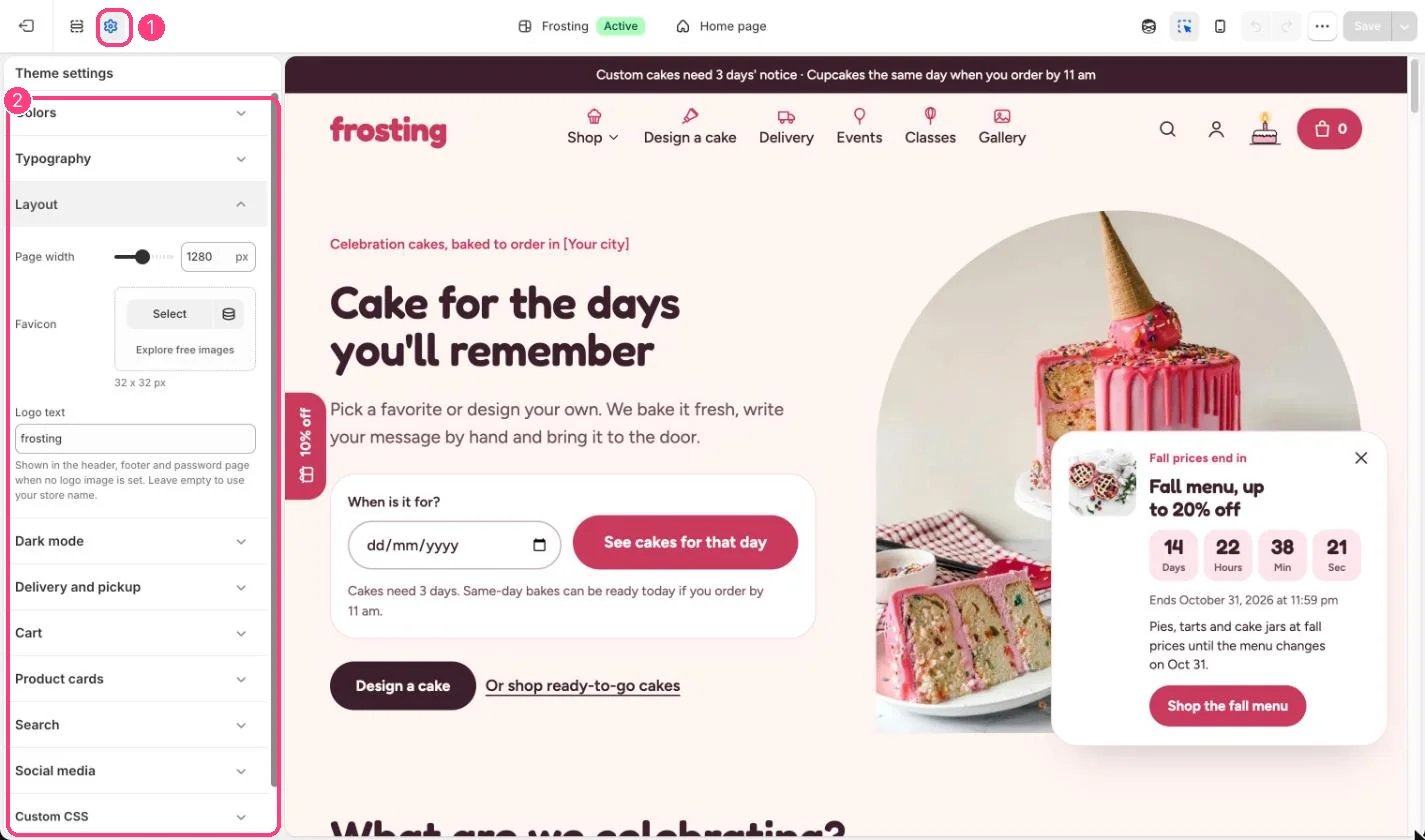
1 Theme settings (the gear icon) · 2 Layout, opened in the sidebar
How it works
- Page width sets the widest the content gets, from 1000 to 1600 px (default 1280).
- Without a favicon, a built-in icon shows in the browser tab.
- Logo text replaces the store name in the header, footer and password page when no logo image is set.
Edit it
- Upload a 32 x 32 px favicon.
- Type a short Logo text, for example a lowercase wordmark, or leave it empty to use your store name.