
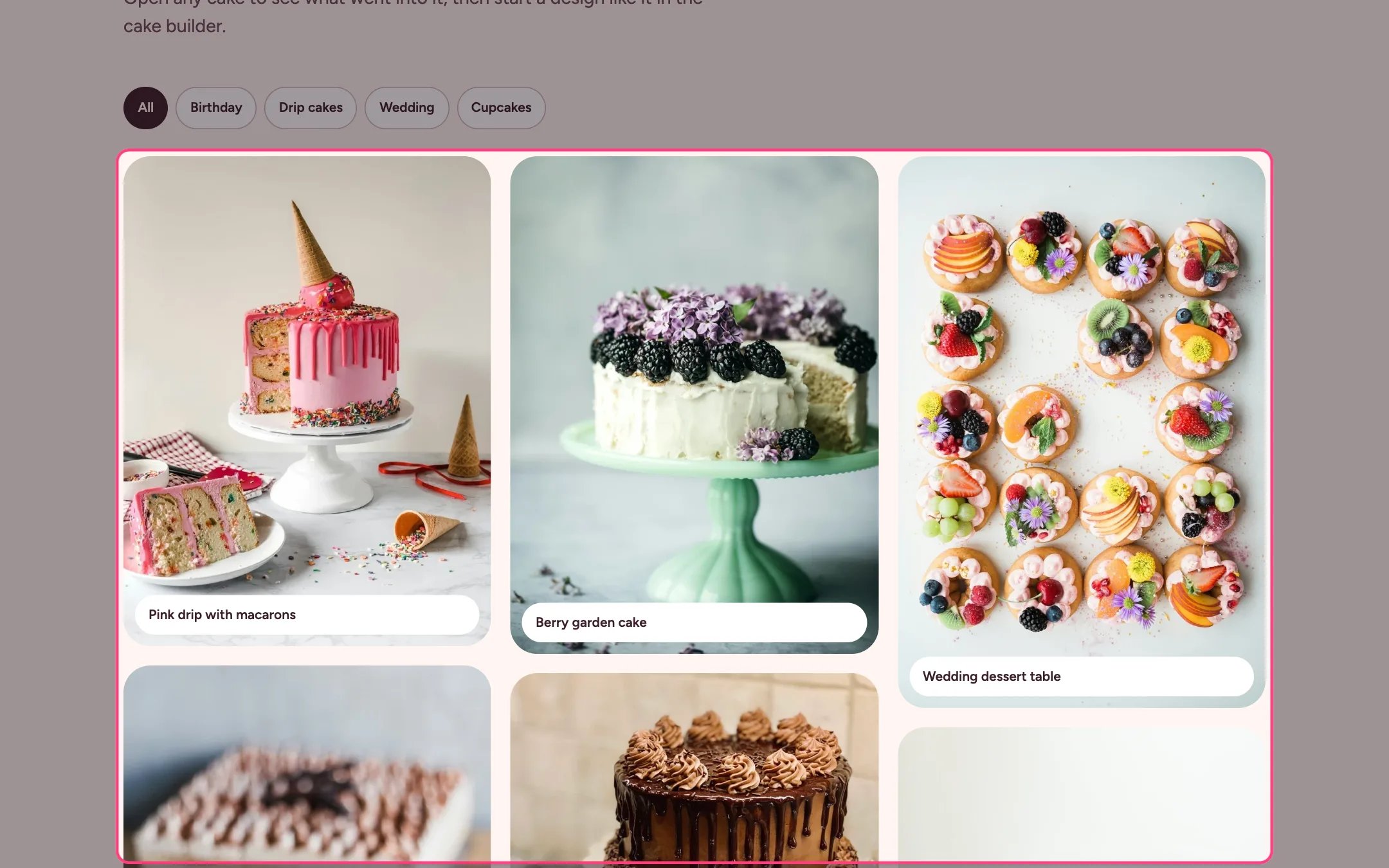
Gallery, highlighted on the demo store
Where to find it
The gallery page. In the theme editor choose Pages, then gallery, and select Gallery. Can be added to any page.How it works
- Up to 48 photos in a masonry layout, two across on phones.
- Filter chips are made from the tags on each photo; they appear once there are at least two tags.
- Pressing a photo opens a lightbox with the caption, detail, previous and next buttons, arrow keys and a Start a design like this button.
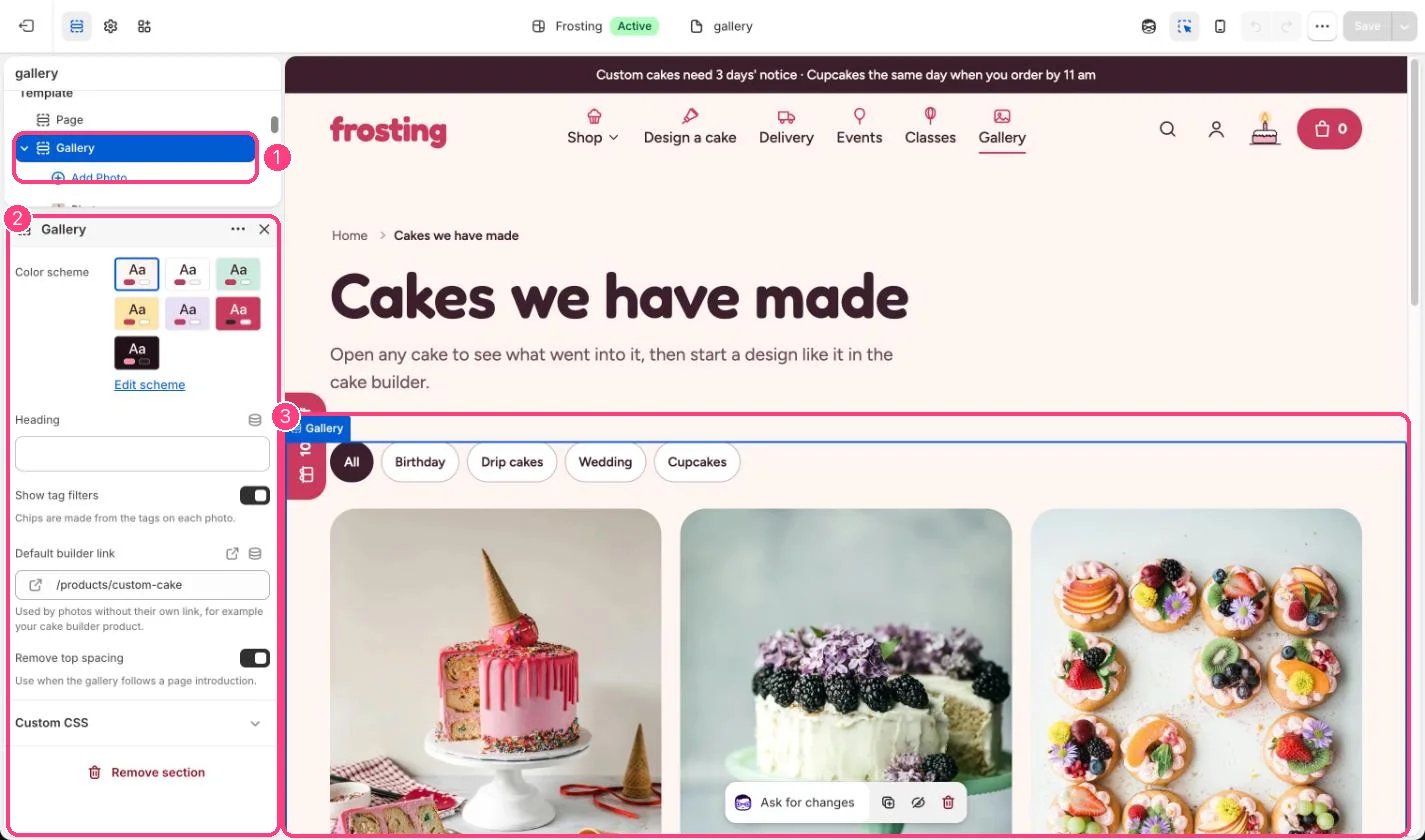
In the theme editor: 1 the section in the sidebar · 2 its settings · 3 the section in the preview
Edit it
- Add a Photo block per cake with a caption, a detail line and comma-separated tags.
- Set Default builder link to your cake builder product; give a photo its own Builder link to override it.
- Builder links can start from a preset design, for example /products/custom-cake?preset=birthday.