
Where to find it
Every page, in the Overlay group. In the theme editor open any page and select Local business under Overlay group, near the bottom of the sidebar. Only one per store.How it works
- Two zones, A and B, each with a name, a delivery fee, a same-day yes or no and a note.
- Each Delivery area block is a postcode, or the start of one followed by *, with a name, zone, map position and an optional landing page.
- Postcode checks ignore spaces and letter case, and a US ZIP+4 such as 78704-1234 matches 78704.
- Use my location matches the shopper’s position to the nearest area on their own device; nothing is sent to an outside service.
- The section writes business details (a Bakery with name, address, phone, hours, map position, price range and the areas you serve) into every page for search engines.
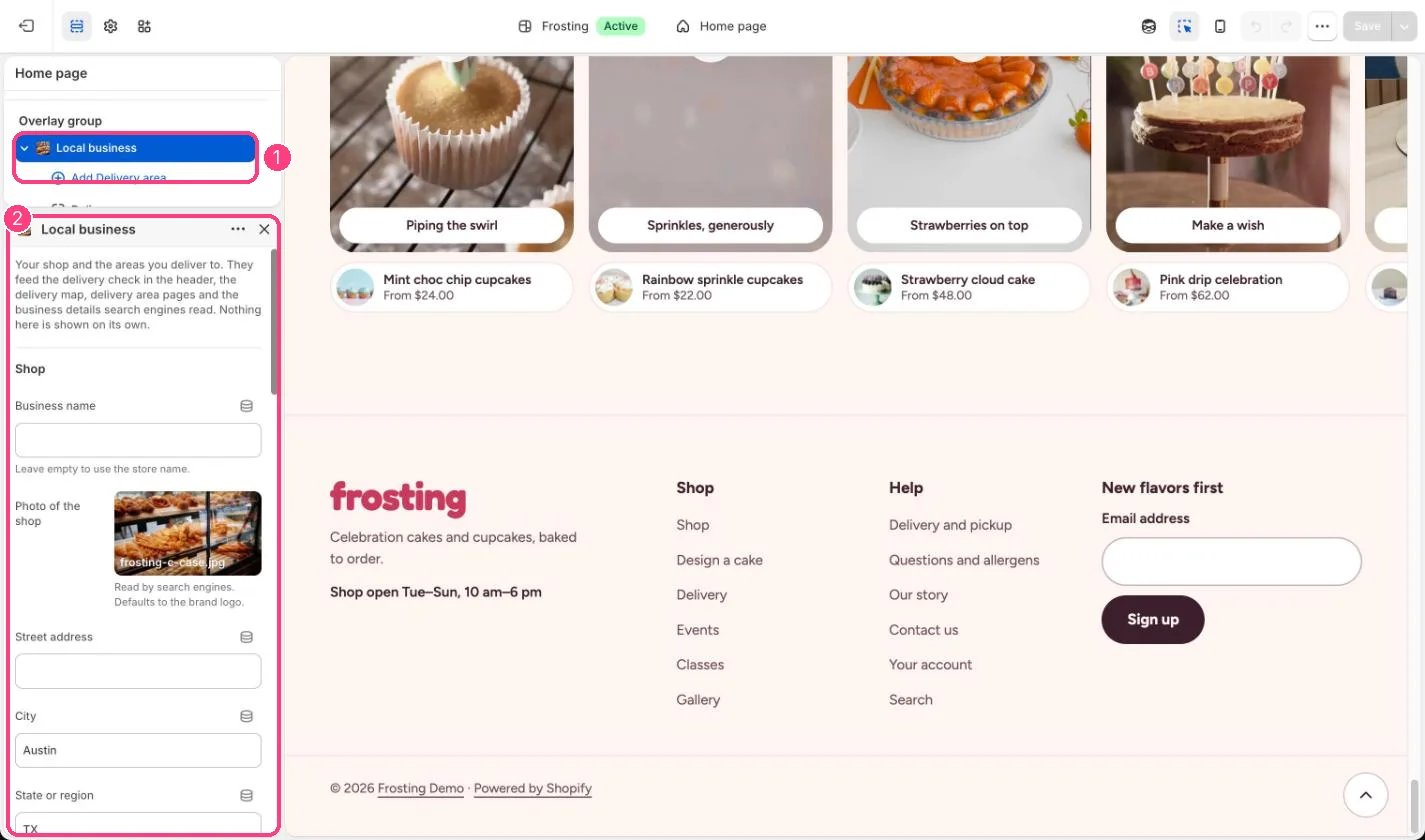
In the theme editor: 1 the section in the sidebar · 2 its settings · 3 the section in the preview
Edit it
- Fill in the shop details. Opening hours shown is for people; Opening hours for search engines uses two-letter days and 24-hour times, for example Tu-Su 10:00-18:00.
- Copy your shop’s latitude and longitude from an online map (right-click the shop).
- Set the Delivery radius (2 to 50 km) and Street map zoom.
- Name the zones and set their fees, same-day option and notes.
- Add a Delivery area block per postcode with its middle point, and link its landing page if you made one.
Settings
Shop
Delivery map
Zone A
Zone B
Blocks
Add a block with Add block under the section in the sidebar; drag blocks to reorder them.Delivery area
Fees here are shown to shoppers only. Set the real local delivery rates in Settings, Shipping and delivery.Areas without a latitude and longitude still work for postcode checks but do not appear on the map or match Use my location.