
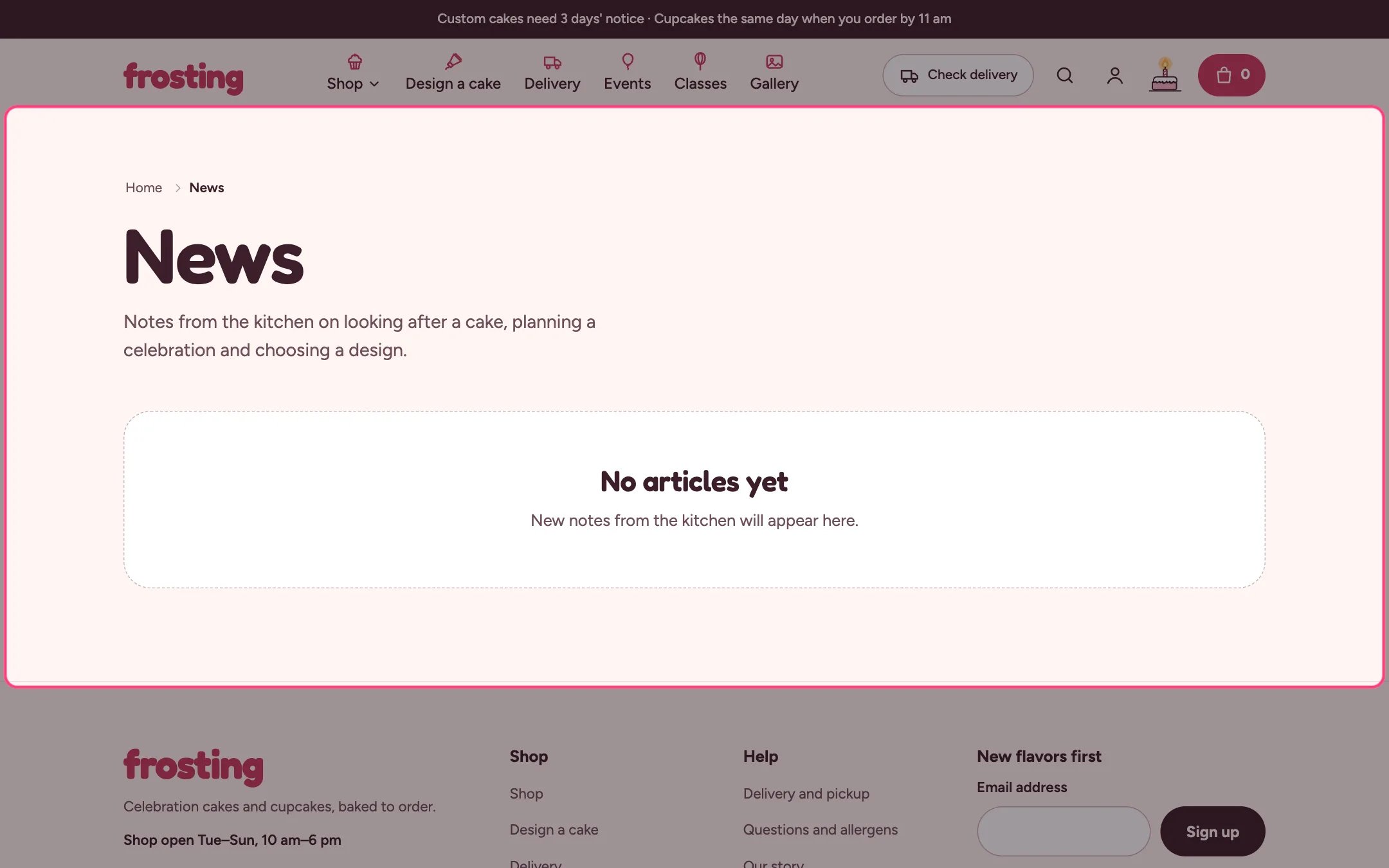
Blog, highlighted on the demo store
Where to find it
Every blog page. In the theme editor choose Blogs in the page selector and select Blog.How it works
- The newest article can be featured large on the first page; tag pages list every article as a card.
- Read time is worked out from the word count at 200 words a minute.
- Tag filter chips come from your article tags.
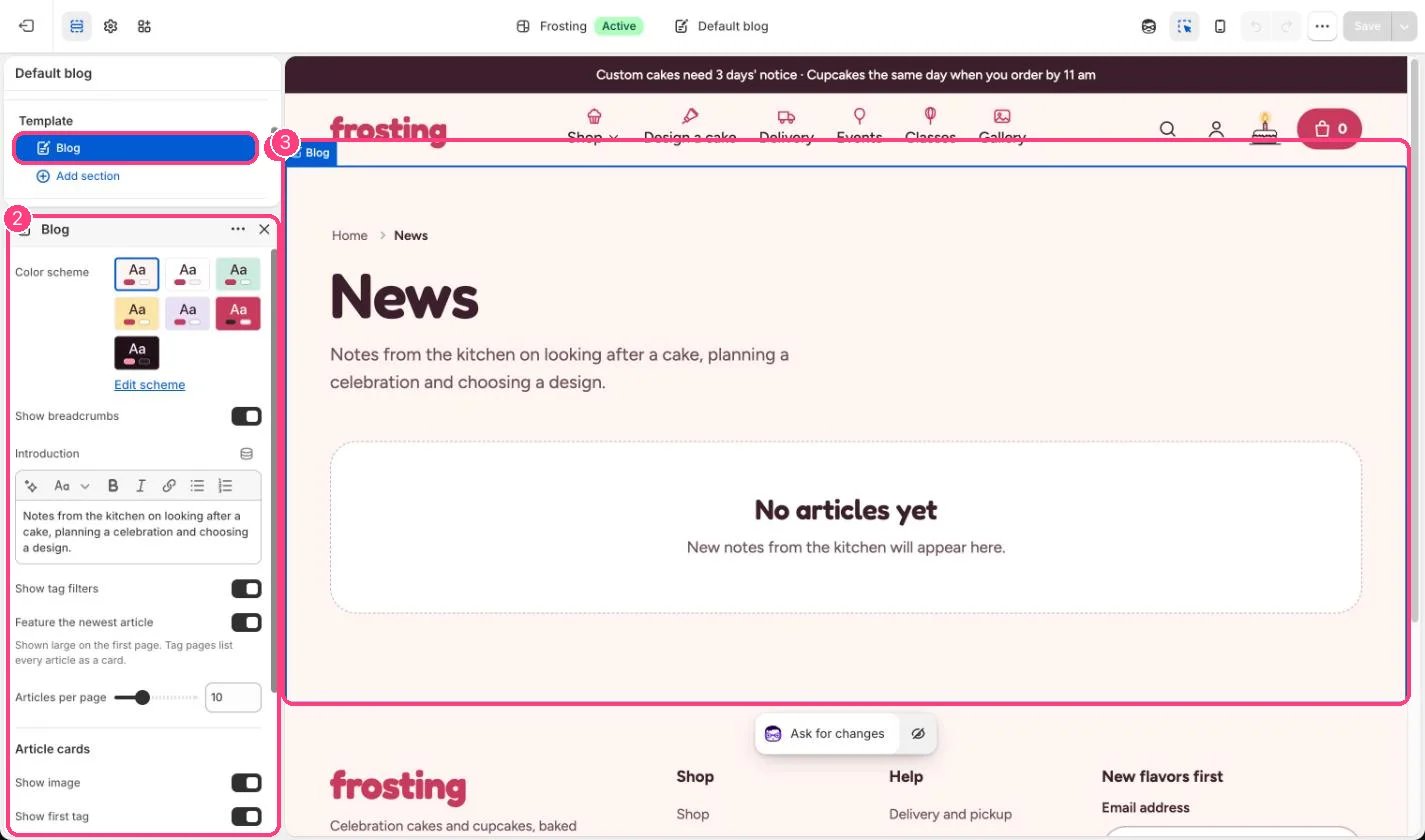
In the theme editor: 1 the section in the sidebar · 2 its settings · 3 the section in the preview
Edit it
- Edit the Introduction.
- Set Articles per page (4 to 24).
- Choose what the cards show: image, first tag, read time, and author and date on the featured article.
Settings
Article cards