
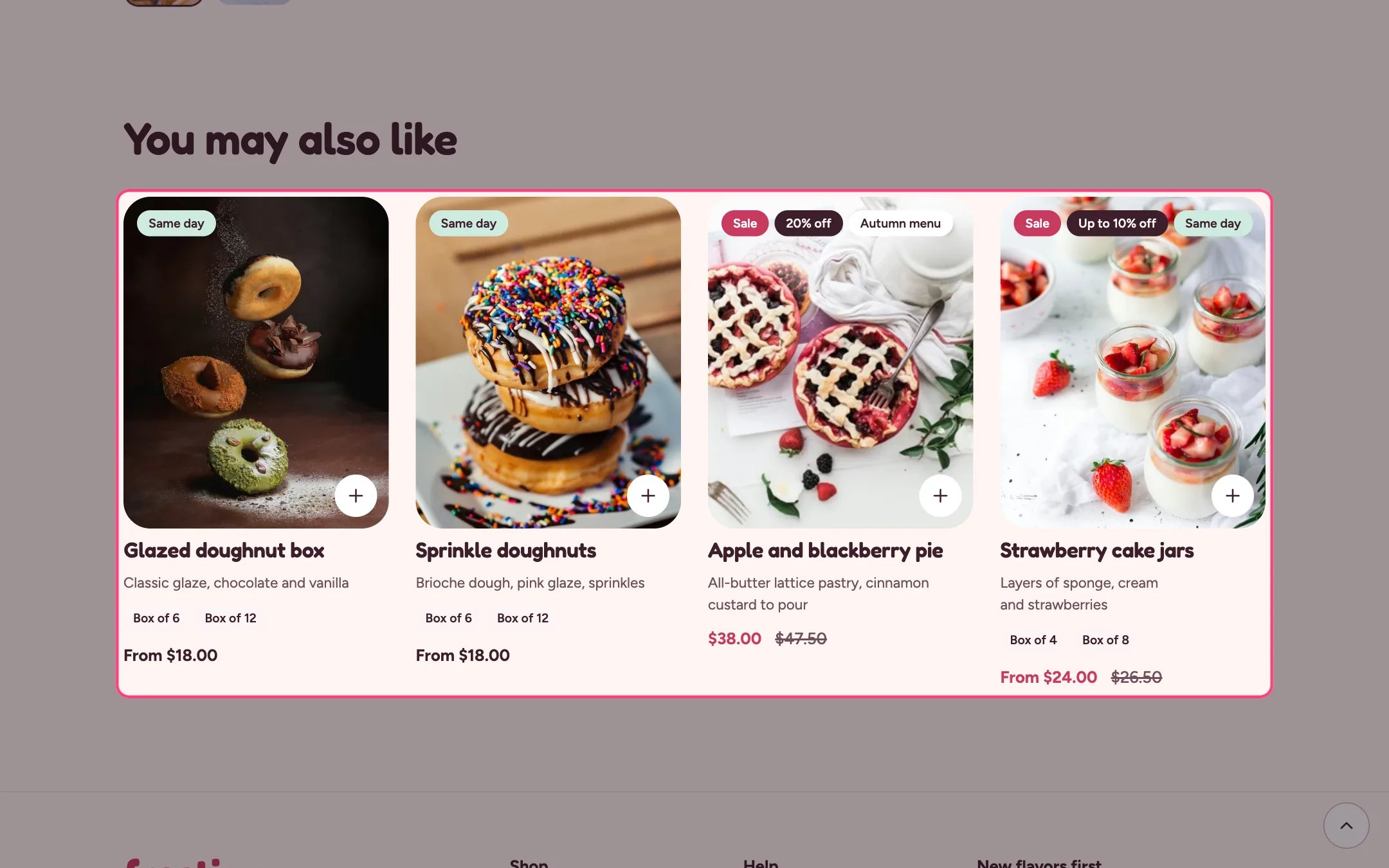
Product recommendations, highlighted on the demo store
Where to find it
Product pages, twice on the default template (Goes well with and You may also like). In the theme editor choose Products, then Default product. It can only be added to product templates.How it works
- Related products are picked by Shopify automatically.
- Complementary products are the ones you choose in the Search and Discovery app.
- The row loads as the shopper scrolls near it and stays hidden when Shopify has nothing to suggest.
- Shows 2 to 10 products as standard product cards.
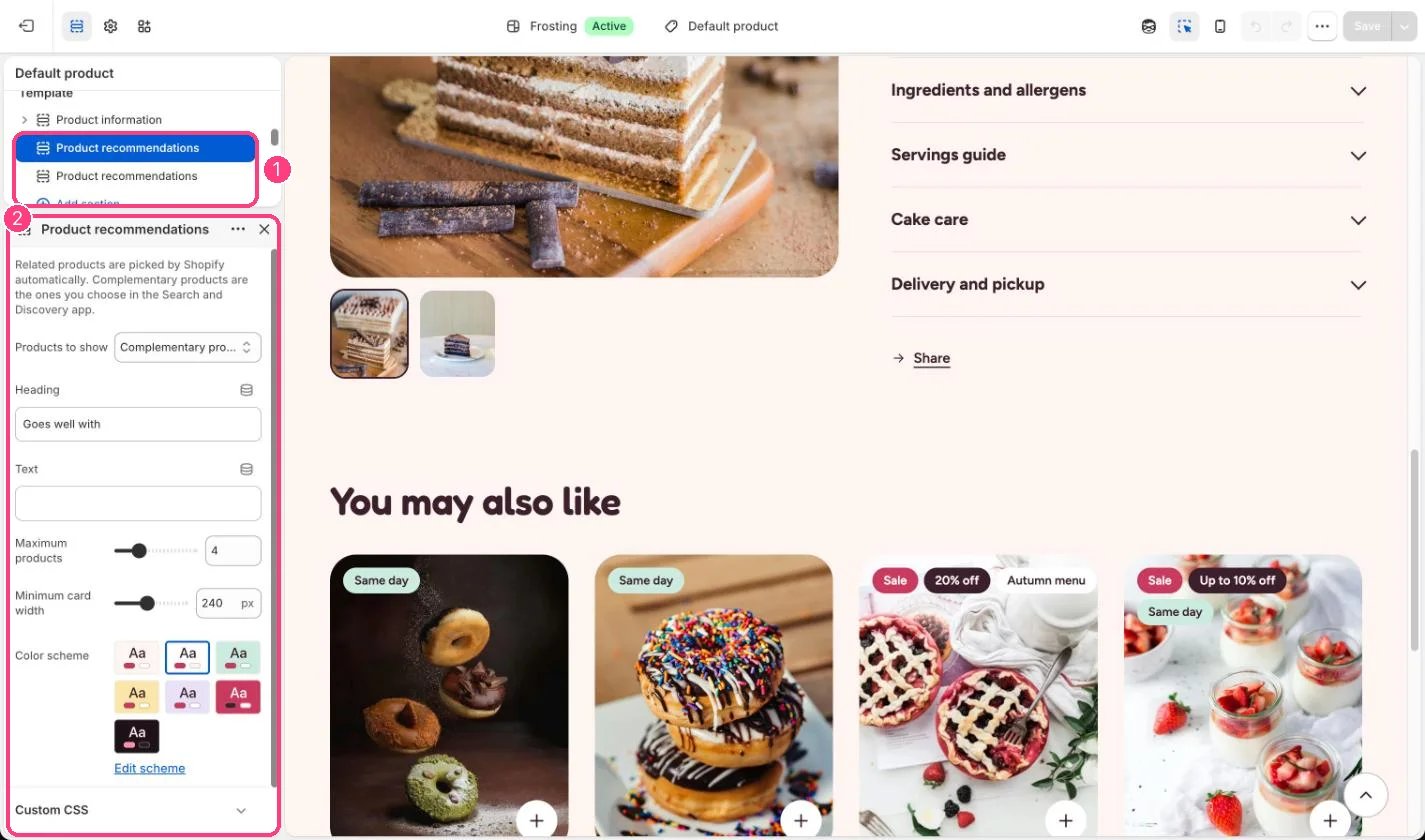
In the theme editor: 1 the section in the sidebar · 2 its settings · 3 the section in the preview
Edit it
- Set Products to show to Related or Complementary.
- Add complementary products per product in the Search and Discovery app.
- Adjust Maximum products and Minimum card width.