
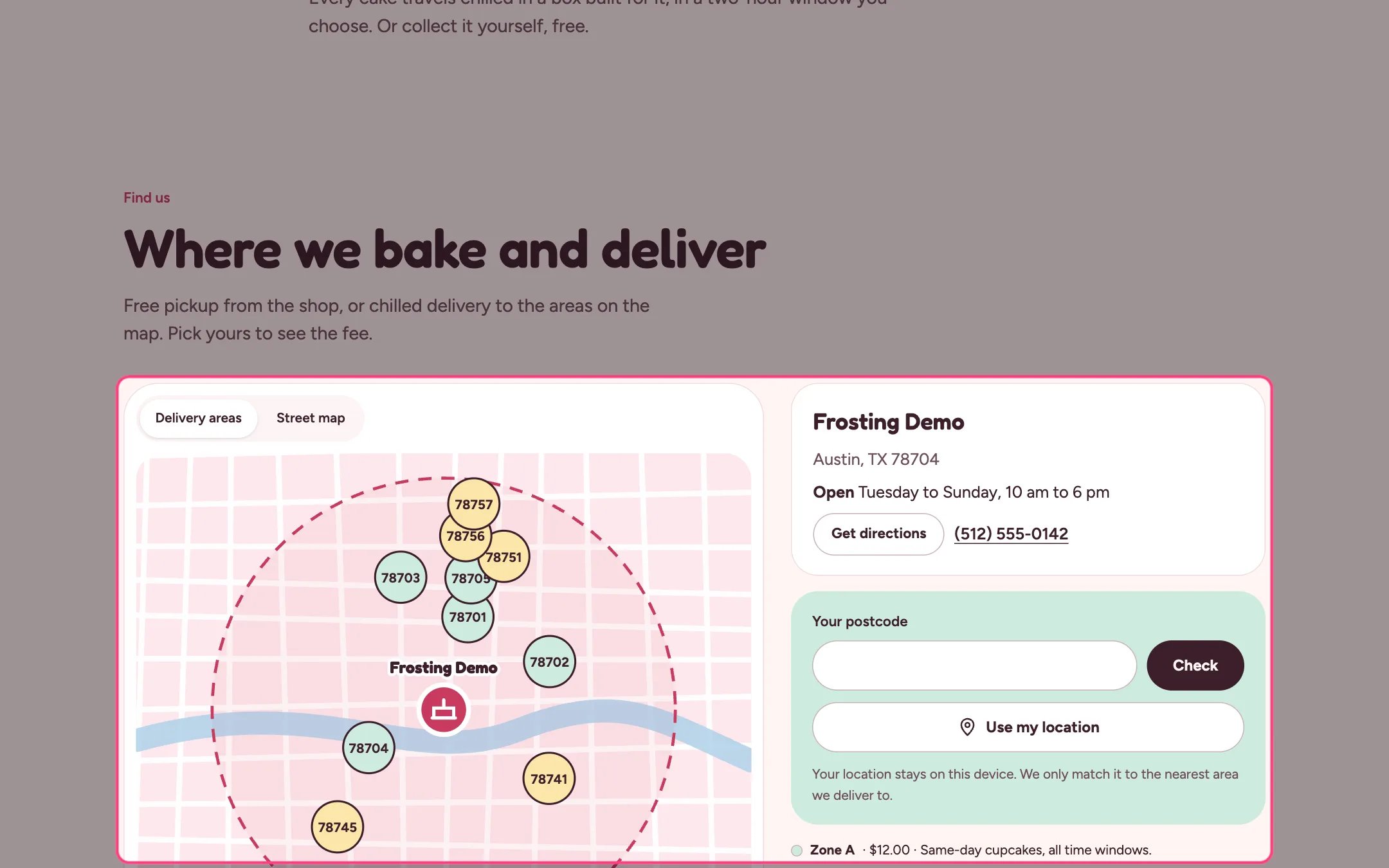
Delivery map, highlighted on the demo store
Where to find it
Home page, the contact page, the delivery page and delivery area pages. In the theme editor choose Pages, then delivery, and select Delivery map. Can be added to any page.How it works
- The map shows the shop, your delivery radius and a colored bubble for each area: mint for Zone A, butter for Zone B.
- Close-in areas are spread out so labels do not overlap, while directions from the shop stay true.
- Clicking a bubble or an area chip checks that area; chips with a landing page link to it.
- The shop card shows the address, opening hours, phone and a Get directions link.
- The Street map tab loads Google Maps only when the shopper asks, because it may set cookies.
- On an area landing page the map highlights that area.
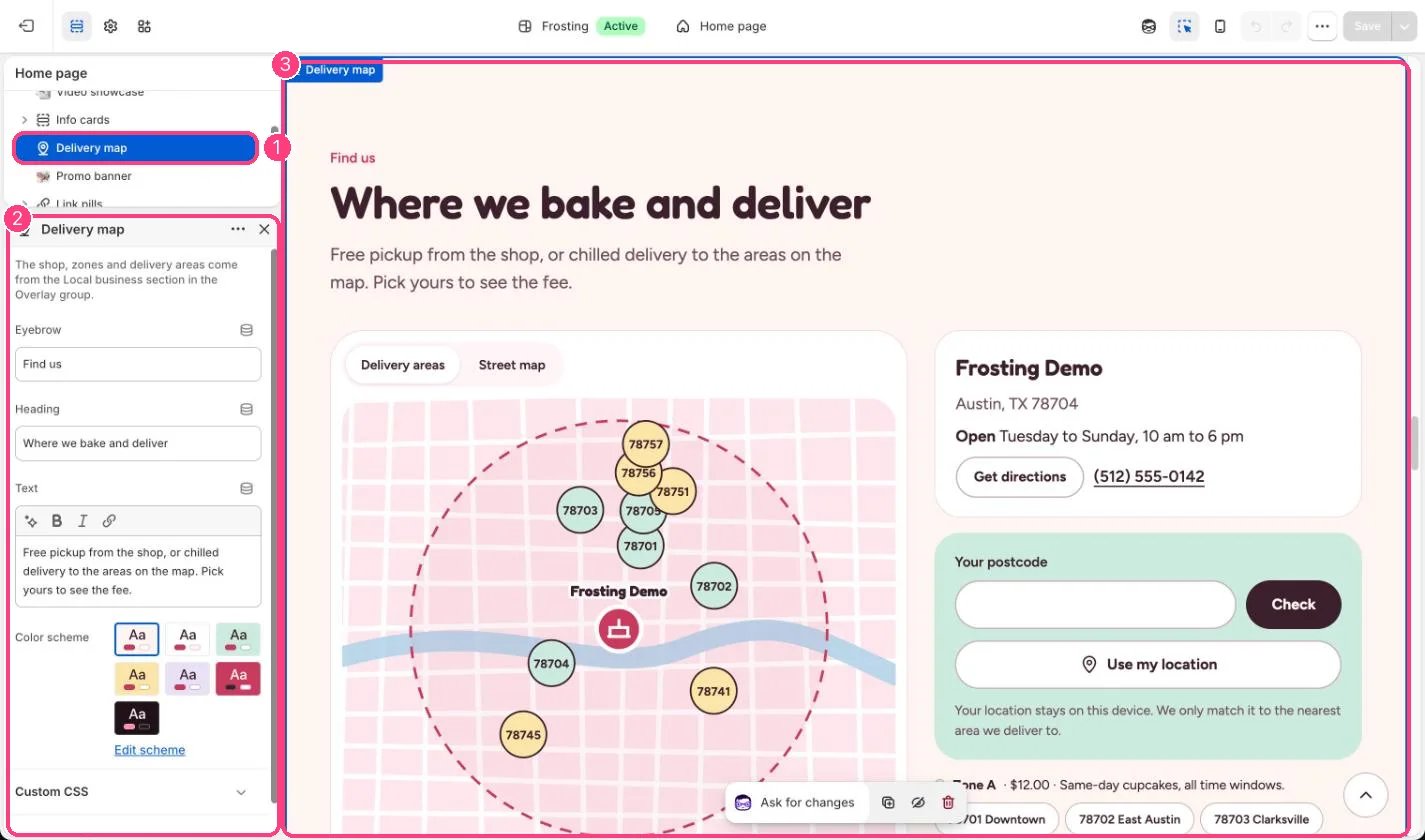
In the theme editor: 1 the section in the sidebar · 2 its settings · 3 the section in the preview
Edit it
- Edit the eyebrow, heading and text.
- Everything else, from the shop address to the areas, is set in the Local business section.
- Add it to any page that should answer the question do you deliver to me, such as the contact page.