
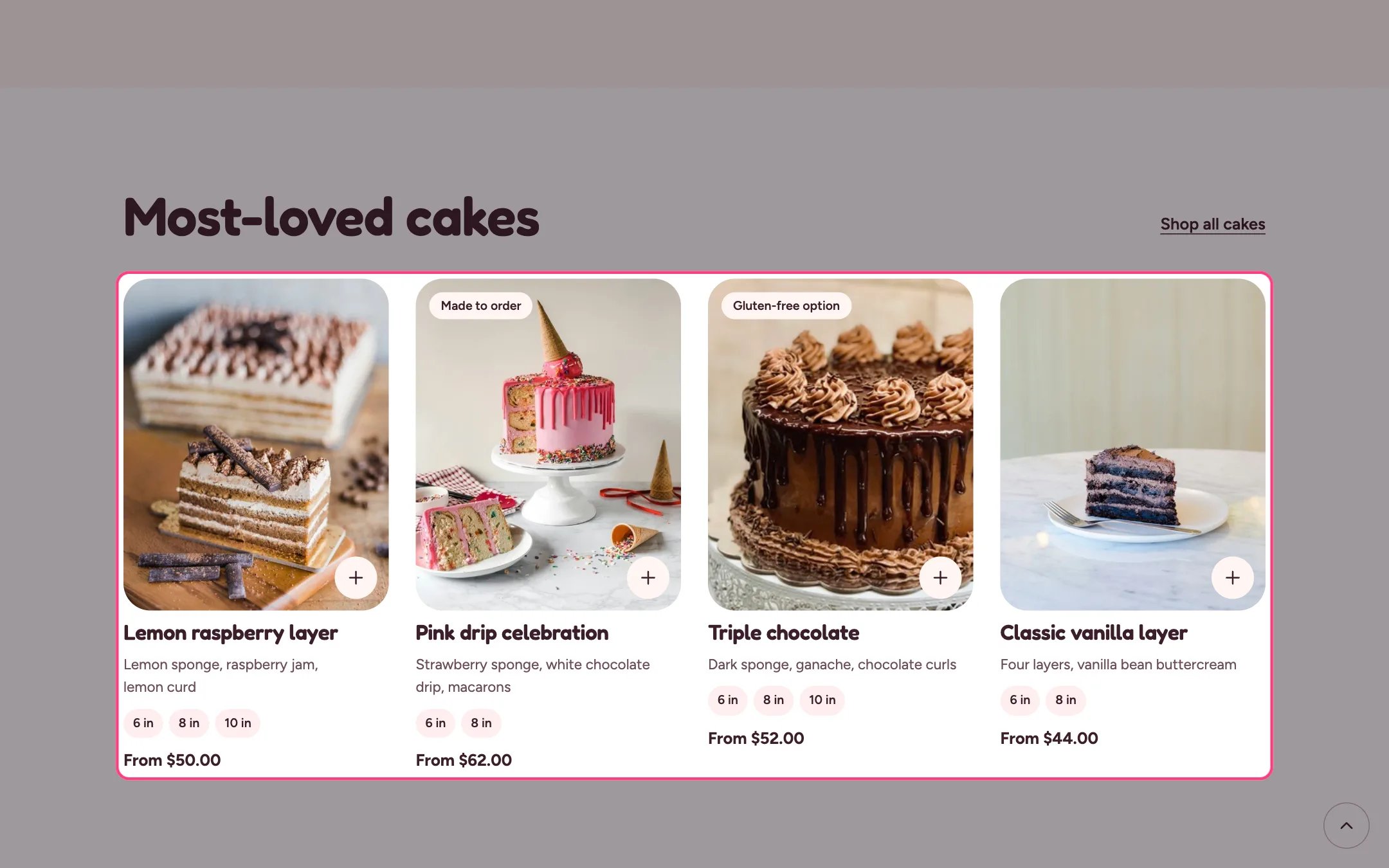
Featured collection, highlighted on the demo store
Where to find it
Home page, the classes page and the delivery area pages. In the theme editor choose Home page, then select the section (default heading Most-loved cakes). Can be added to any page.How it works
- Shows 2 to 12 products from the chosen collection as product cards.
- Cards follow Theme settings, Product cards: quick add, hover image, size chips and sale badges.
- Cards show your custom badge, the Same day badge for same-day bakes, and the short description.
- With no collection chosen, sample cards show so you can see the layout.
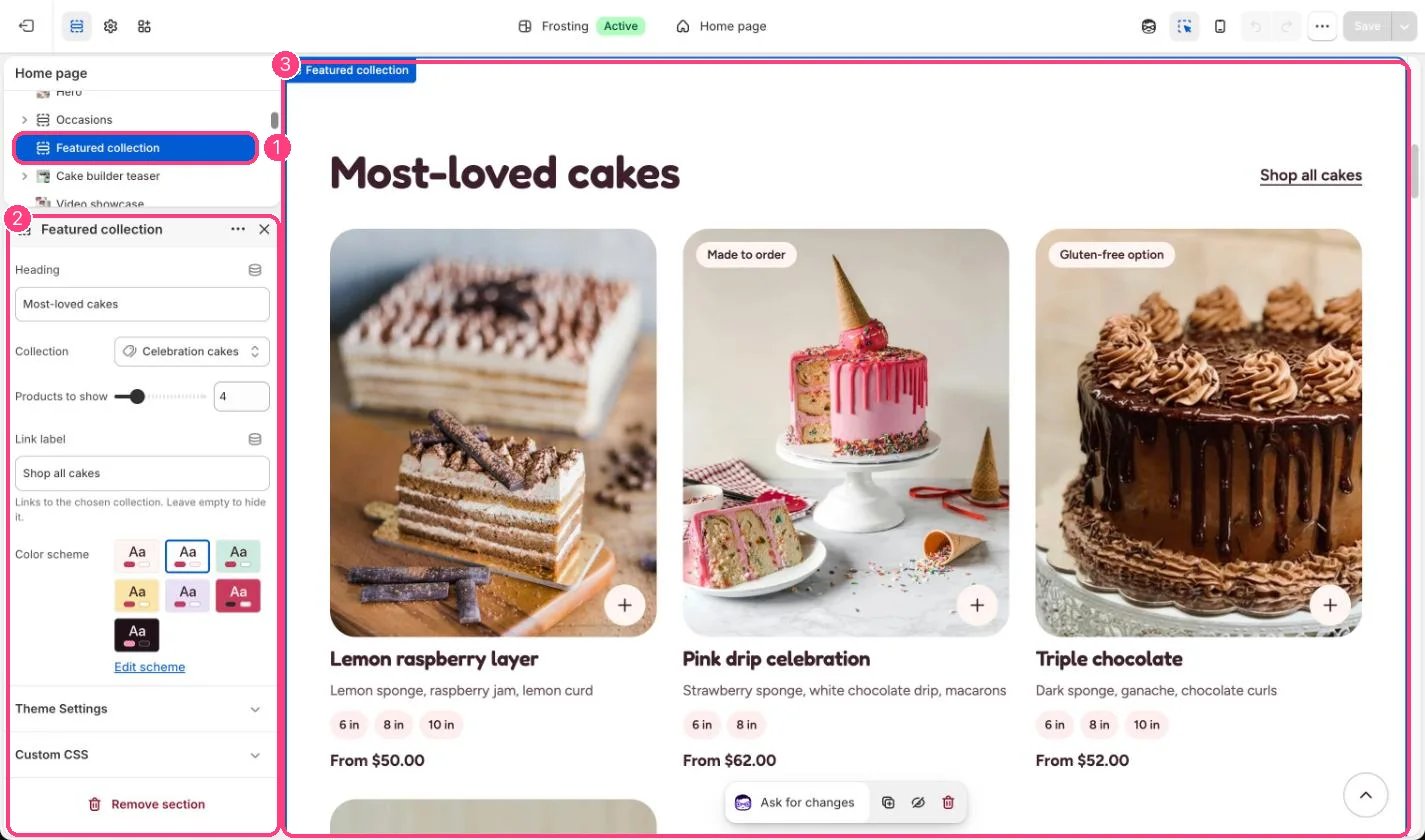
In the theme editor: 1 the section in the sidebar · 2 its settings · 3 the section in the preview
Edit it
- Choose a collection and set Products to show.
- Change Link label, or leave it empty to hide the link to the collection.
- Turn quick add, the hover image, size chips and sale badges on or off for every card in Theme settings, Product cards.