
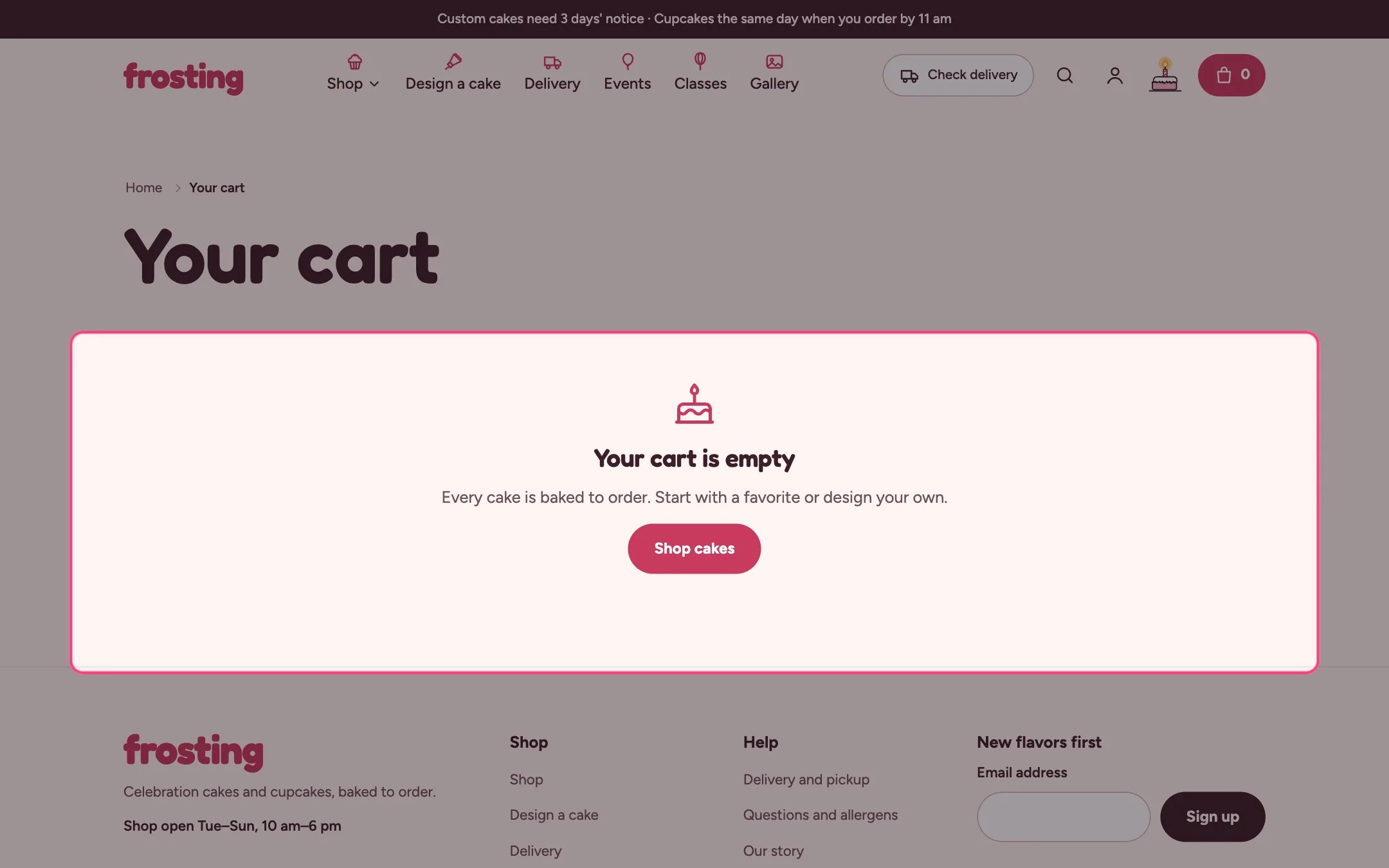
Cart, highlighted on the demo store
Where to find it
The cart page. In the theme editor choose Cart in the page selector.How it works
- Paid extras and builder add-ons are listed under their cake, and the cake’s price includes them. Changing the cake’s quantity changes its extras too.
- When and how? asks for delivery or pickup, a date and a time window, and saves them on the order.
- The earliest date follows the product with the longest notice in the cart, and closed days and dates are blocked.
- With Ask for a date before checkout on, the checkout button stops and points to the date field until a valid date is chosen.
- A free delivery progress bar shows when Free delivery from is set, and hides for pickup.
- This is a gift saves a Gift answer so you can leave the price off the delivery note.
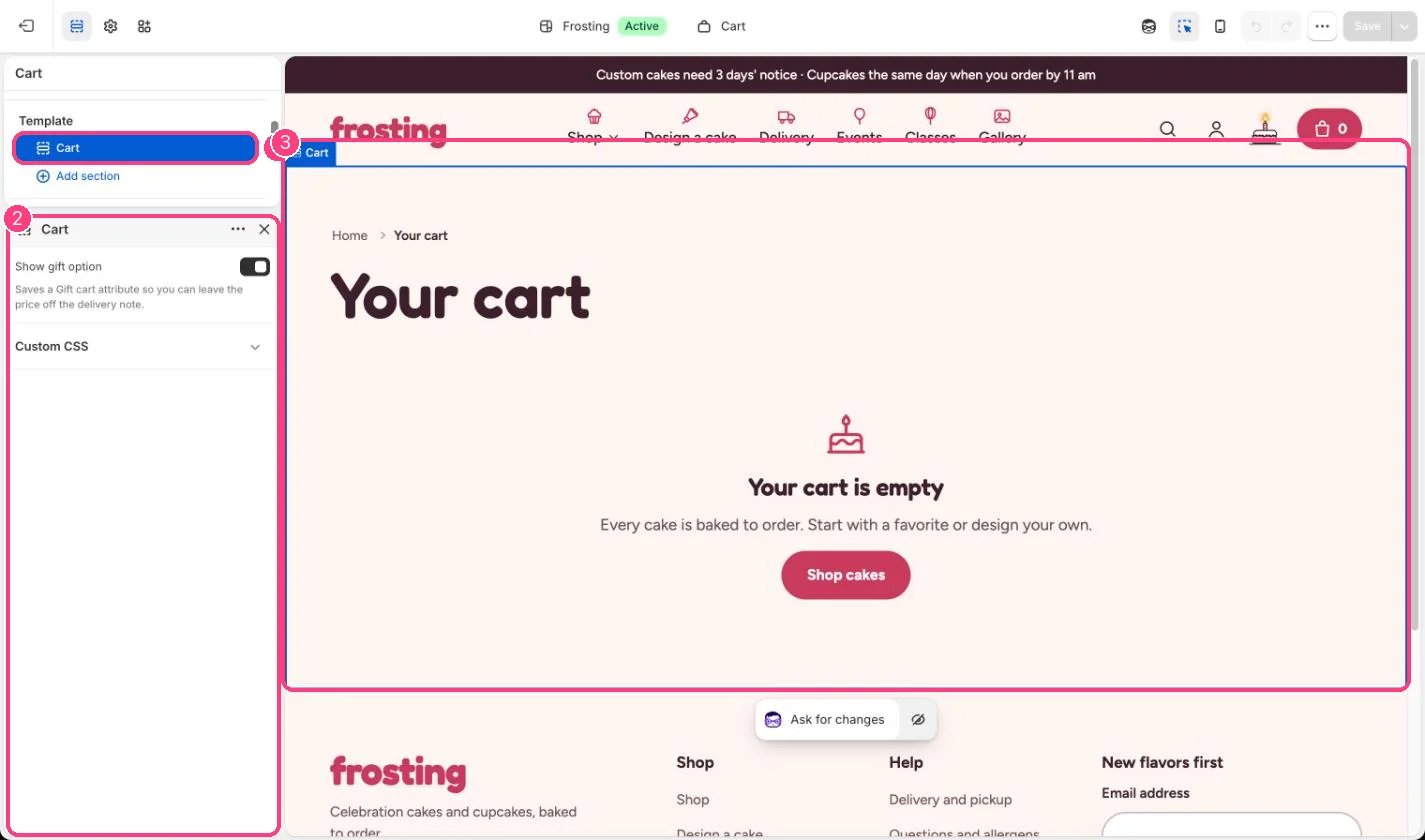
In the theme editor: 1 the section in the sidebar · 2 its settings · 3 the section in the preview
Edit it
- Untick Show gift option to hide the gift checkbox.
- Set dates, windows and free delivery in Theme settings, Delivery and pickup.
- Turn the order note on or off and choose little extras in Theme settings, Cart.
Settings
Express checkout buttons on the cart page skip the date check.