
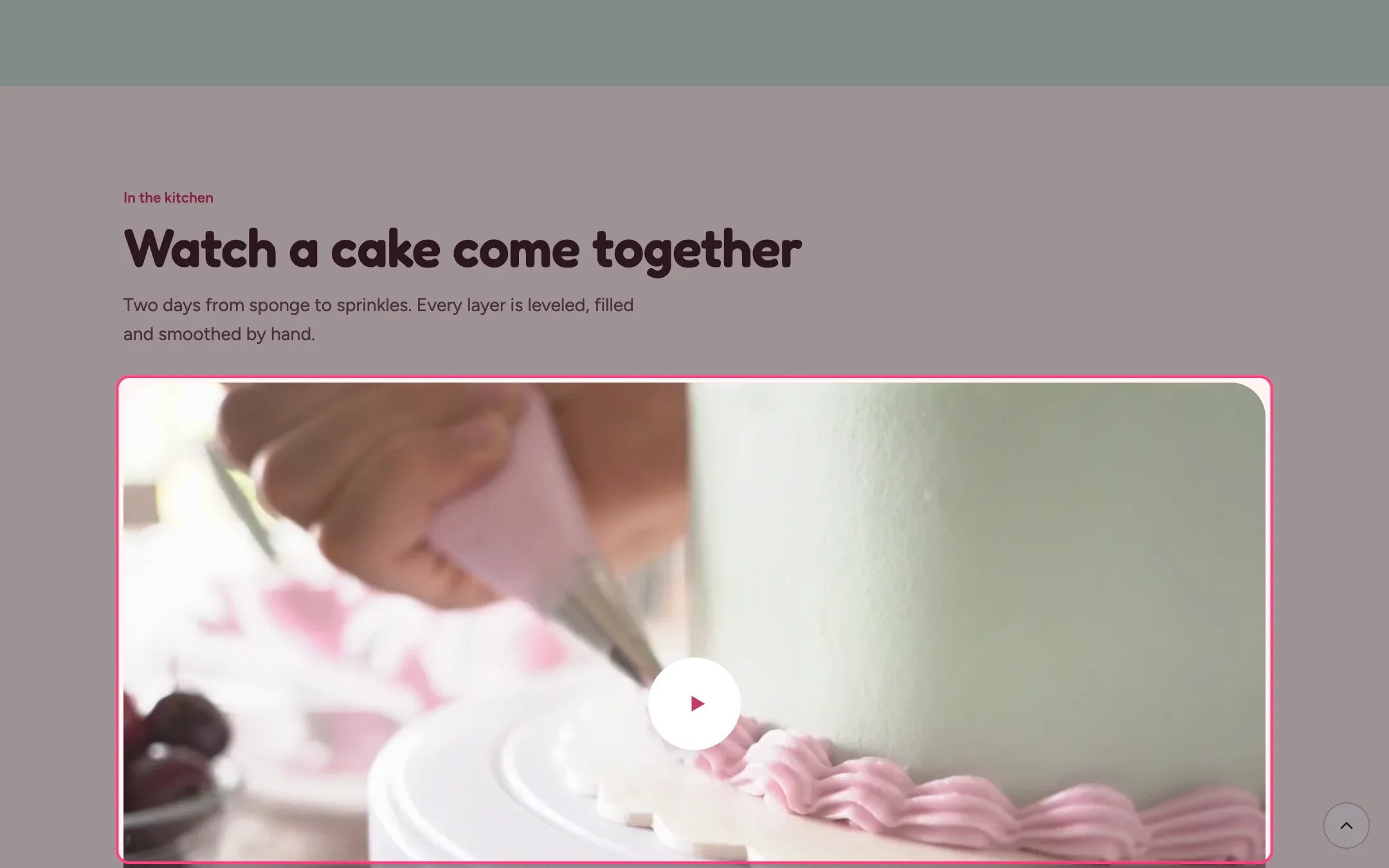
Video showcase, highlighted on the demo store
Where to find it
Home page. In the theme editor choose Home page, then select Video showcase. Can be added to any page.How it works
- An uploaded video loads only when needed. With Play muted in the background on, it plays silently while on screen and pauses when scrolled away.
- Background playback never runs for visitors who ask for reduced motion or turn on data saving.
- A YouTube or Vimeo link shows your poster image until the shopper presses play. Only then does the player load, using YouTube’s privacy-enhanced mode or Vimeo’s do-not-track option.
- Uploaded videos have a play and pause button; the description is read out to screen reader users.
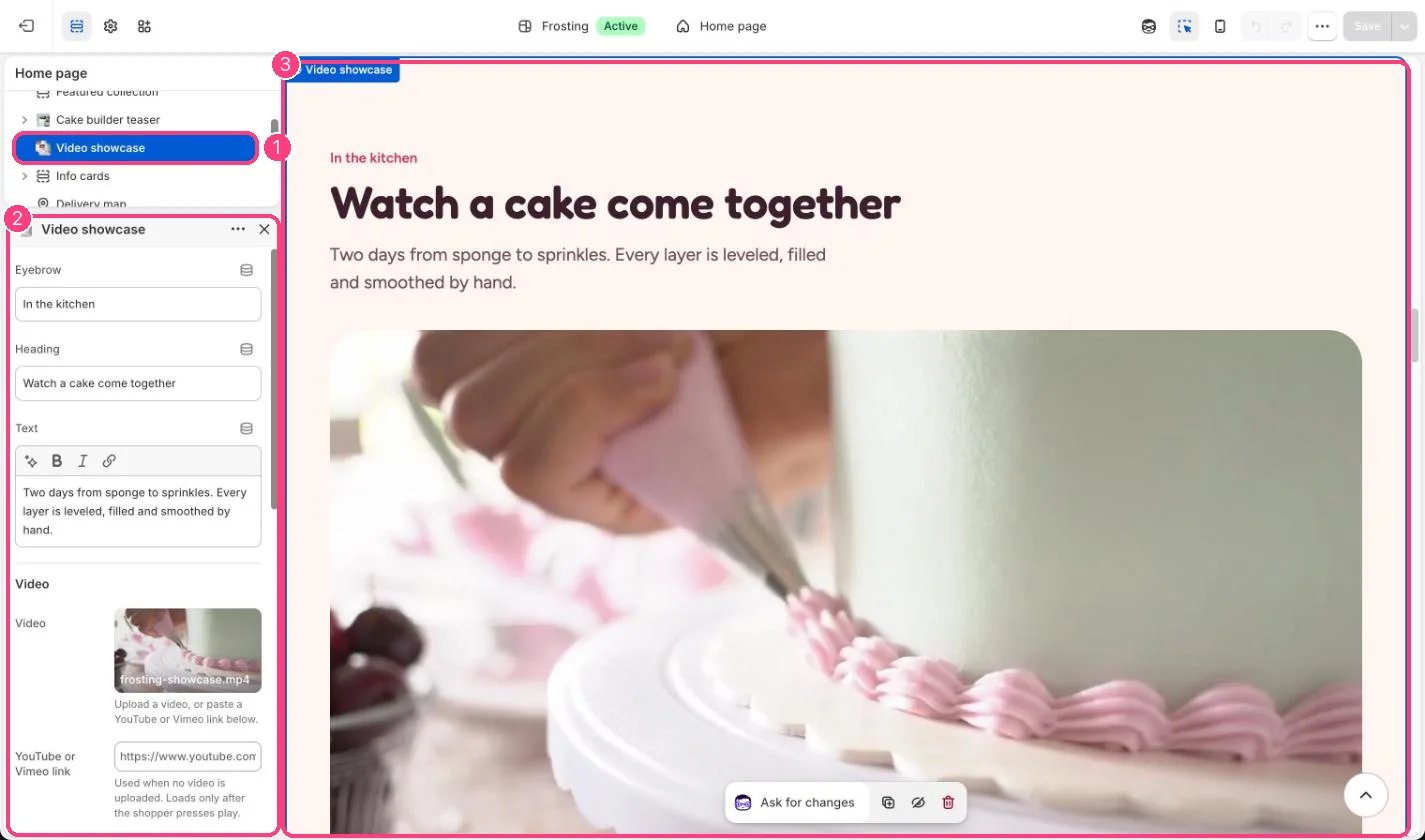
In the theme editor: 1 the section in the sidebar · 2 its settings · 3 the section in the preview
Edit it
- Upload a video, or paste a YouTube or Vimeo link. An uploaded video wins when both are set.
- Add a poster image, especially for YouTube and Vimeo links.
- Write a Video description that says what happens in the video.
- Add a Credit, for example who filmed it.
Settings
Video