
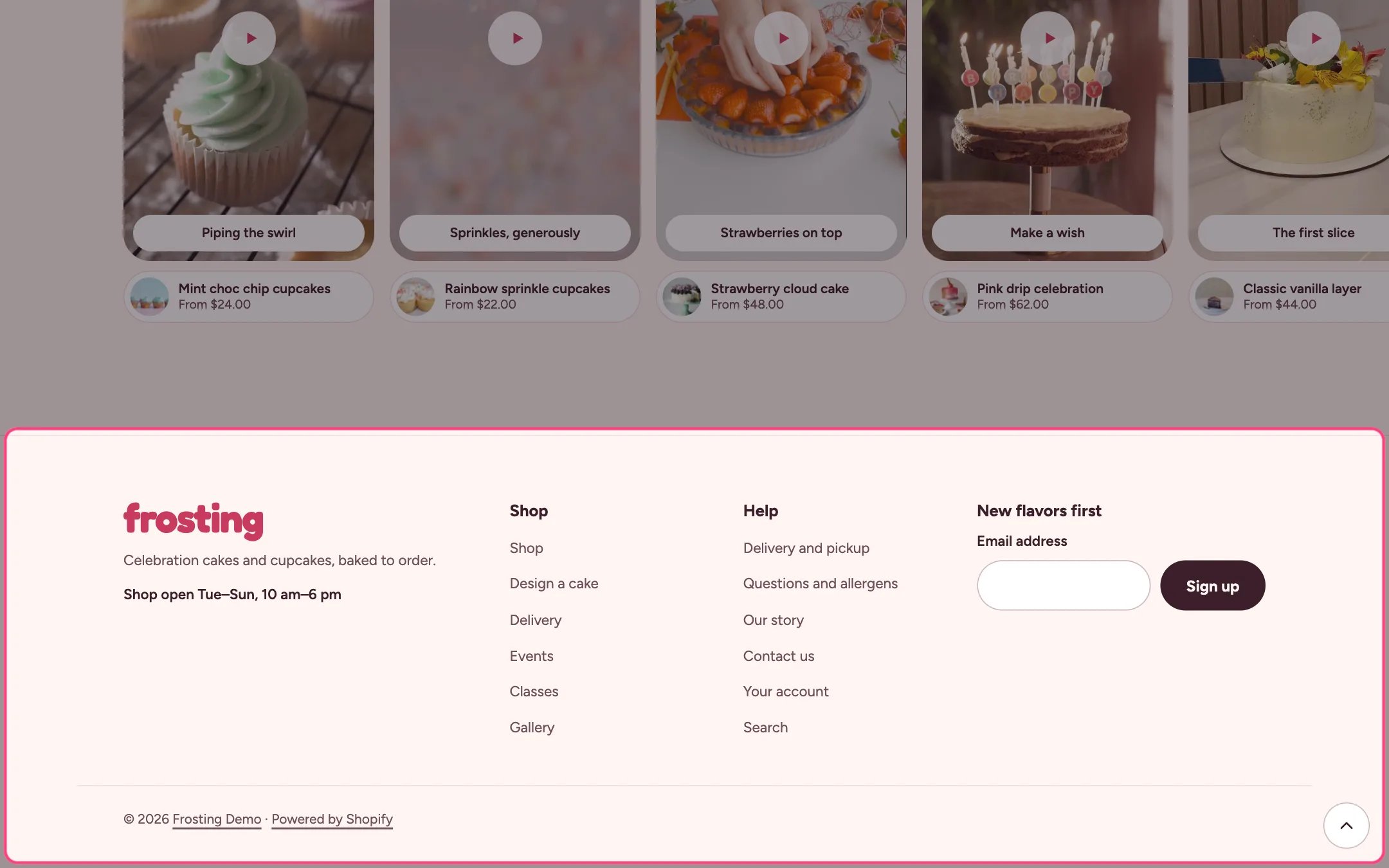
Footer, highlighted on the demo store
Where to find it
Every page. In the theme editor open any page, then select Footer in the Footer area of the sidebar.How it works
- The footer always shows your name as text: the Logo text from Theme settings, Layout, or the store name.
- Social links come from Theme settings, Social media, and open in a new tab.
- Menu blocks each show a heading and the links of one menu.
- The Email sign-up block (one per footer) saves shoppers as customers tagged newsletter and footer, then shows a thank-you message.
- Follow on Shop shows only when Shop Pay is turned on.
- Country and language selectors appear when you sell in more than one market or language.
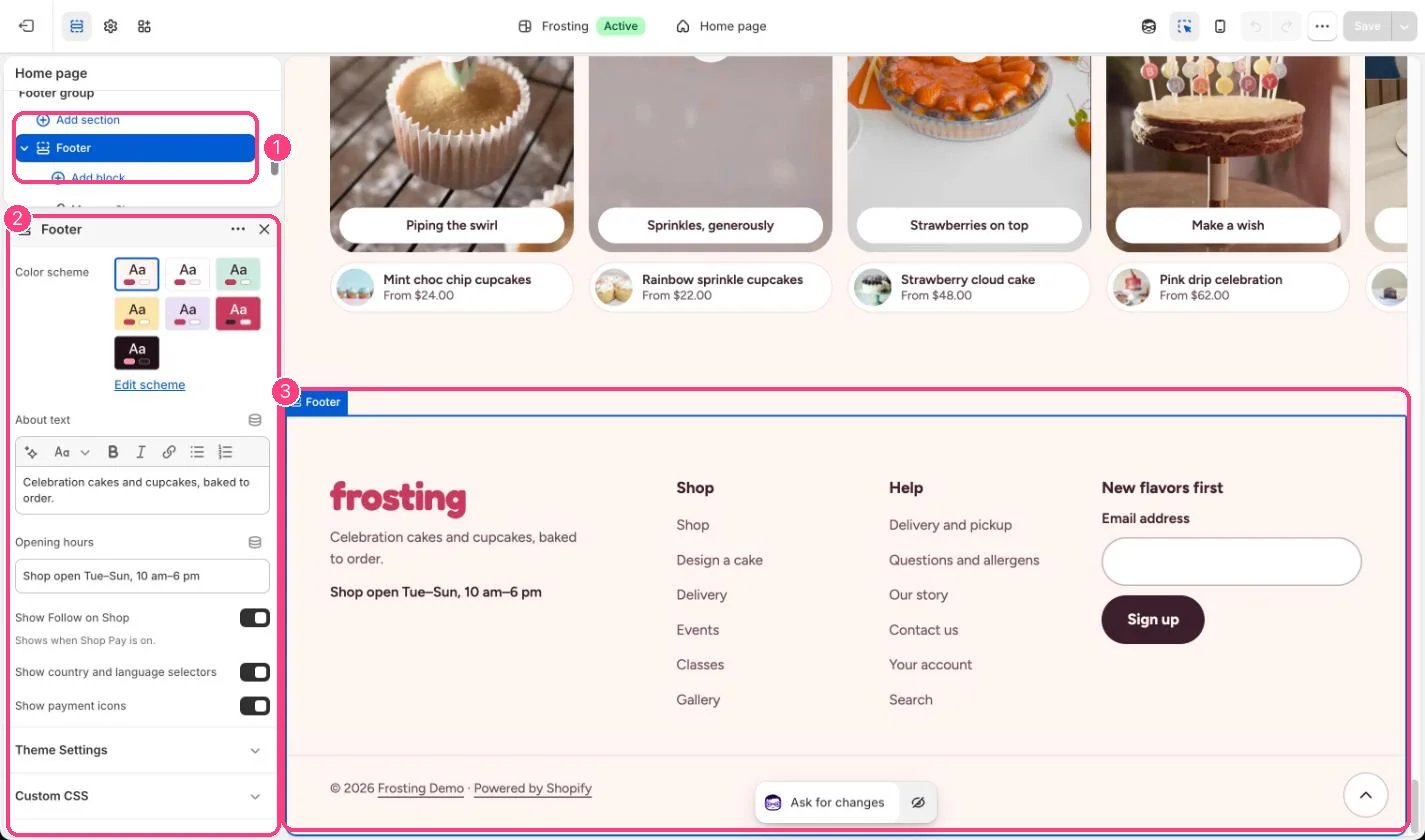
In the theme editor: 1 the section in the sidebar · 2 its settings · 3 the section in the preview
Edit it
- Edit About text and Opening hours.
- Add a Menu block per column and choose its menu. The defaults are your main menu and footer menu.
- Add the Email sign-up block and give it a heading.
- Turn the payment icons and country and language selectors on or off.
- Add your social links in Theme settings, Social media.