
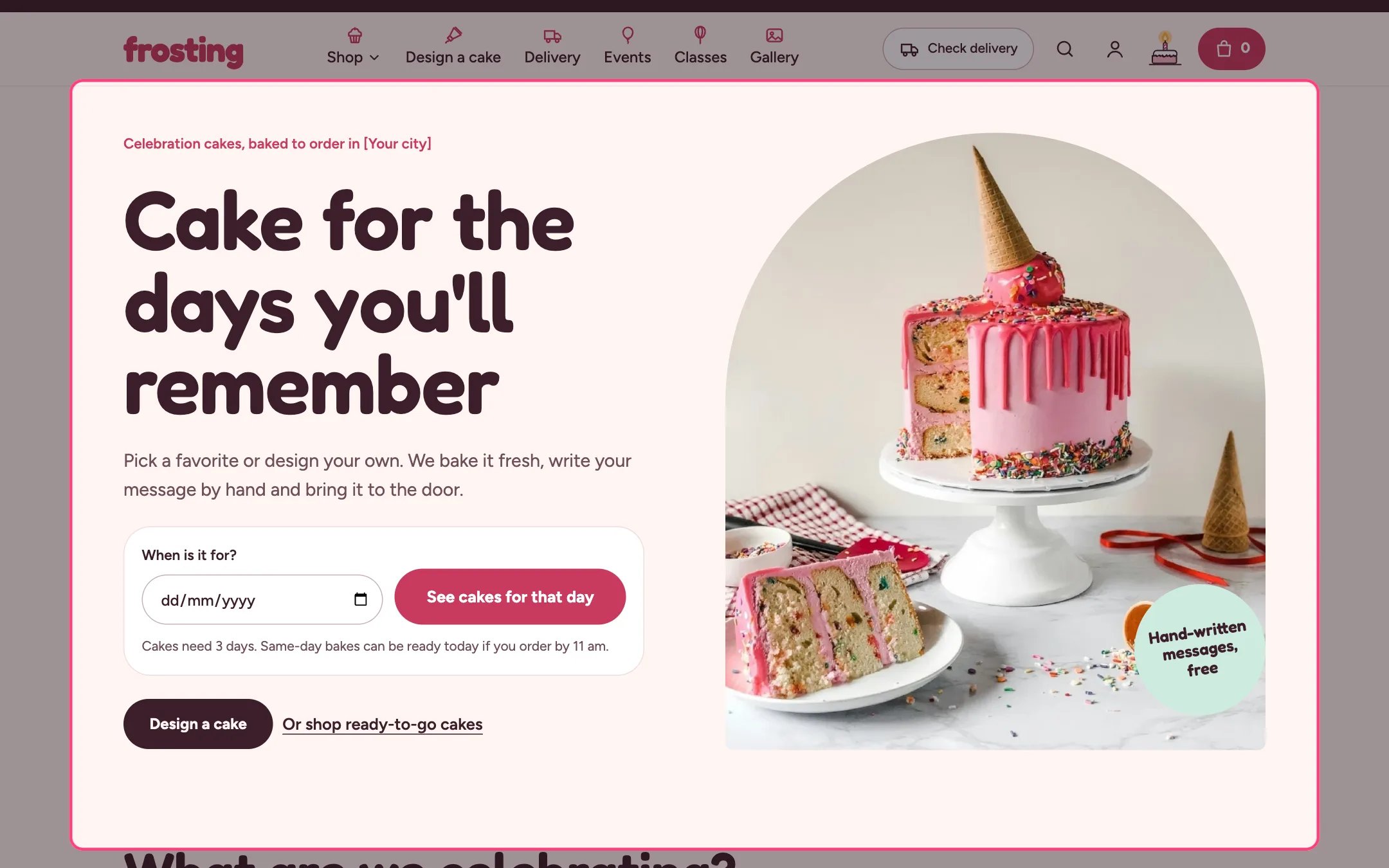
Hero, highlighted on the demo store
Where to find it
Home page, first section. In the theme editor choose Home page in the page selector at the top, then select Hero. It can be added to other pages with Add section.How it works
- When it is the first section on a page, its heading is the page’s main heading and the photo loads first.
- The date check asks When is it for? and replies straight away: everything can be ready, only same-day bakes can be ready (with the first cake date), or the kitchen is closed that day.
- Pressing See cakes for that day opens the results page with that date, and collection pages then hide products that cannot be ready in time.
- The date check uses the rules in Theme settings, Delivery and pickup: default notice, same-day cut-off, closed day and closed dates.
- The first button is a dark button and the second is a text link.
- On screens up to 1080 px wide the photo sits right under the heading, followed by the text, date check and buttons.
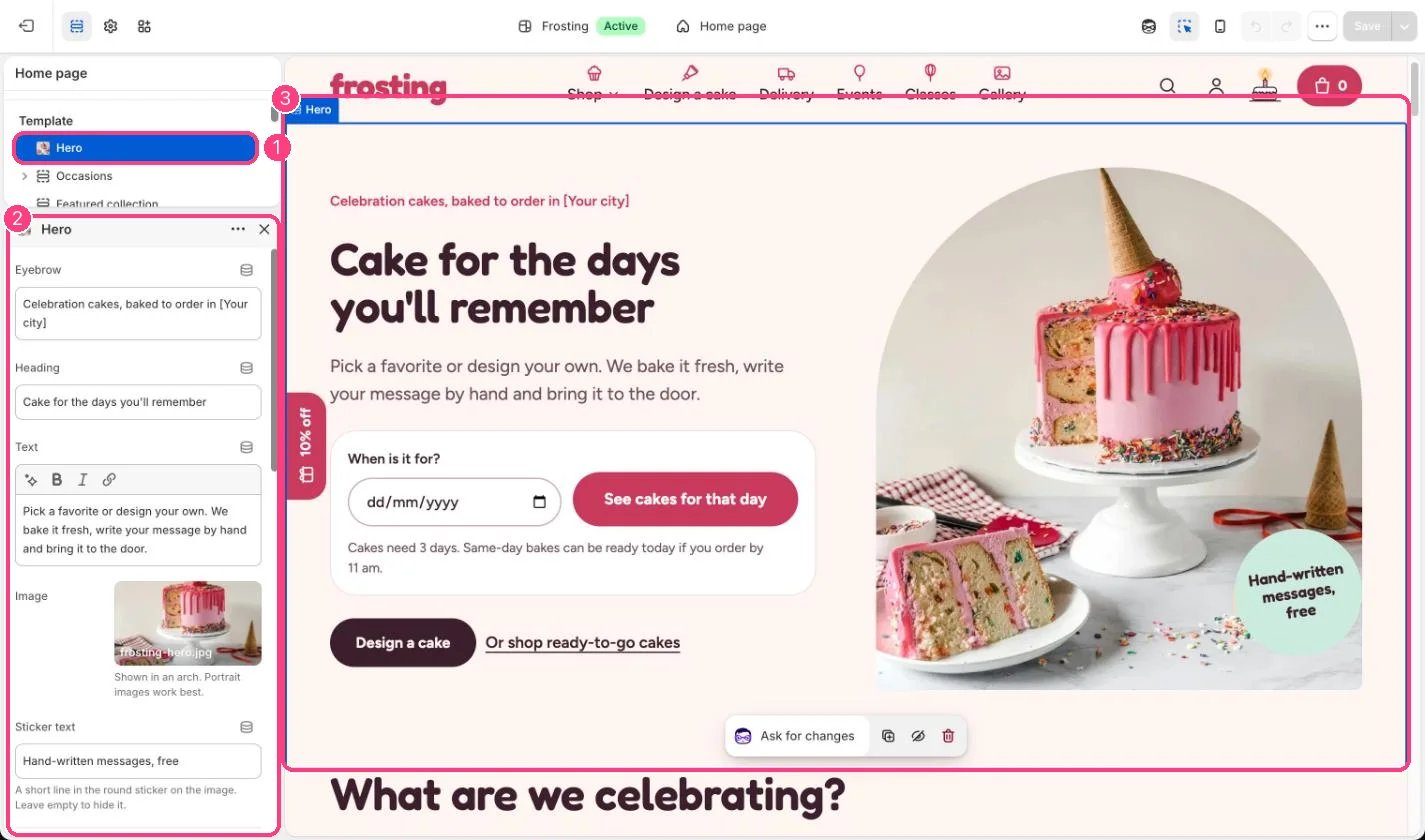
In the theme editor: 1 the section in the sidebar · 2 its settings · 3 the section in the preview
Edit it
- Replace [Your city] in the eyebrow with your town.
- Upload a landscape or square photo. The sticker text sits on the photo; leave it empty to hide it.
- Point the first button at the cake builder and the second link at your main collection.
- Untick Show the date check to hide it, or set Results page to the collection that should be filtered.
Settings
Buttons
Date check
Colors