
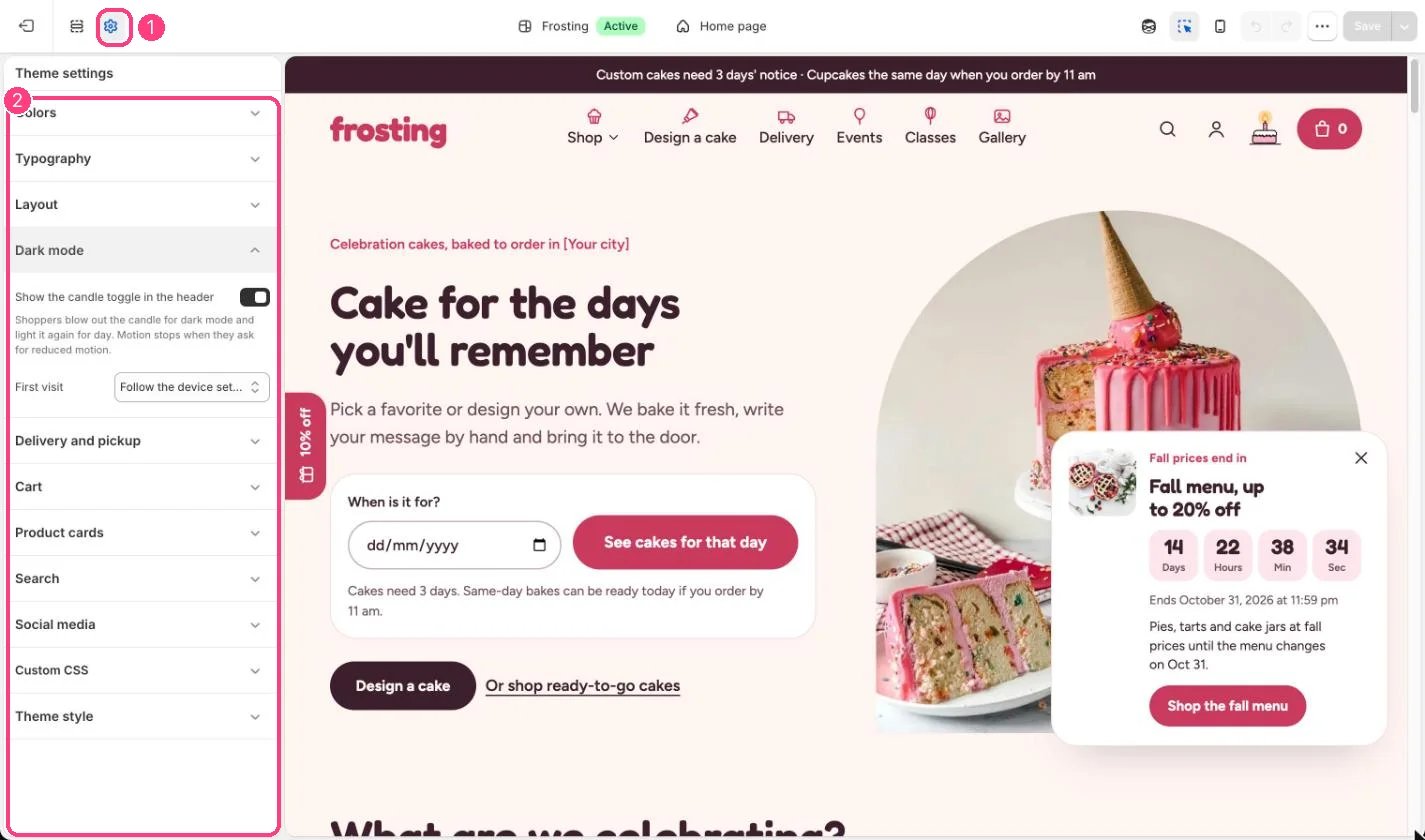
1 Theme settings (the gear icon) · 2 Dark mode, opened in the sidebar
How it works
- Shoppers blow out the candle for dark mode and light it again for day. The new look spreads out from the candle where the browser supports it.
- The choice is remembered on that device.
- First visit can be Light, Dark, or Follow the device setting. With Follow the device setting, the store changes along with the device until the shopper picks a side.
- Motion stops for shoppers who ask for reduced motion; the switch then changes instantly.
Edit it
- Untick Show the candle toggle in the header to remove the switch. Shoppers then always see the First visit appearance.
- Set the dark colors in Colors, Dark mode scheme.