
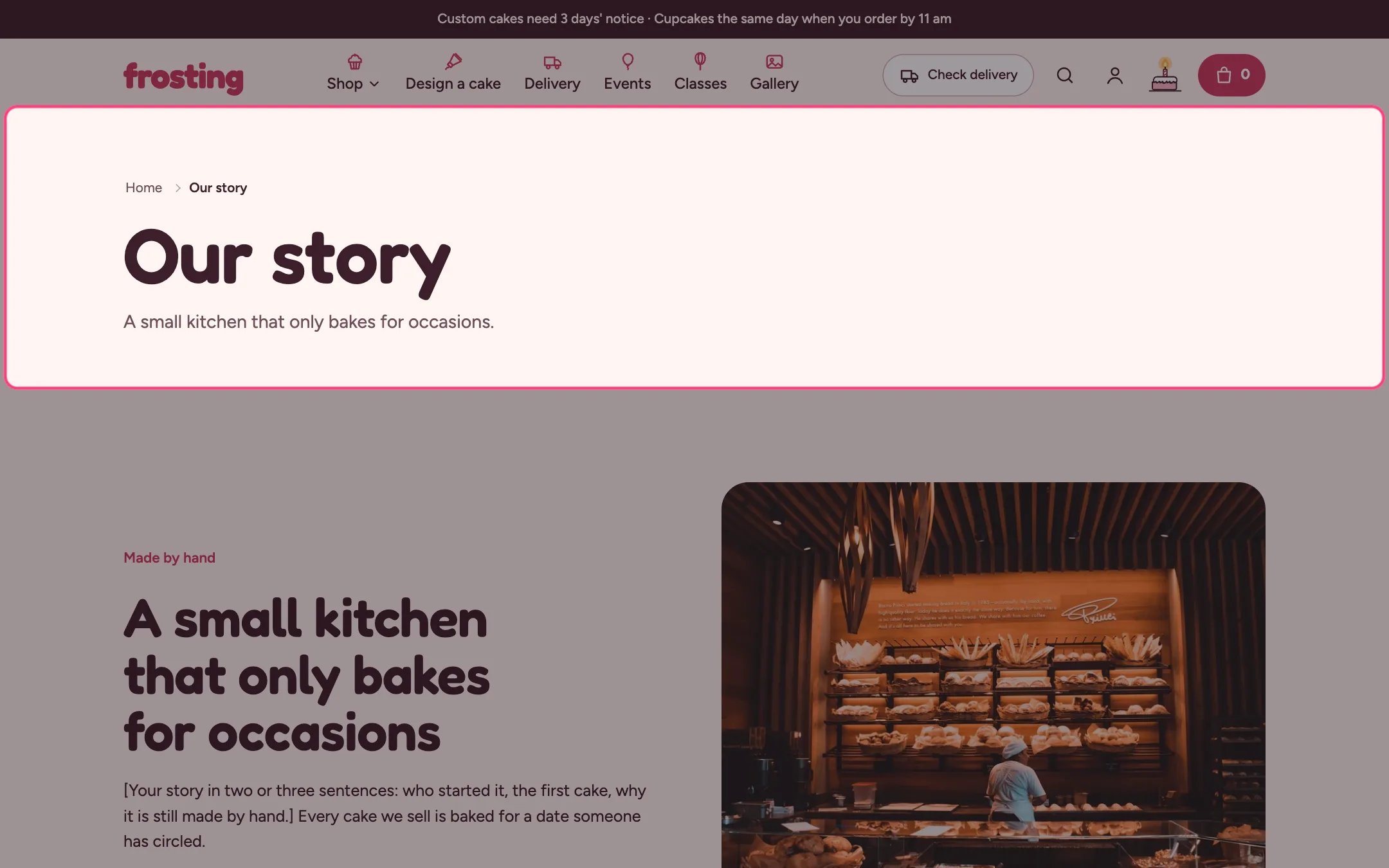
Page, highlighted on the demo store
Where to find it
Every page template: default, about, classes, contact, delivery, events, FAQ and gallery. In the theme editor choose Pages, then the template, and select Page.How it works
- Long text shows the content as readable body copy.
- Short introduction shows the content as a lead paragraph under the title, for pages where other sections follow.
- Narrow width keeps lines short.
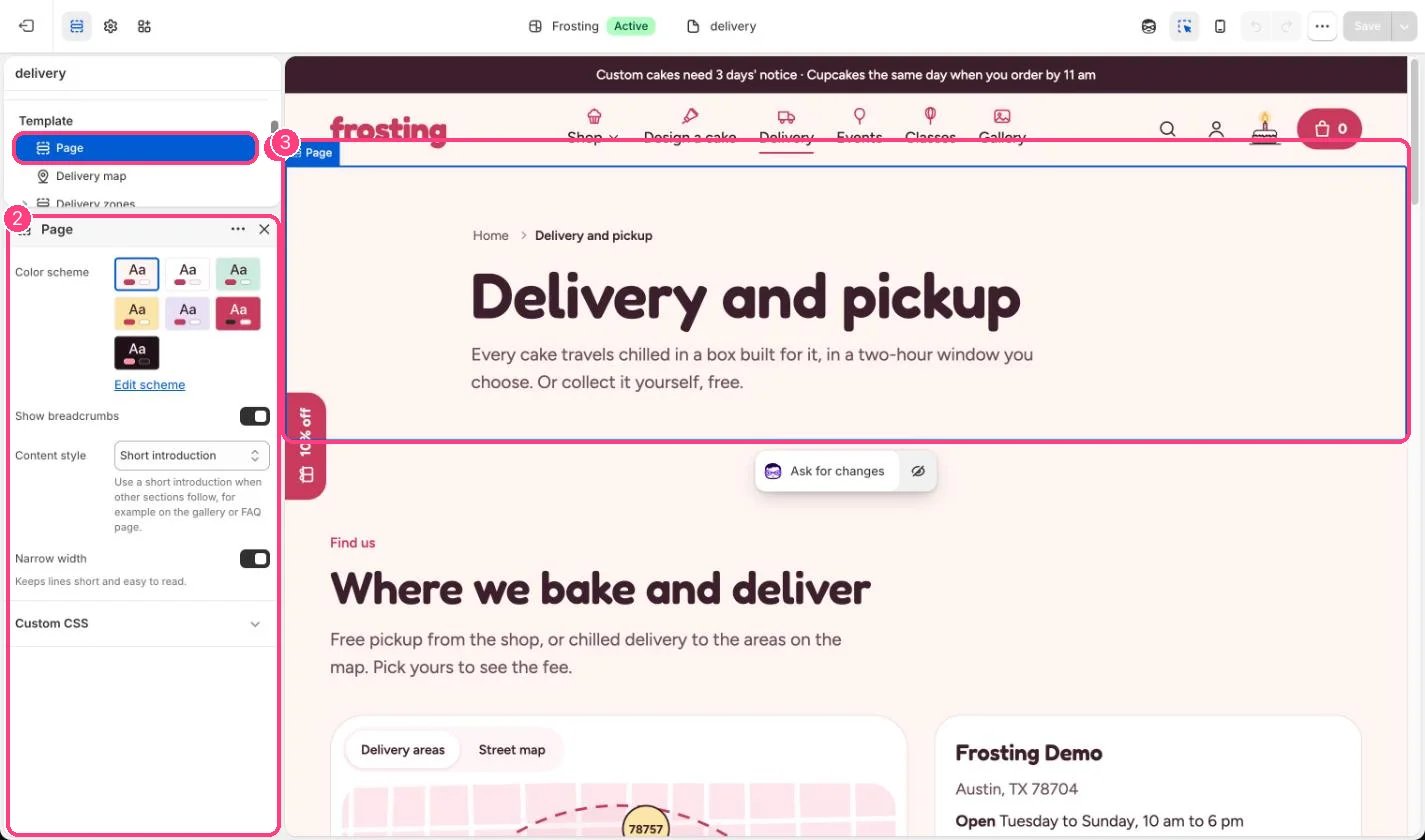
In the theme editor: 1 the section in the sidebar · 2 its settings · 3 the section in the preview
Edit it
- Choose Content style for each template: Long text or Short introduction.
- Write the content in Online Store, Pages.
- Untick Show breadcrumbs to hide the Home trail above the title.