
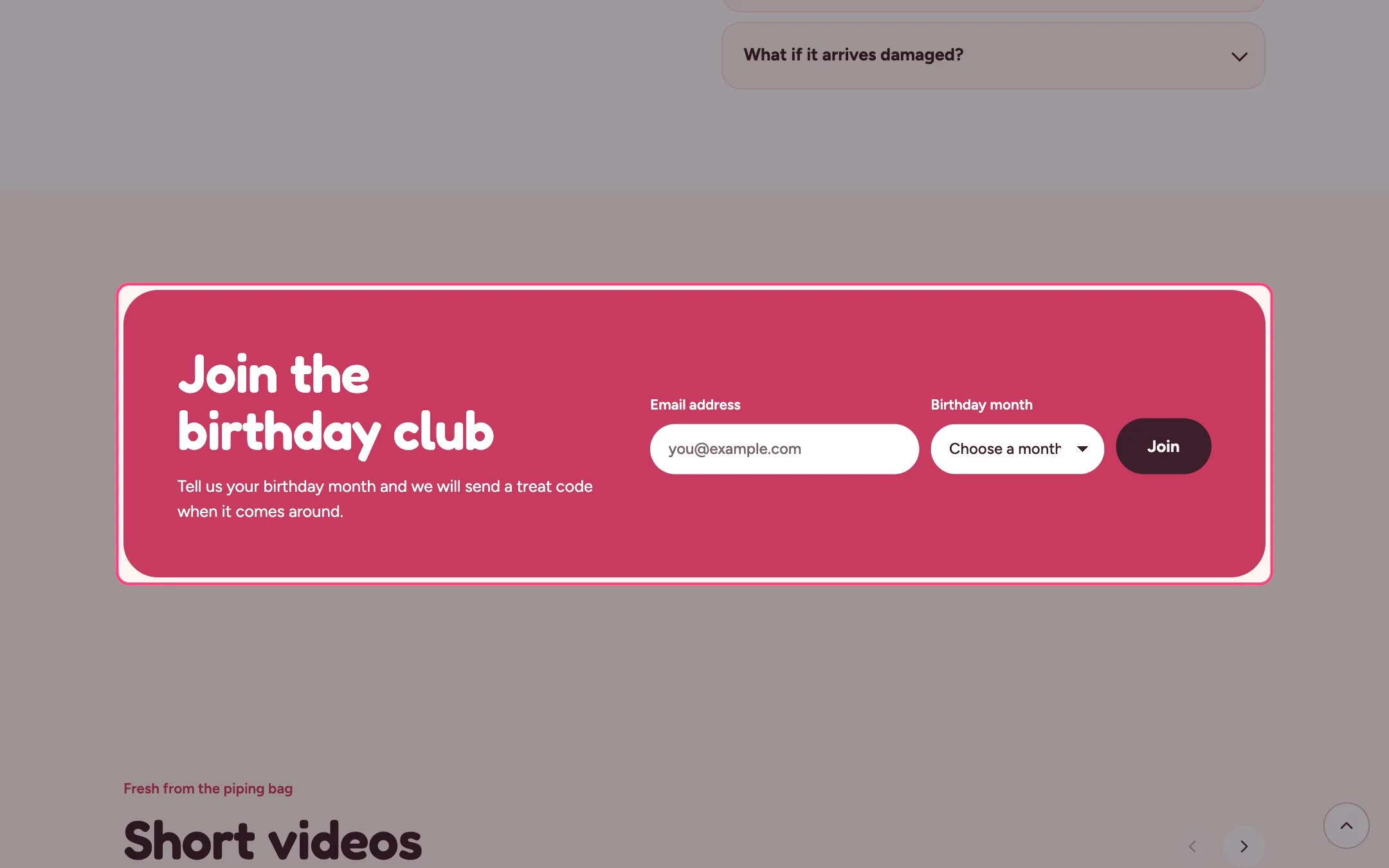
Birthday club sign-up, highlighted on the demo store
Where to find it
Home page. In the theme editor choose Home page, then select Birthday club sign-up. Can be added to any page.How it works
- Sign-ups are saved as customers in Shopify with your Customer tag (default birthday-club).
- The chosen month is added as a second tag, for example birthday-october.
- After a successful sign-up the form is replaced by a thank-you message; errors show next to the email field.
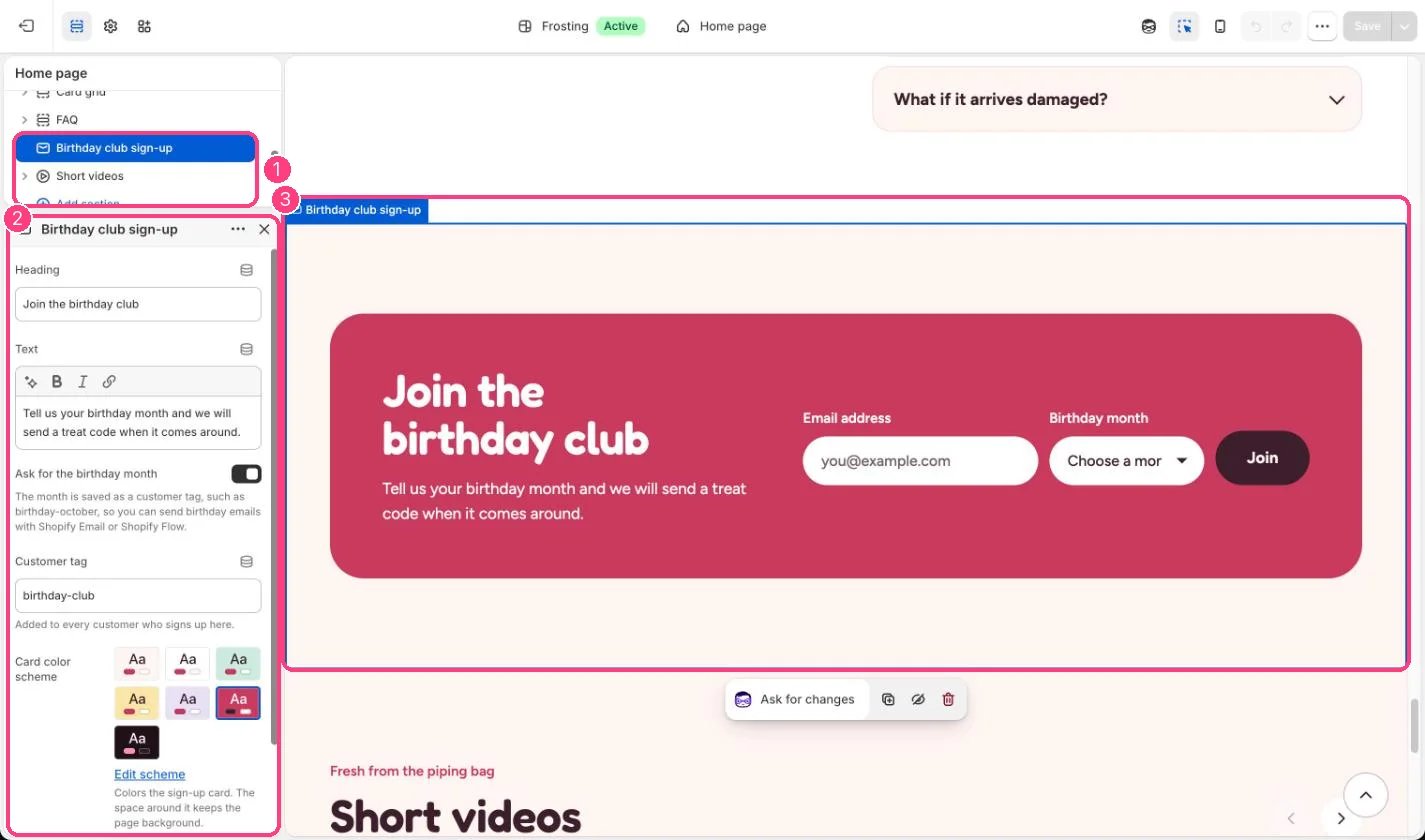
In the theme editor: 1 the section in the sidebar · 2 its settings · 3 the section in the preview
Edit it
- Change the Customer tag if you already use a different one.
- Untick Ask for the birthday month for a plain email sign-up.
- Use the month tags in Shopify Email or Shopify Flow to send birthday emails.