
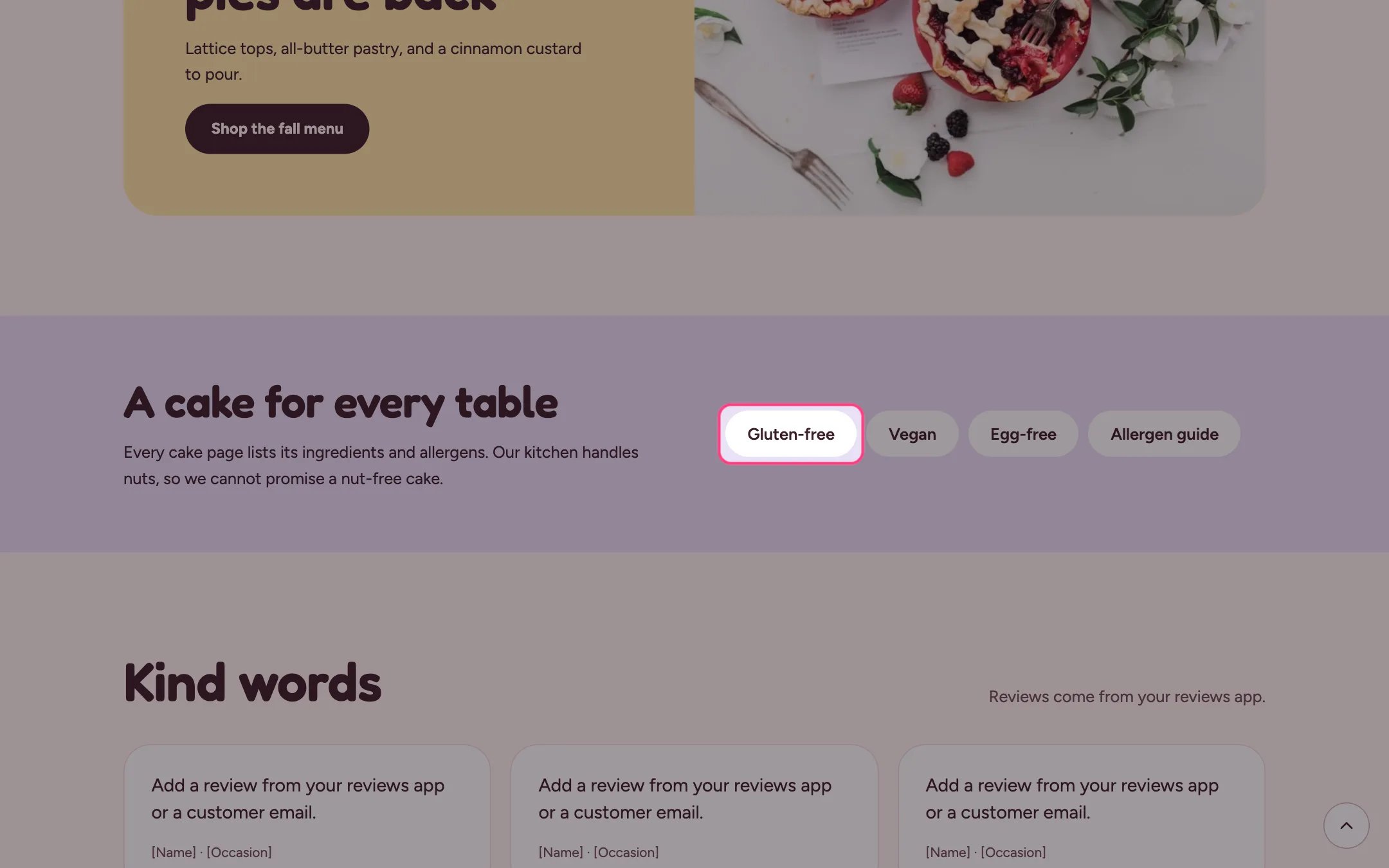
Link pills, highlighted on the demo store
Where to find it
Home page. In the theme editor choose Home page, then select Link pills. Can be added to any page.How it works
- Up to 12 Link blocks, each shown as a pill.
- Blocks with an empty label are skipped.
- The heading and text sit beside the pills on wide screens and above them on phones.
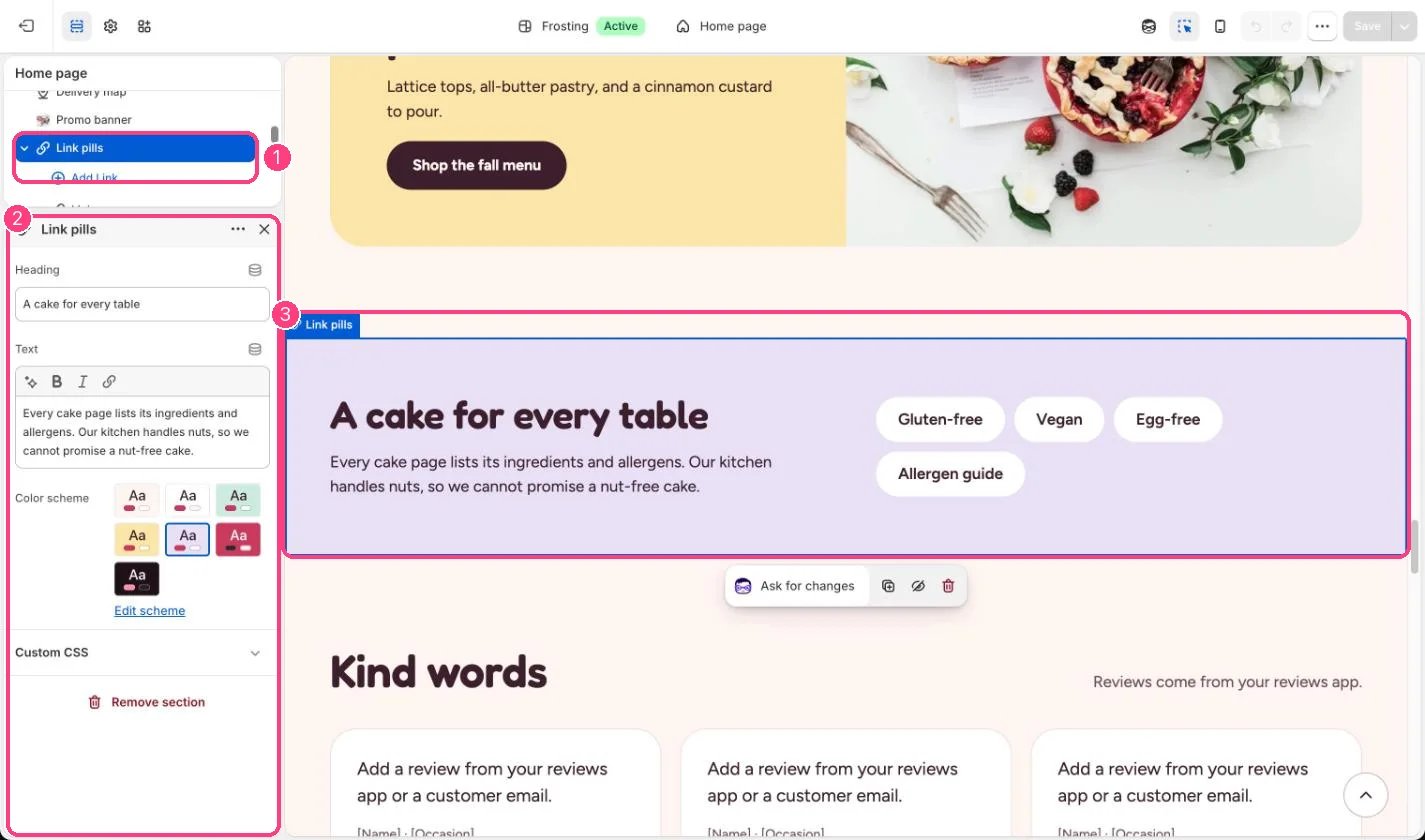
In the theme editor: 1 the section in the sidebar · 2 its settings · 3 the section in the preview
Edit it
- Point each pill at a filtered collection, a tag page or your allergens questions.
- Use the text to say how you handle allergens in your kitchen.
- A pill without a link shows but does nothing, so give every pill a link.