
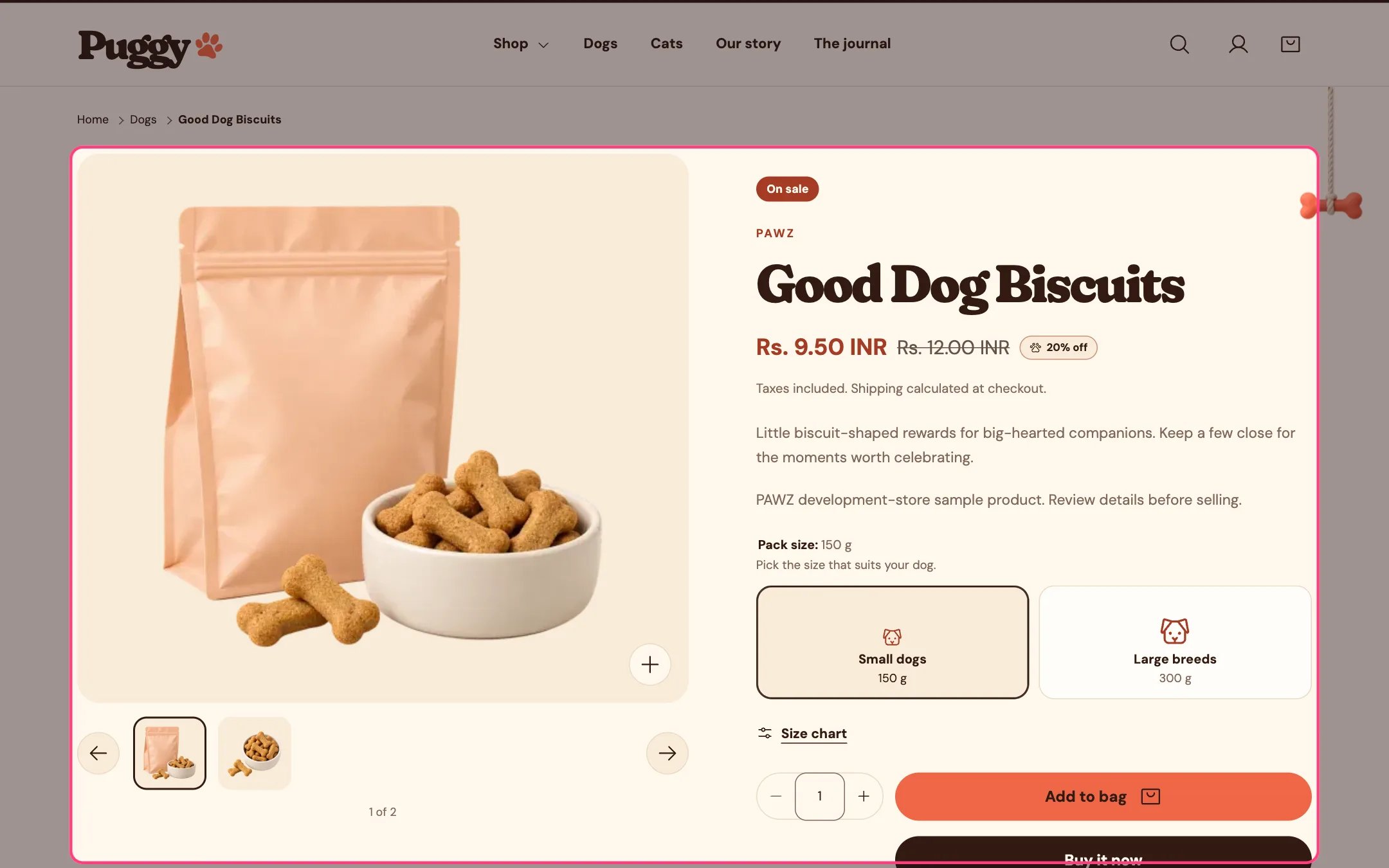
The product information section, where the Back in stock alert block goes
What happens
- A shopper on a sold-out variant enters their email and selects Notify me. Signed-in customers find their email filled in.
- They see a thank-you message.
- Shopify sends you a contact form email tagged
back-in-stock, with the product name, the variant and a link to it.
Settings
Edit the block’s Heading and Text. The other words, such as Notify me, live in Edit default theme content.Good to know
- The theme doesn’t send the restock email for you. Reply to each request when the item is back, or install a back-in-stock app if you want automatic emails.
- A variant that has Continue selling when out of stock turned on is still available, so it shows Pre-order instead of this form.