
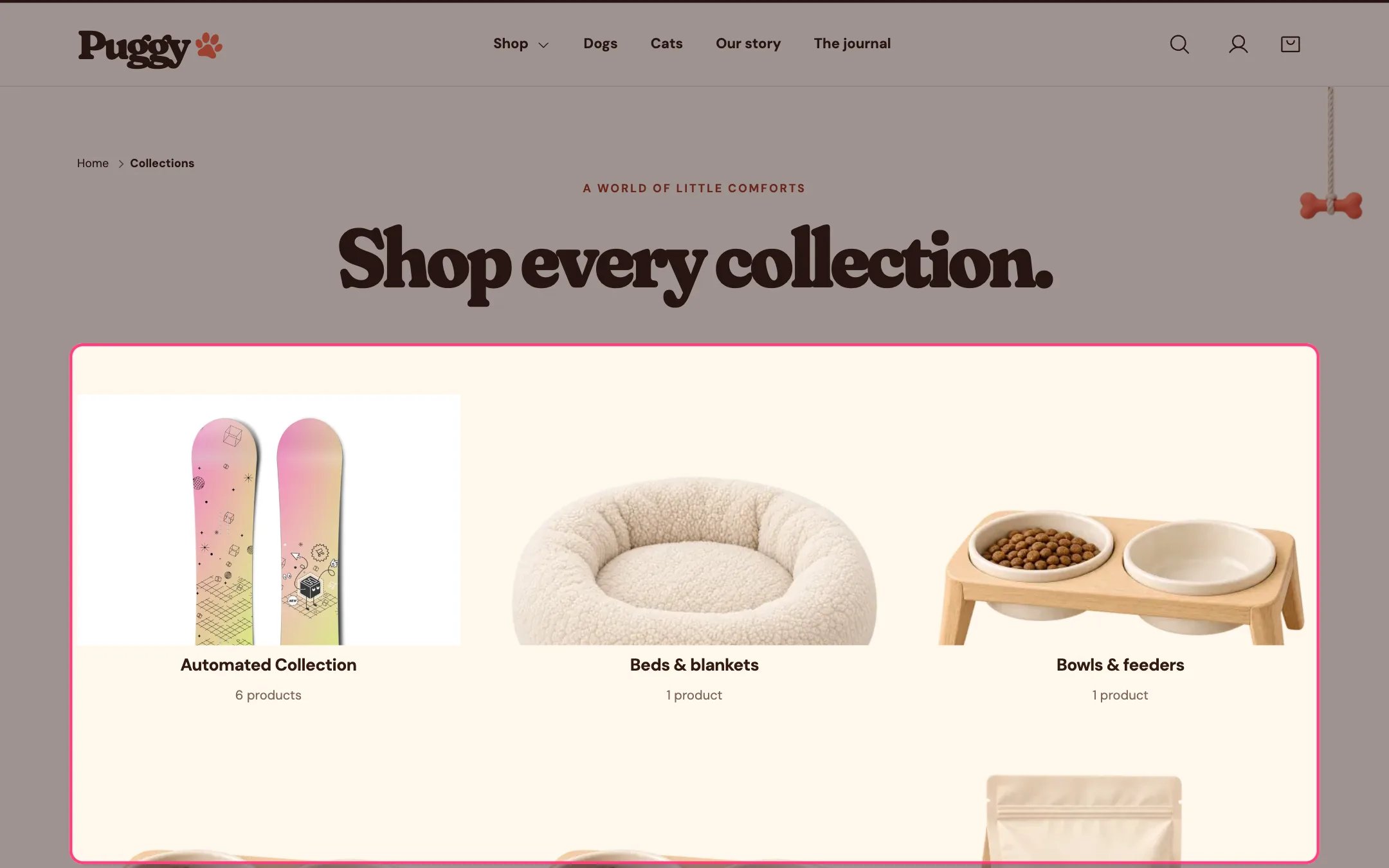
Collection list page, highlighted on the demo store
Where to find it
The collections list page at /collections. Choose Collections list in the top page selector, then select Collection list page.How it works
- Without blocks, every collection is shown, with page numbers when there are more than fit on one page.
- Add Collection blocks to show only the collections you choose, in your order. Up to 24.
- Each card uses the Image override, then the collection image, then the image of the collection’s first product.
- The product count shows under each title when turned on.
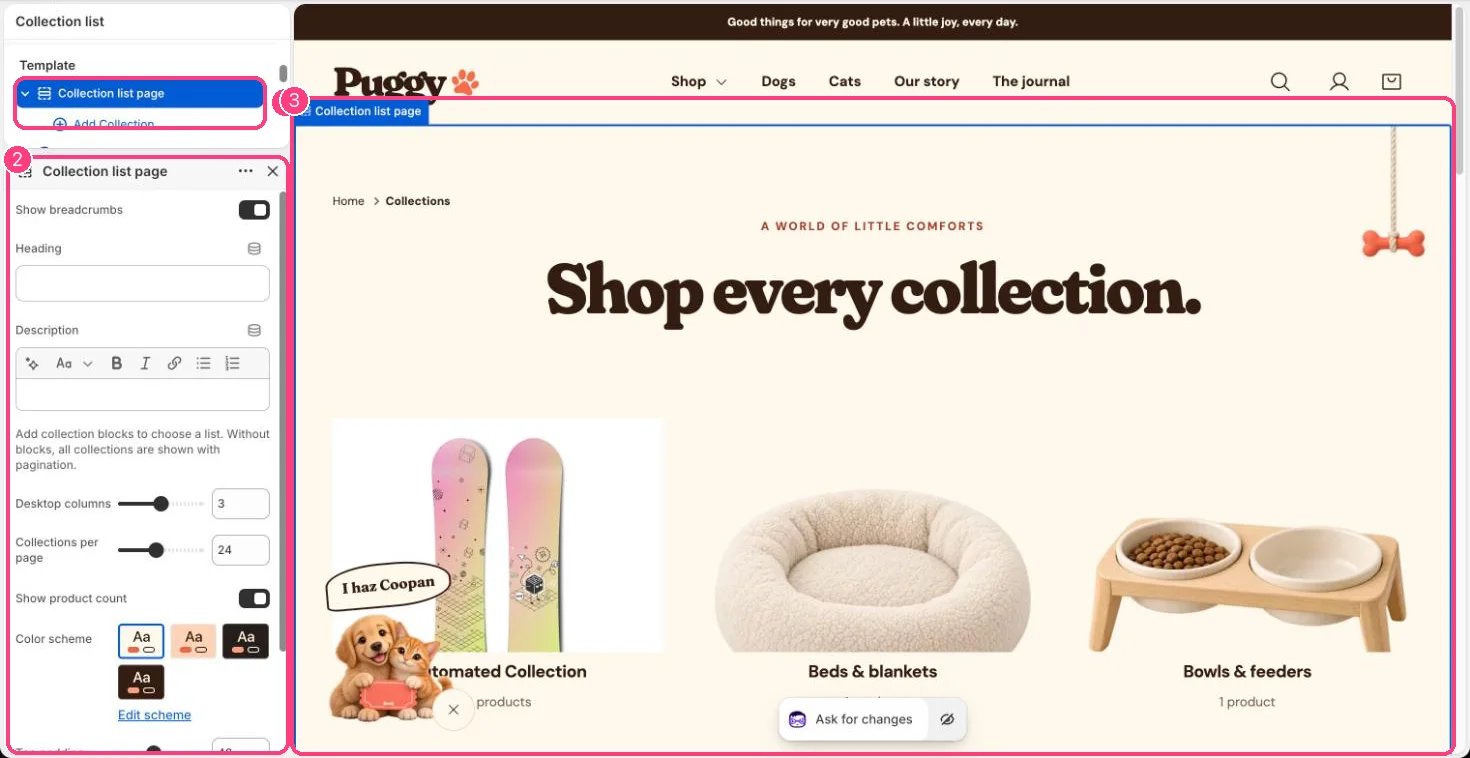
In the theme editor: 1 the section in the sidebar · 2 its settings · 3 the section in the preview
Edit it
- Set Heading and Description. When Heading is blank, the page reads Shop every collection.
- Click Add block > Collection, choose a collection, and optionally add an Image override and Heading override.
- Set Desktop columns (2 to 4), Collections per page (6 to 48), Show product count and Show breadcrumbs.