
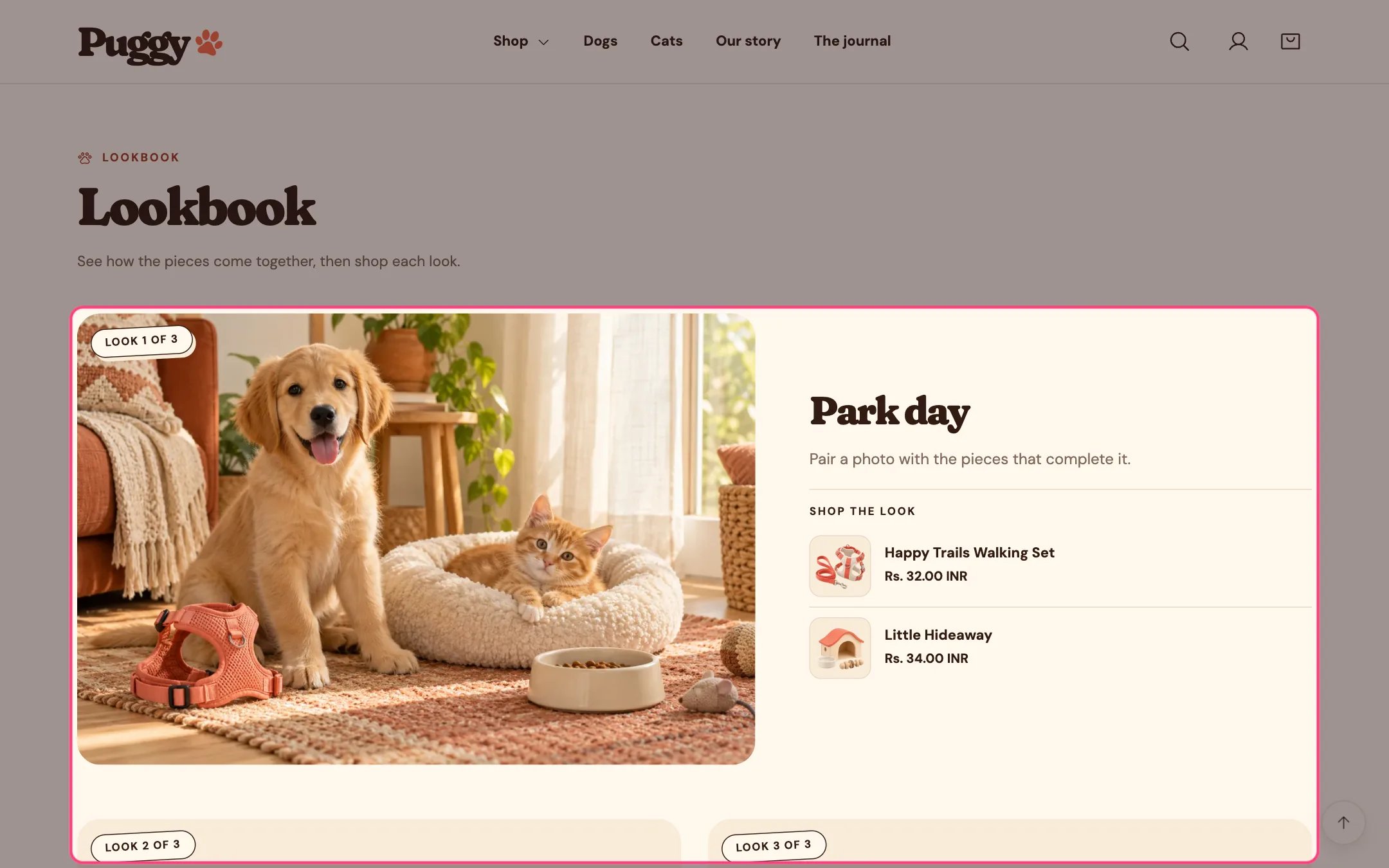
Lookbook, highlighted on the demo store
Where to find it
Not on a default template. Add it to any page with Add section > Lookbook.How it works
- Editorial grid shows the first look large with the others beside or below it. Horizontal scroller places looks side by side with previous and next buttons.
- Each look lists up to three products with image, title, price and a sold out note when needed. Titles link to the product.
- Looks without products show only their title and text.
- A sample photo shows until you choose an image.
- An optional link to a collection appears with the looks.
- Up to 12 looks.
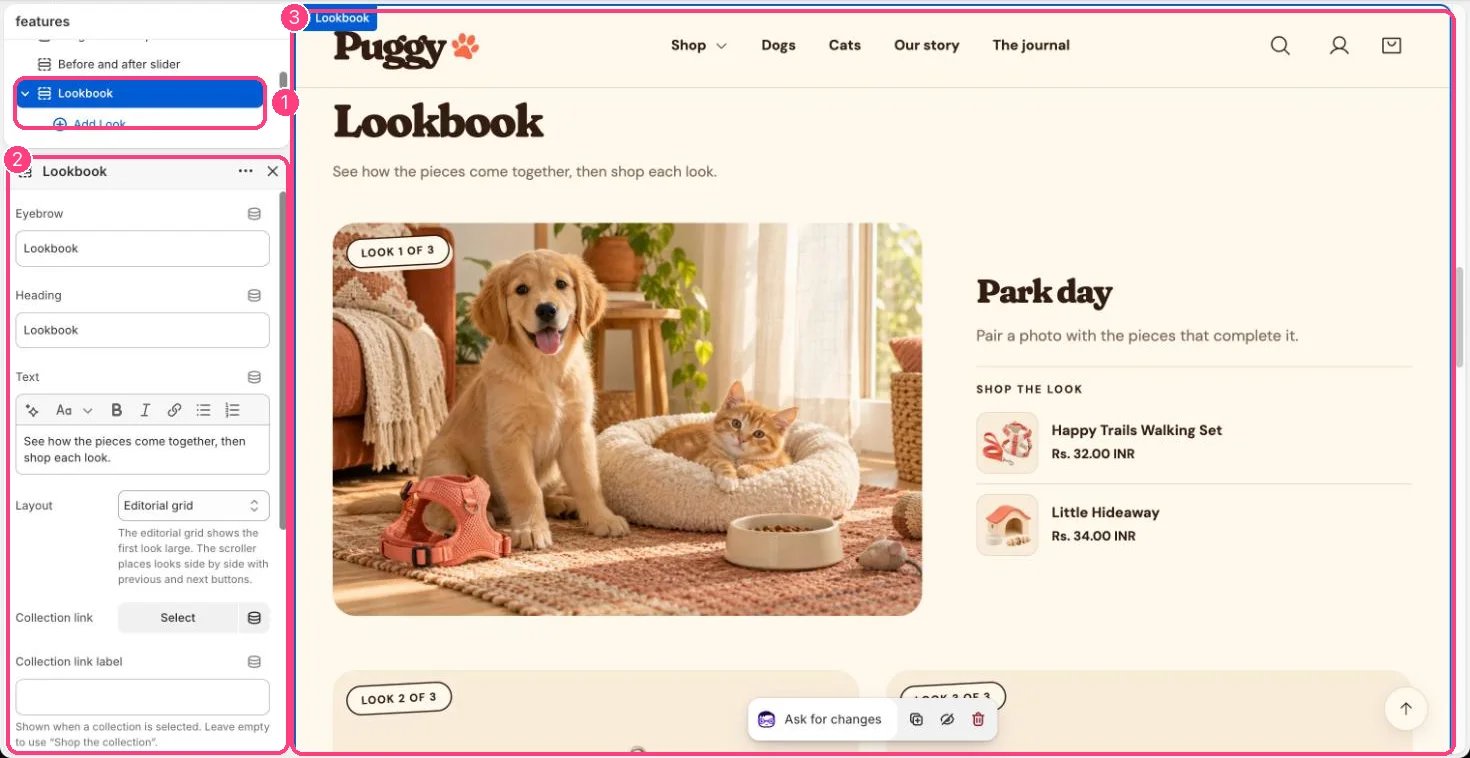
In the theme editor: 1 the section in the sidebar · 2 its settings · 3 the section in the preview
Edit it
- Click Add block > Look, add an Image, Image description, Title and Text, then choose Product 1 to Product 3.
- Choose a Layout: Editorial grid or Horizontal scroller.
- Pick a Collection link and, if you like, a Collection link label (the default is Shop the collection).
Settings
Blocks
Up to 12 blocks. Add a block with Add block under the section in the sidebar; drag blocks to reorder them.Look
Shop the look