
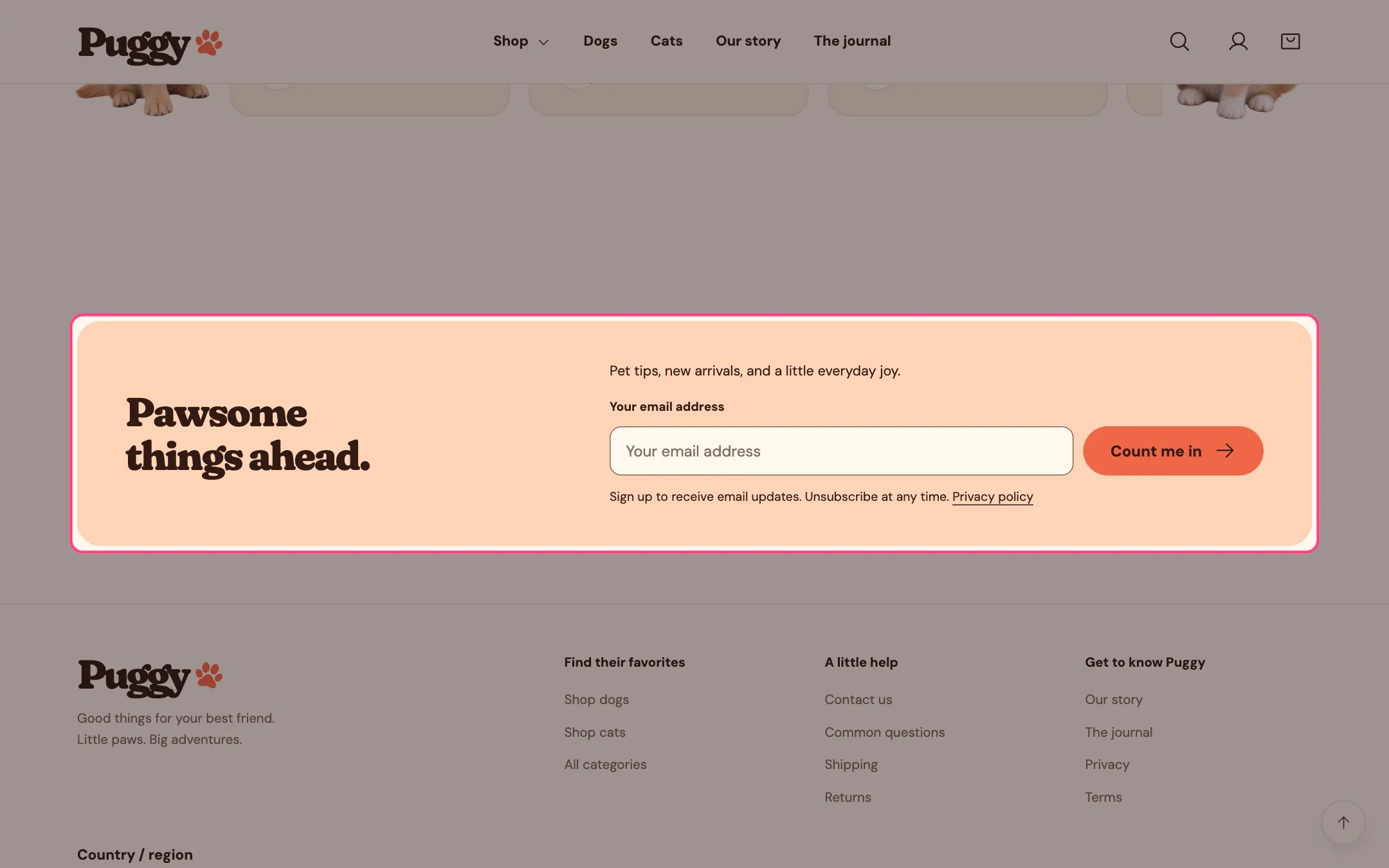
The newsletter sign-up
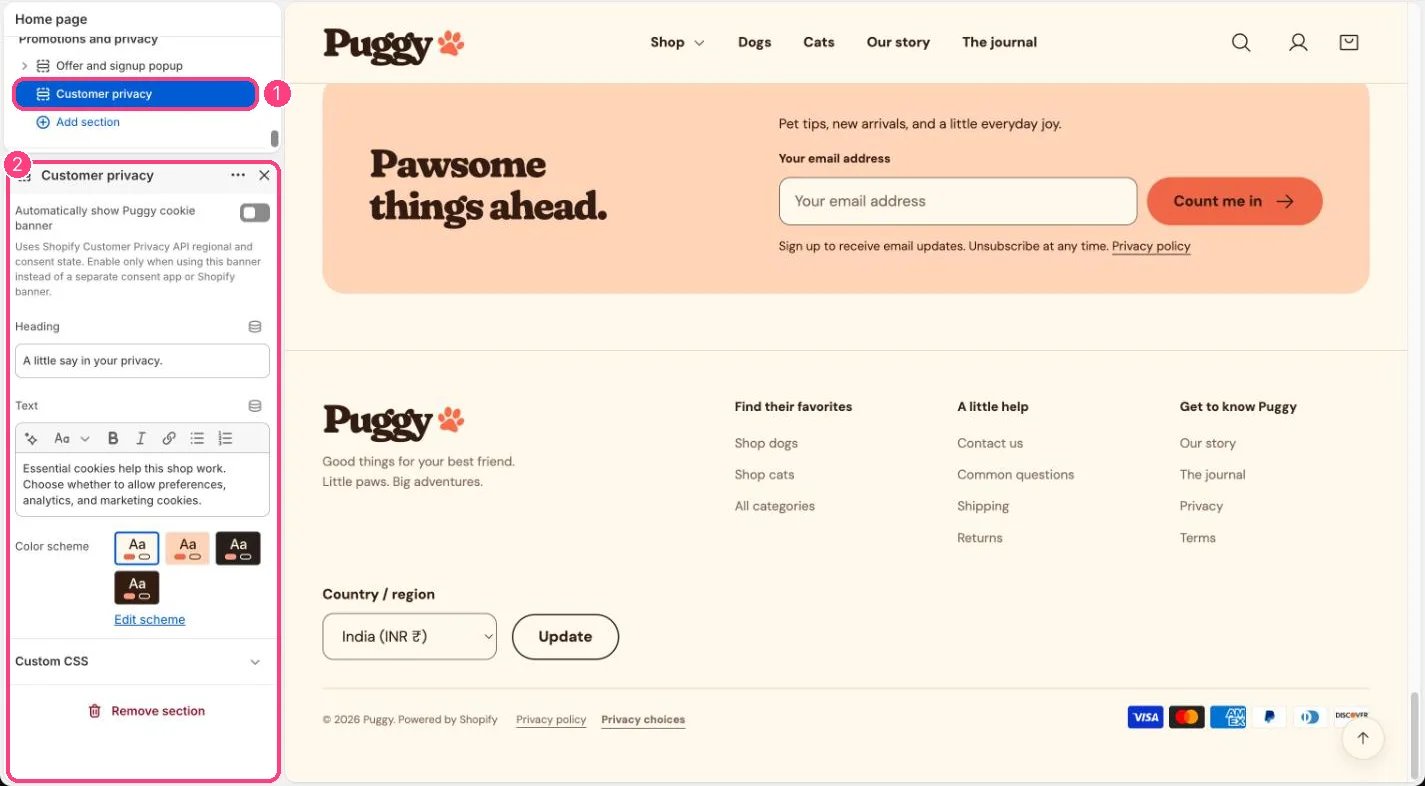
1 Customer privacy · 2 its settings
Puggy’s own forms
These are Shopify’s native forms, so no app is needed. They collect email only. The contact form’s optional phone field is for the inquiry and doesn’t sign anyone up for SMS.
SMS, WhatsApp or multi-field signups with Shopify Forms
- Install Shopify Forms, turn on its app embed in the theme editor and create a form.
- Choose a popup or inline form, the email or phone fields you need and the consent choice for each channel. Email consent needs an email field; SMS and WhatsApp consent need a phone field. Consent for one channel doesn’t cover another.
- Write clear consent text and set up any double opt-in your sending tools require.
- Add an inline form with the Apps section, preview and translate it, then activate it.
- If the form is a popup, turn off Open popup after a delay in Offer and signup popup so shoppers don’t see two popups.
Cookie choices
- Set your cookie banner regions and content in Settings > Customer privacy, and publish a privacy policy.
- Use one banner only: either Shopify’s banner, a consent app, or Puggy’s Customer privacy panel with Automatically show Puggy cookie banner turned on (it starts off).
- The footer’s Privacy choices link reopens the choices at any time.
- Cookie choices are separate from email or SMS marketing permission.