
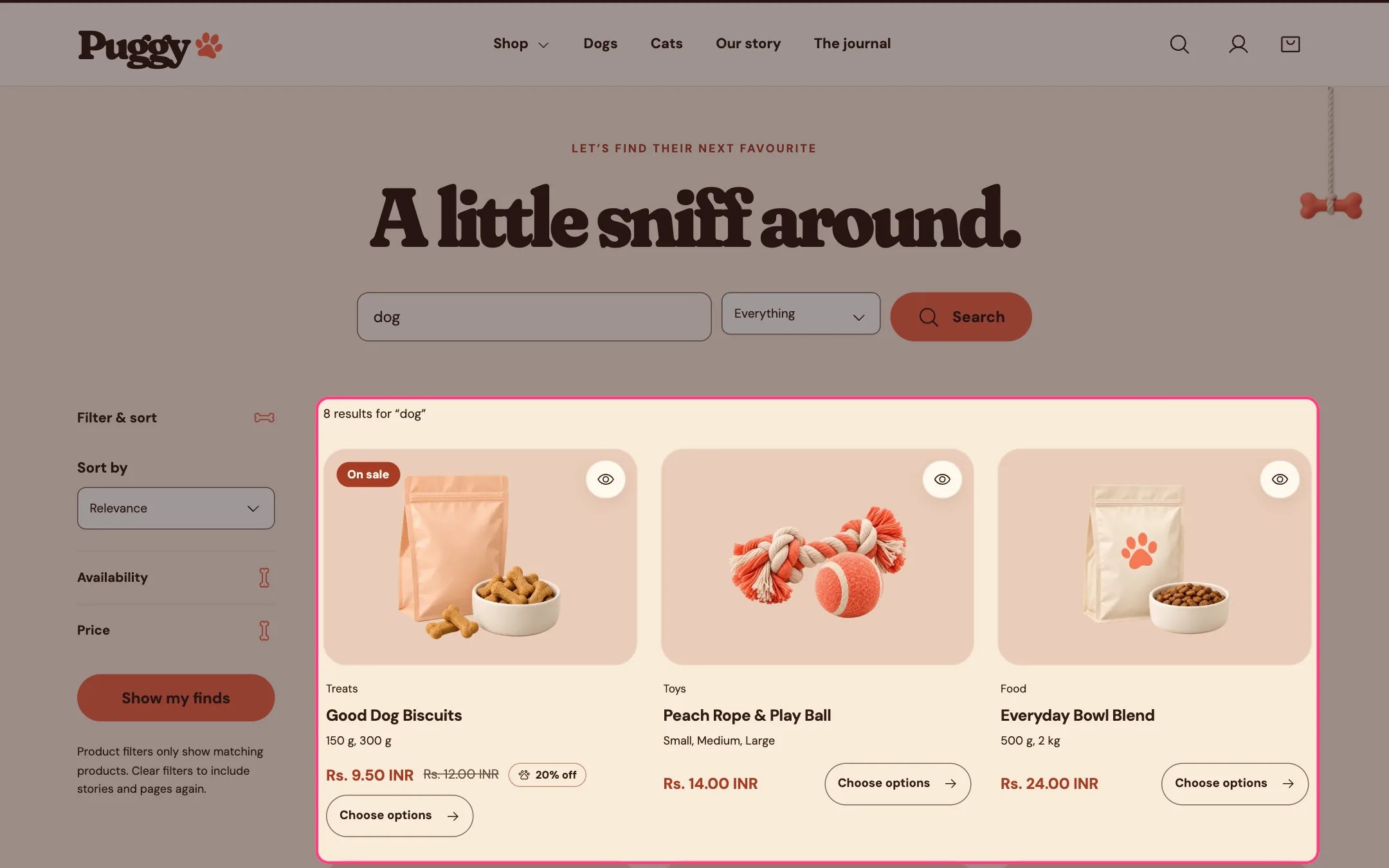
Search results, highlighted on the demo store
Where to find it
The search page. In the theme editor, choose Search in the top page selector, then select Search results.How it works
- Shoppers can search everything, or only Products, Stories (blog articles) or Pages.
- Products show as product cards, articles as story cards and pages as short text cards.
- Product filters and sorting work as on collection pages. While a filter is active only matching products show, and a hint explains how to bring stories and pages back.
- Pagination can be page numbers, Load more or infinite scroll (four automatic pages, then a button).
- No results shows a friendly message with a button to all products. Before a search, a short prompt invites shoppers to start.
- The header search shows instant suggestions while typing; pressing Enter there brings shoppers here.
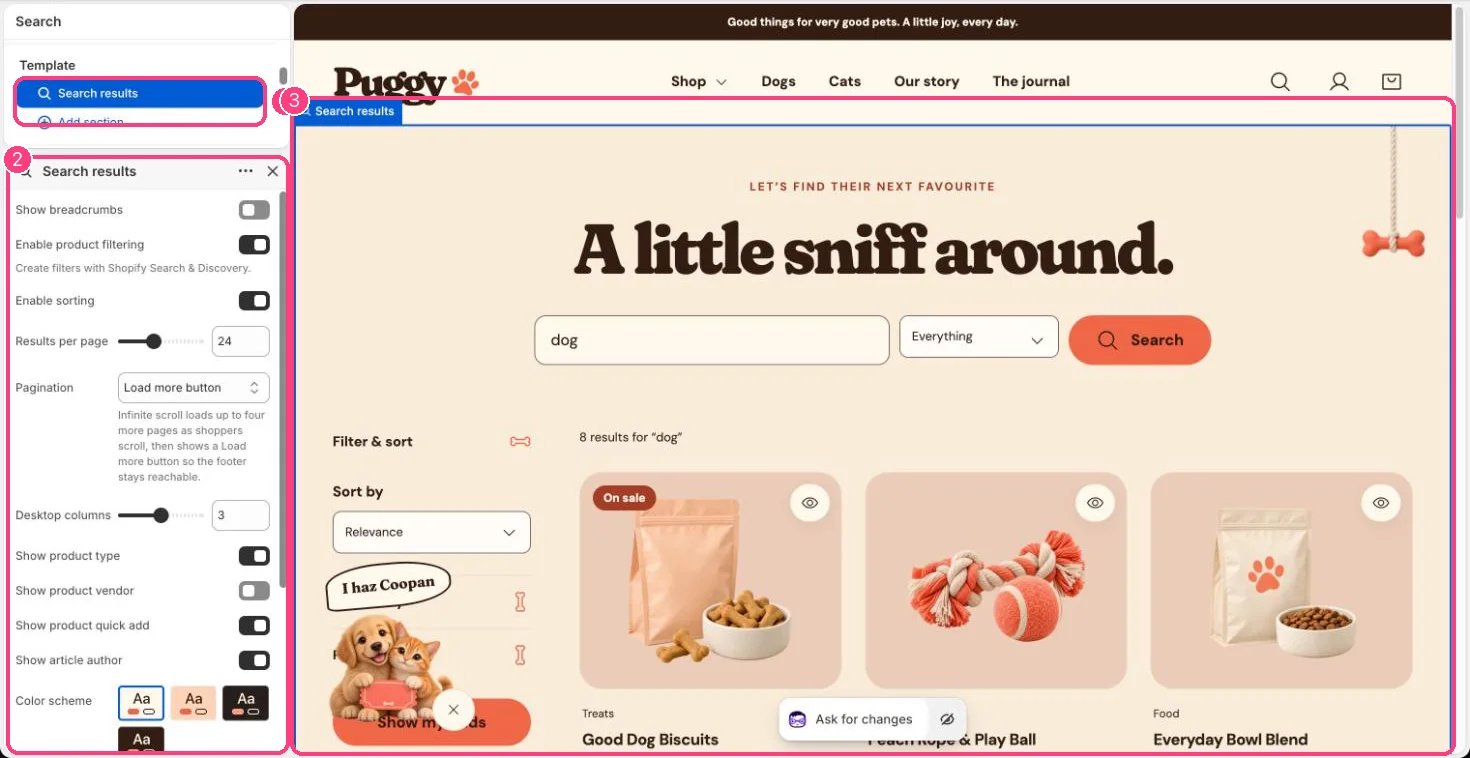
In the theme editor: 1 the section in the sidebar · 2 its settings · 3 the section in the preview
Edit it
- Set Results per page (8 to 48), Desktop columns (2 to 4) and Pagination.
- Turn Enable product filtering and Enable sorting on or off. Filters are created in the Shopify Search & Discovery app.
- Turn Show product type, Show product vendor, Show product quick add and Show article author on or off.
- Show breadcrumbs is off by default; turn it on if you want Home > Search above the results.