
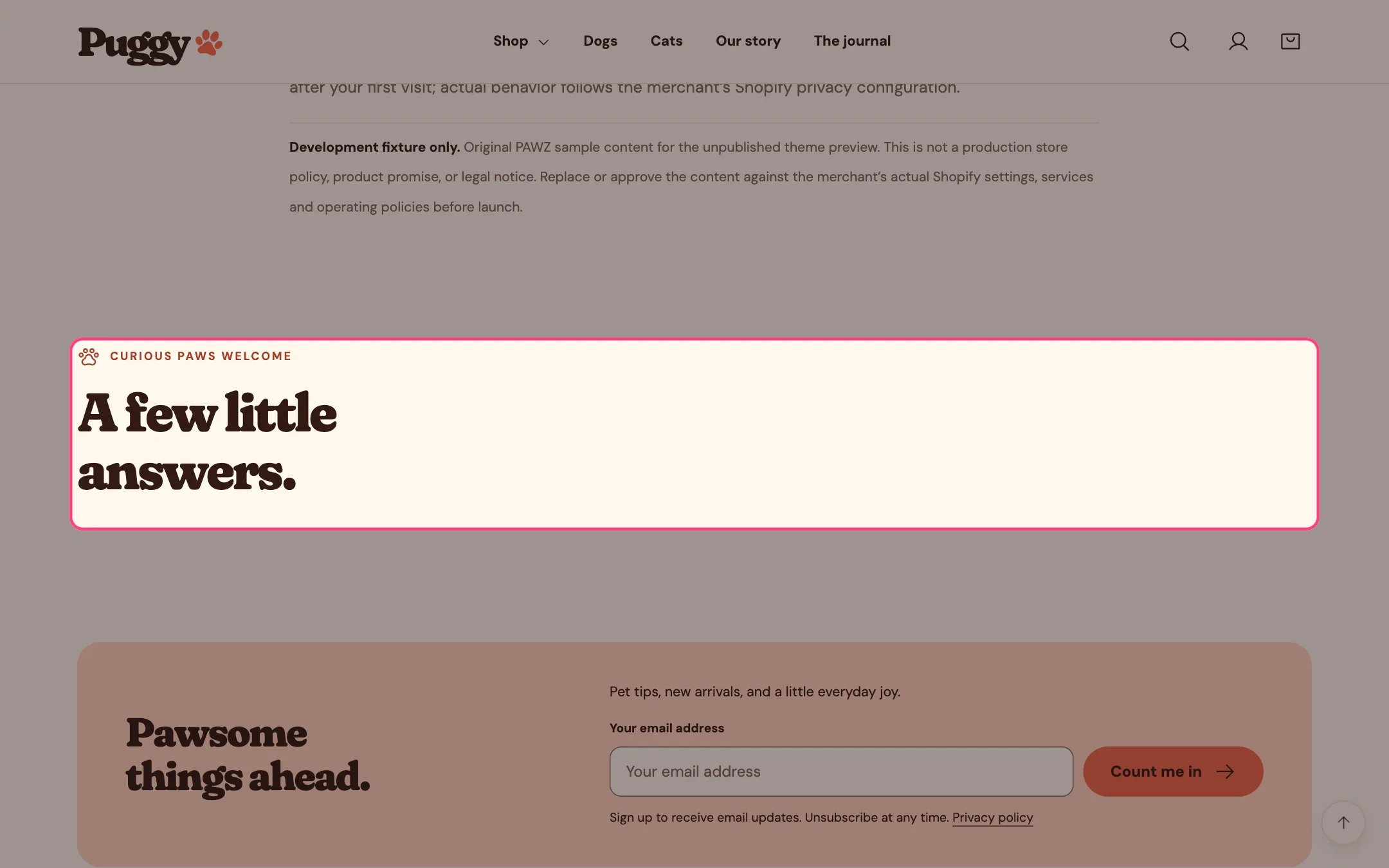
FAQ, highlighted on the demo store
Where to find it
The FAQ page, below the page content. Assign the faq template to your FAQ page in Online Store > Pages, then choose Pages > faq in the top page selector and select FAQ. Add it to any page with Add section > FAQ.How it works
- Each Question block is a closed row with a bone icon that opens when selected. Several can be open at once.
- Works with the keyboard: Tab to a question and press Enter or Space.
- The heading and introduction sit beside the questions on desktop and above them on phones.
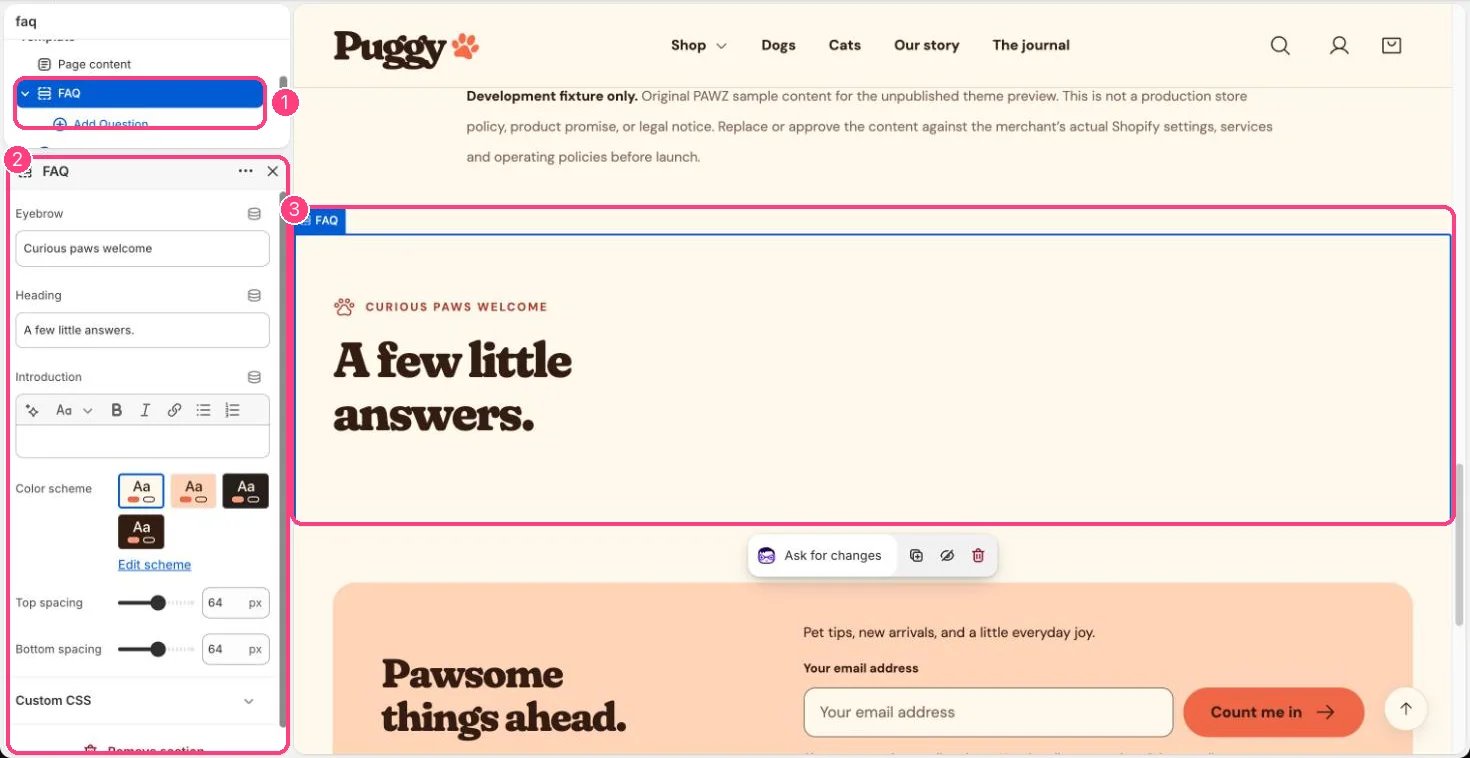
In the theme editor: 1 the section in the sidebar · 2 its settings · 3 the section in the preview
Edit it
- Click Add block > Question and write the Question and Answer.
- Edit Eyebrow, Heading and Introduction, and drag questions to reorder them.
- Keep answers in line with your real shipping, returns and other policies.