
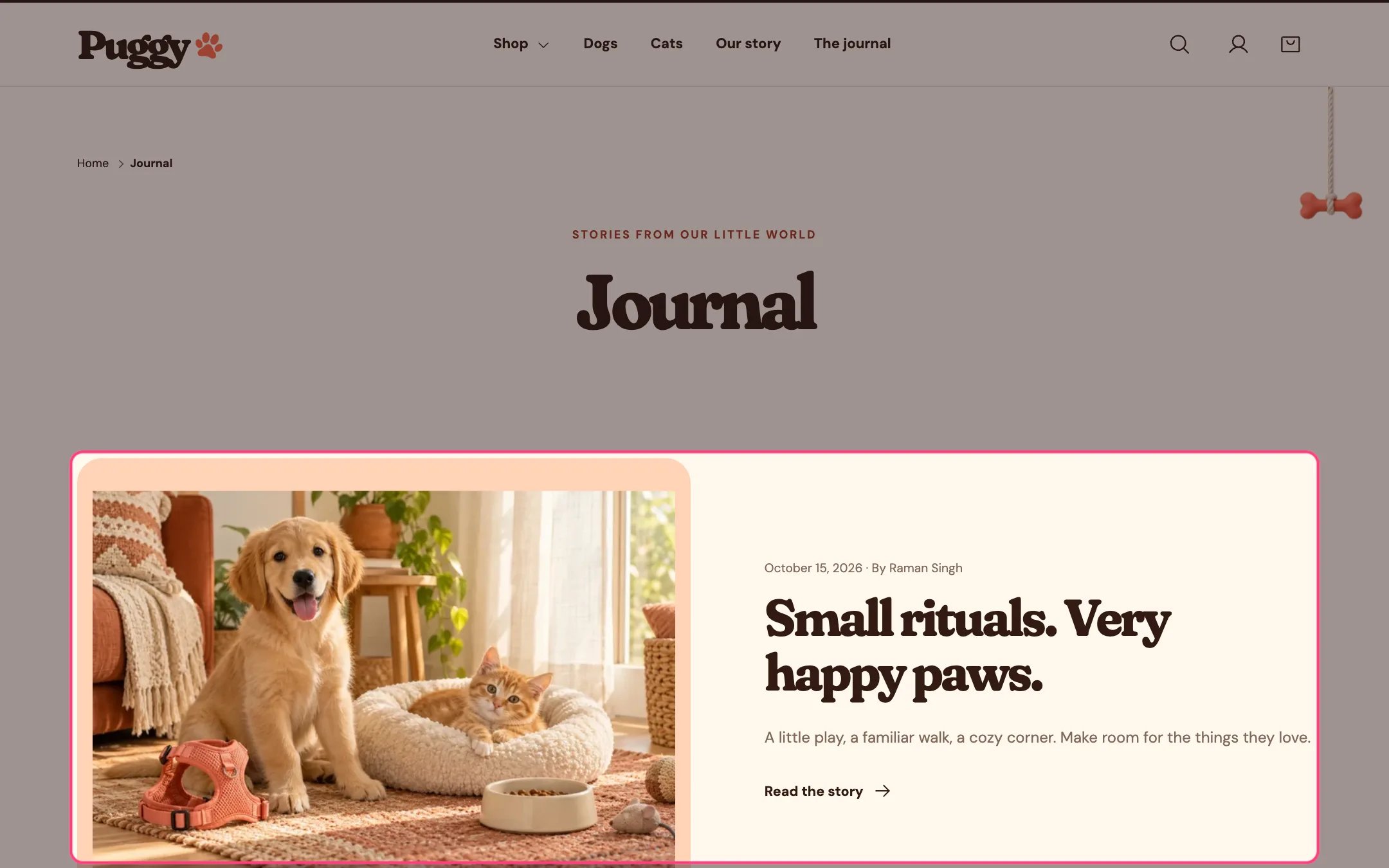
Blog articles, highlighted on the demo store
Where to find it
Blog pages. Choose Blogs > Default blog in the top page selector, then select Blog articles.How it works
- Shows the blog title, an optional introduction and tag links (All stories plus one per tag).
- Article cards show the featured image, date, author, an excerpt (or the start of the article) and a Read the story link.
- Selecting a tag shows only matching articles, and the tag name appears beside the title.
- When there are no articles, a short message appears.
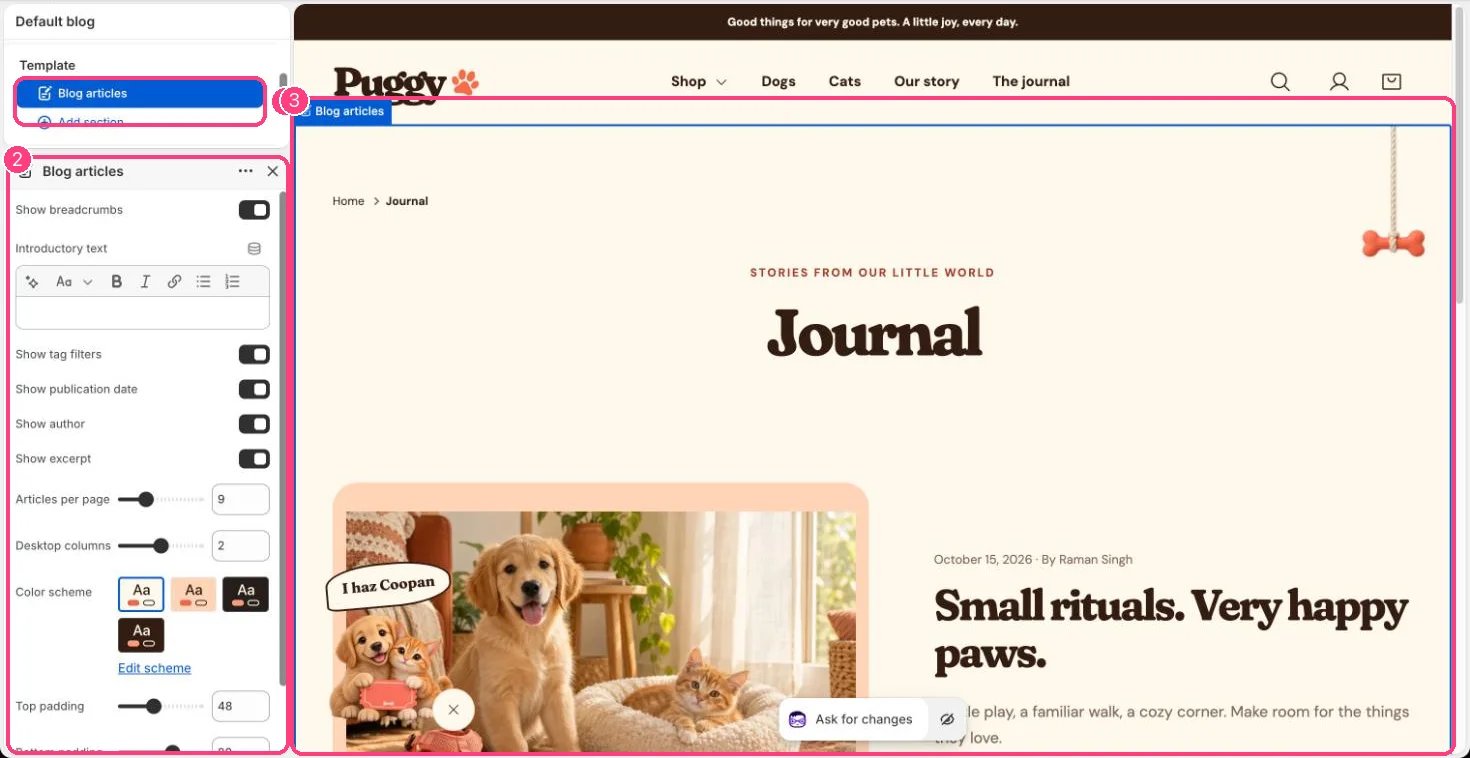
In the theme editor: 1 the section in the sidebar · 2 its settings · 3 the section in the preview
Edit it
- Set Articles per page (3 to 24) and Desktop columns (1 to 3).
- Turn Show tag filters, Show publication date, Show author, Show excerpt and Show breadcrumbs on or off.
- Add an Introductory text if you like.
- Write articles, excerpts and tags and add featured images in Shopify admin under Online Store > Blog posts.