
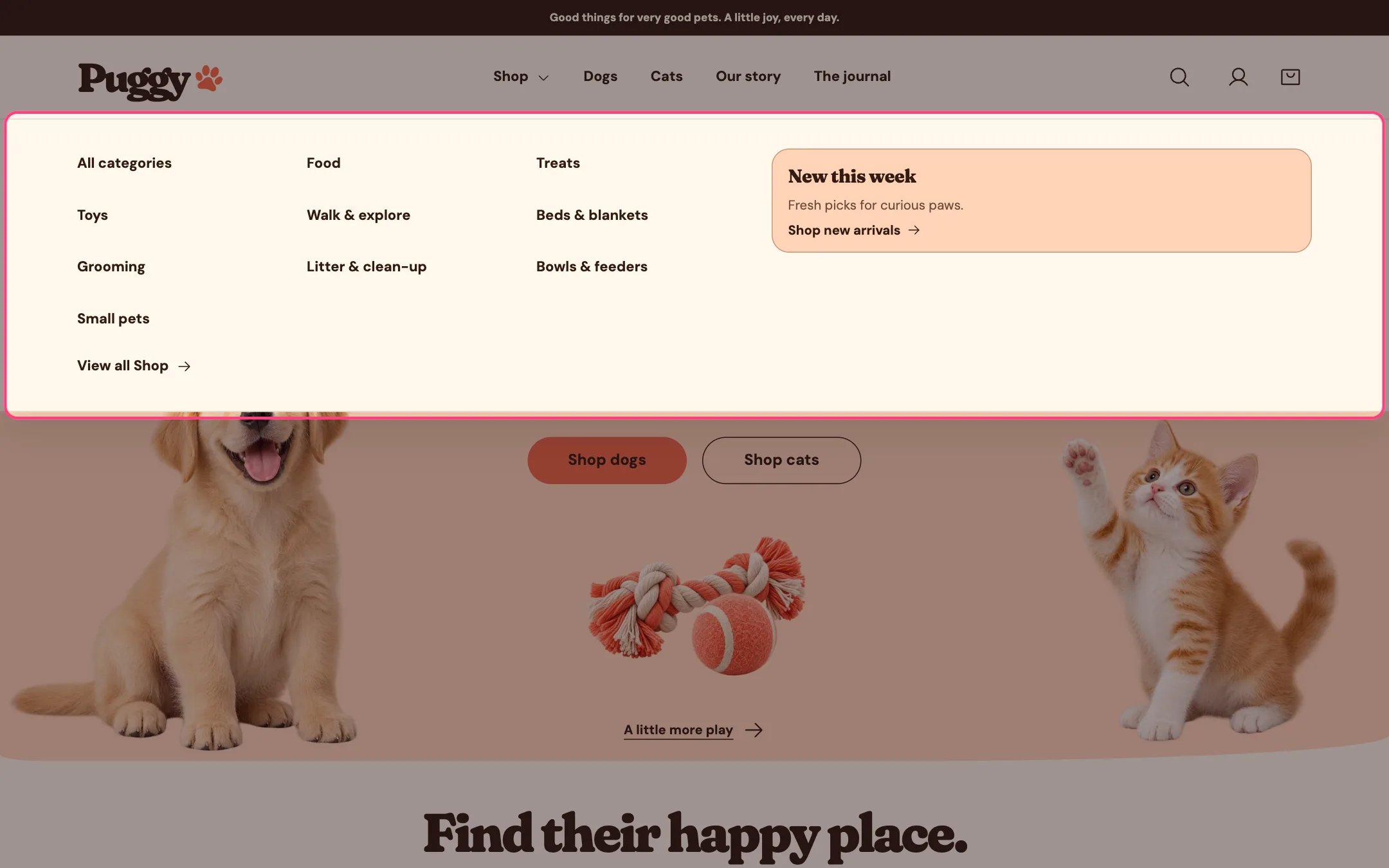
The mega menu
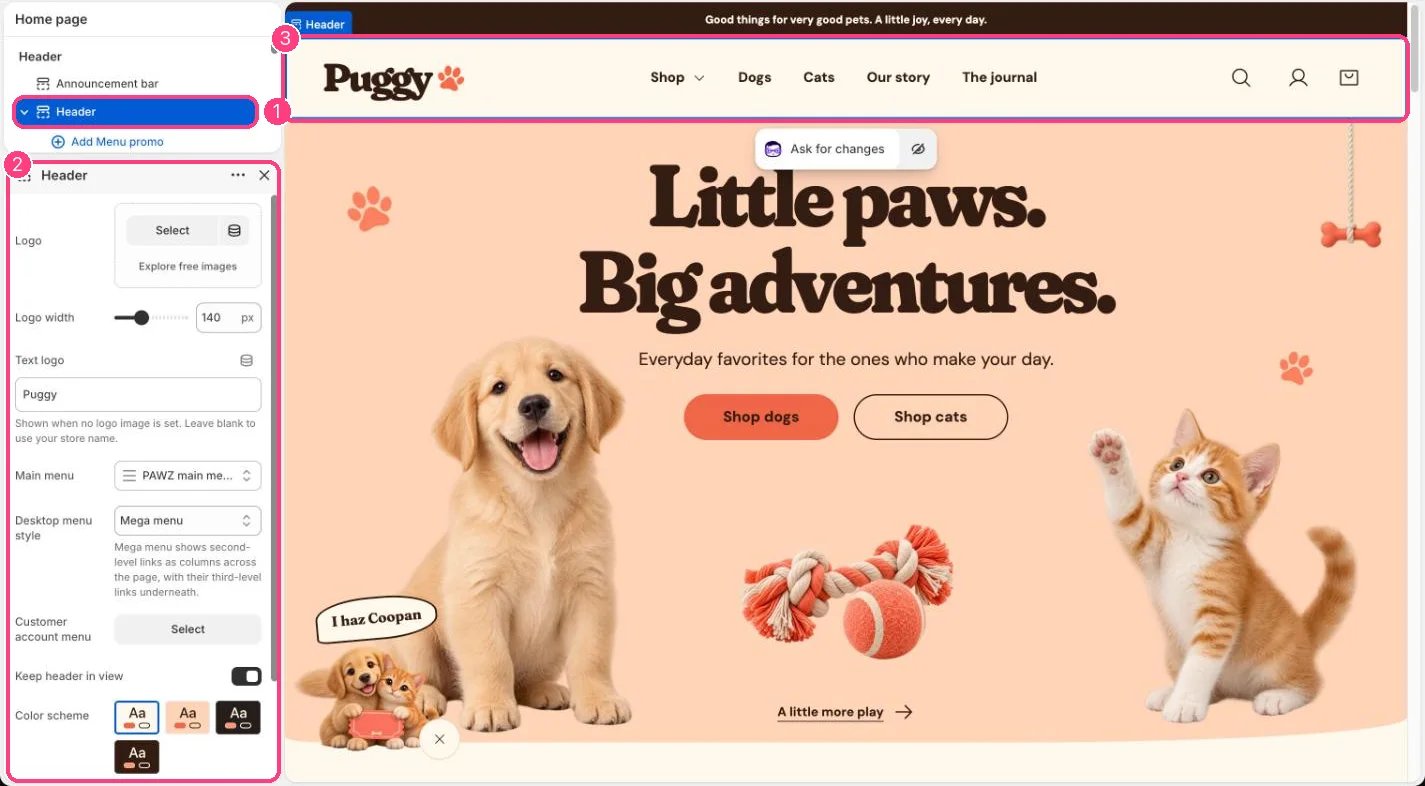
1 the Header section · 2 Desktop menu style and Menu promo blocks
Build the menu
In Shopify admin, go to Content > Menus and build your main menu. Puggy shows up to three levels: drag a link under another to nest it. Then, in the theme editor, select Header and choose it in Main menu.Choose a style
- Dropdown: selecting a top-level item opens a list that starts with View all and shows third-level links indented below their parent.
- Mega menu: selecting a top-level item opens a full-width panel. Second-level links become column headings with their third-level links underneath, and a View all link sits at the end.
Add a menu promo
- Select Header, then click Add block > Menu promo (up to 4).
- In Menu item, type the title of a top-level menu item that has links under it, for example Shop. Capital letters and extra spaces don’t matter, but the words must match.
- Add an Image (optional), Heading, Text, Link label, Link and Color scheme. Without a Link, the promo goes to the menu item’s own link.