
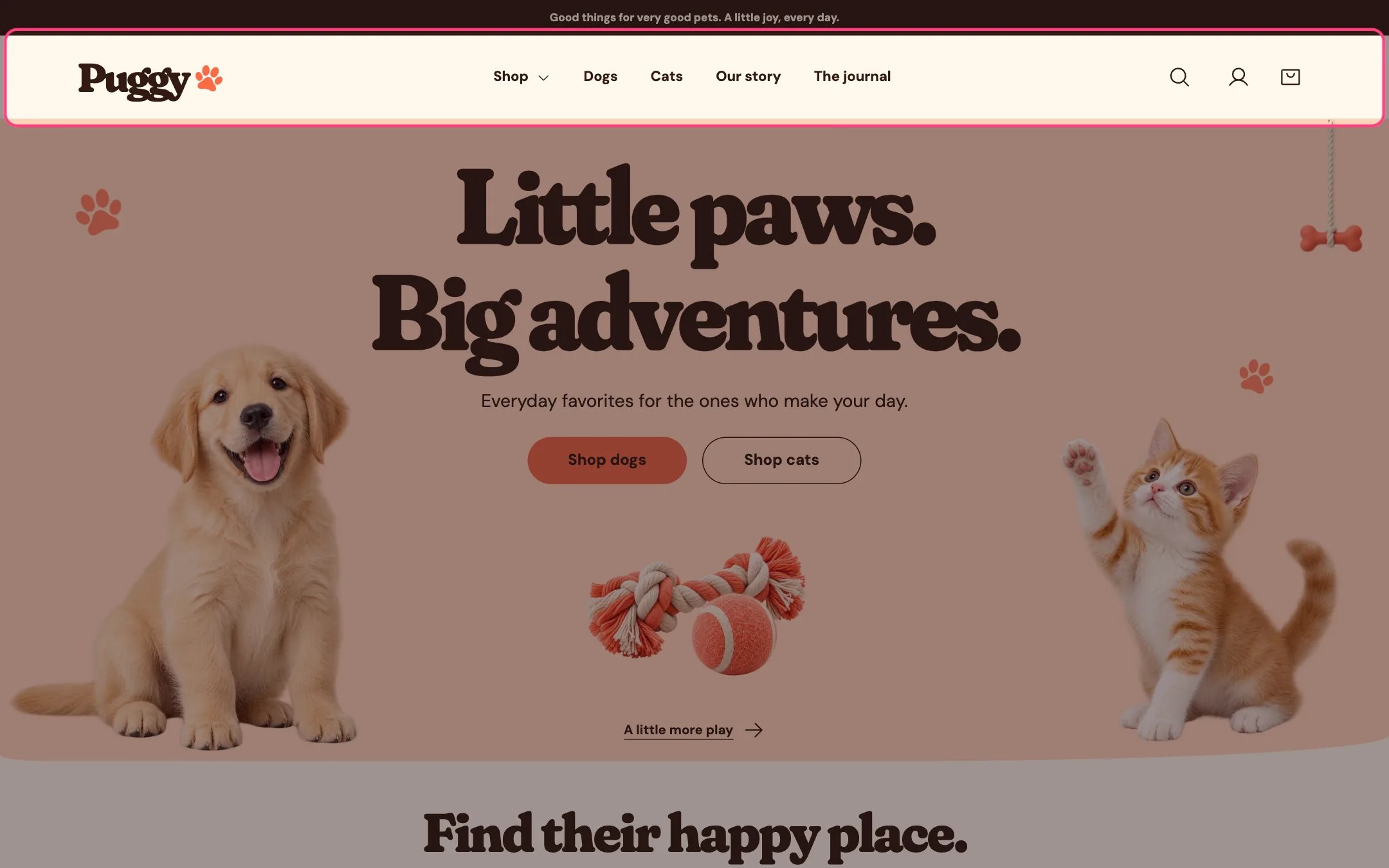
The account icon in the header opens sign in
Show the account icon
In Shopify admin, go to Settings > Customer accounts and turn accounts on. A person icon then appears in the header on desktop and on phones. Shopify’s account button handles sign-in, including Sign in with Shop where available, and shows the shopper’s account links once they’re signed in.Add your own account links
Create a menu in Content > Menus, for example with Order tracking or Returns, then choose it in Header > Customer account menu.Good to know
- The look of the account pages is managed by Shopify in your admin, not in the theme.
- Puggy is built for Shopify’s current customer accounts and doesn’t include templates for legacy (classic) account pages.
- Signed-in customers find their name and email filled in on the contact form, and their email filled in on back in stock alerts.