
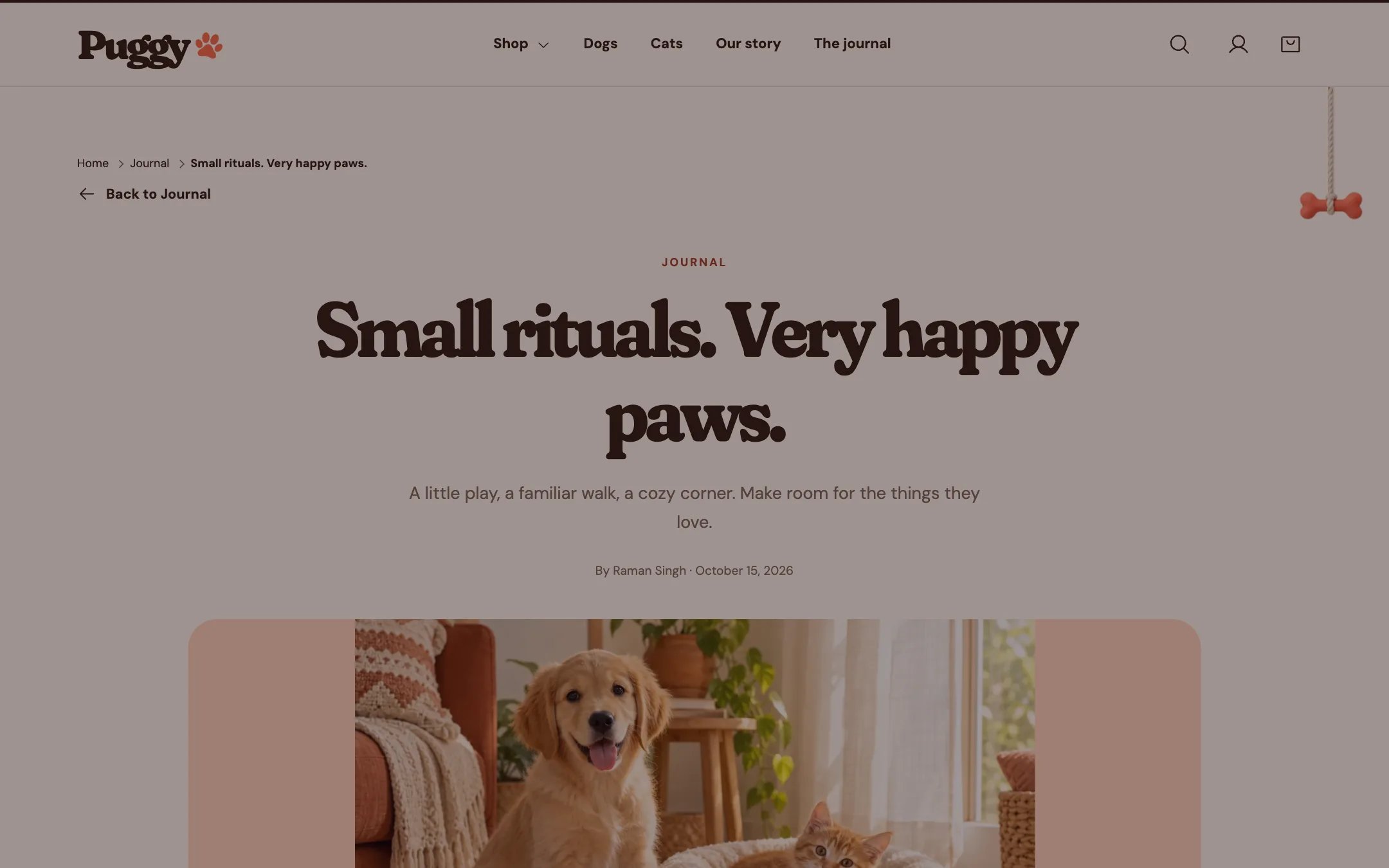
Article, highlighted on the demo store
Where to find it
Blog posts. Choose Blog posts > Default blog post in the top page selector, then select Article.How it works
- A link at the top leads back to the blog.
- The table of contents is built from the article’s Heading 2 and Heading 3 titles and appears when there are at least two.
- Paw formatting adds paws to headings, list items and quotes.
- The author box shows the article’s author name with the image, biography and website you set. Without an image it shows the author’s first initial.
- Previous story and Next story links appear when the blog has other articles.
- Comments appear when they are turned on for the blog, ten per page. On moderated blogs, commenters are told their note appears after approval.
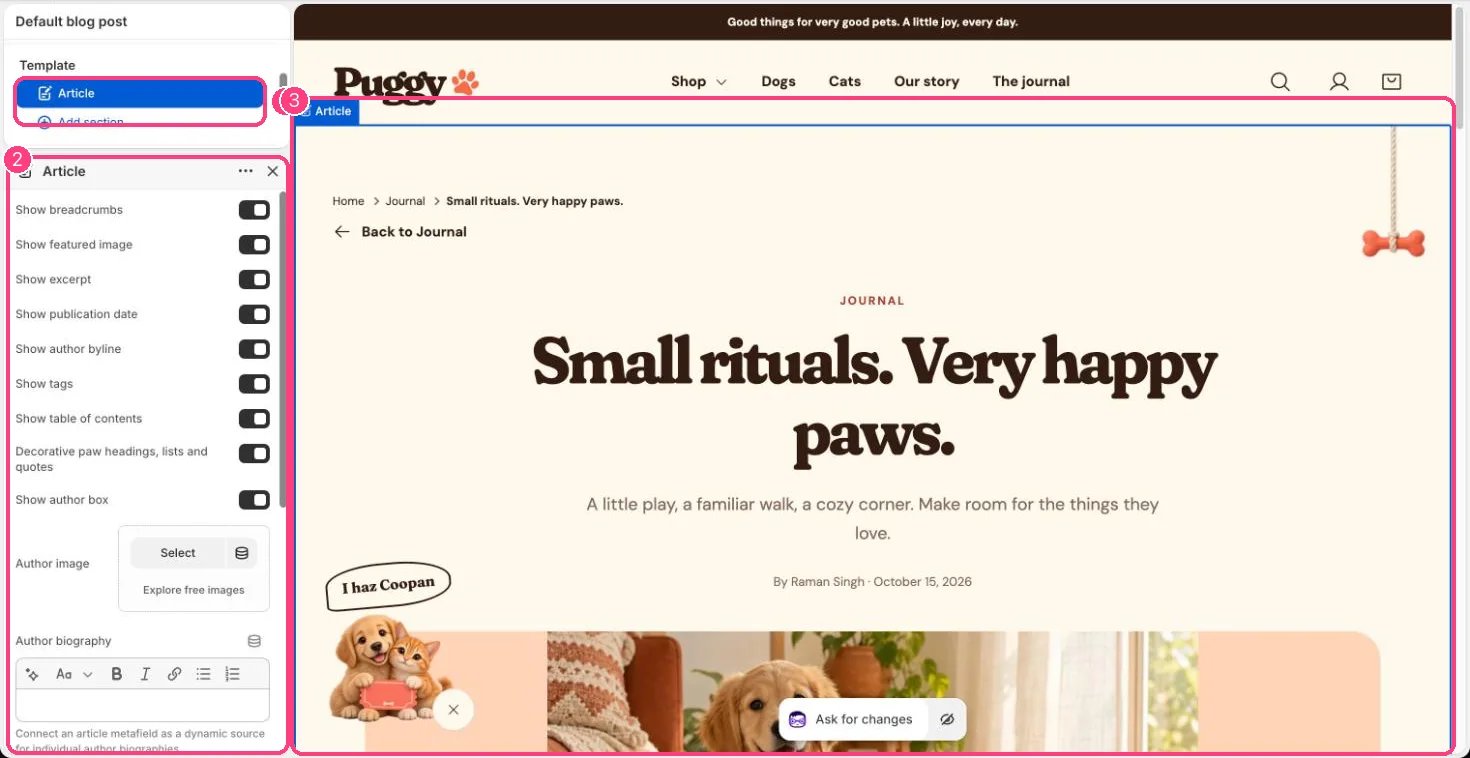
In the theme editor: 1 the section in the sidebar · 2 its settings · 3 the section in the preview
Edit it
- Turn Show featured image, Show excerpt, Show publication date, Show author byline, Show tags, Show table of contents and Show breadcrumbs on or off.
- Use Heading 2 and Heading 3 in the article editor to build the table of contents.
- Set Author image, Author biography, Author website and Author website link label. To show a different author per article, connect article metafields as dynamic sources.
- Turn comments on or off for the blog in Online Store > Blog posts > Manage blogs.
Settings
Without dynamic sources, the author box settings are the same on every article that uses this template.