
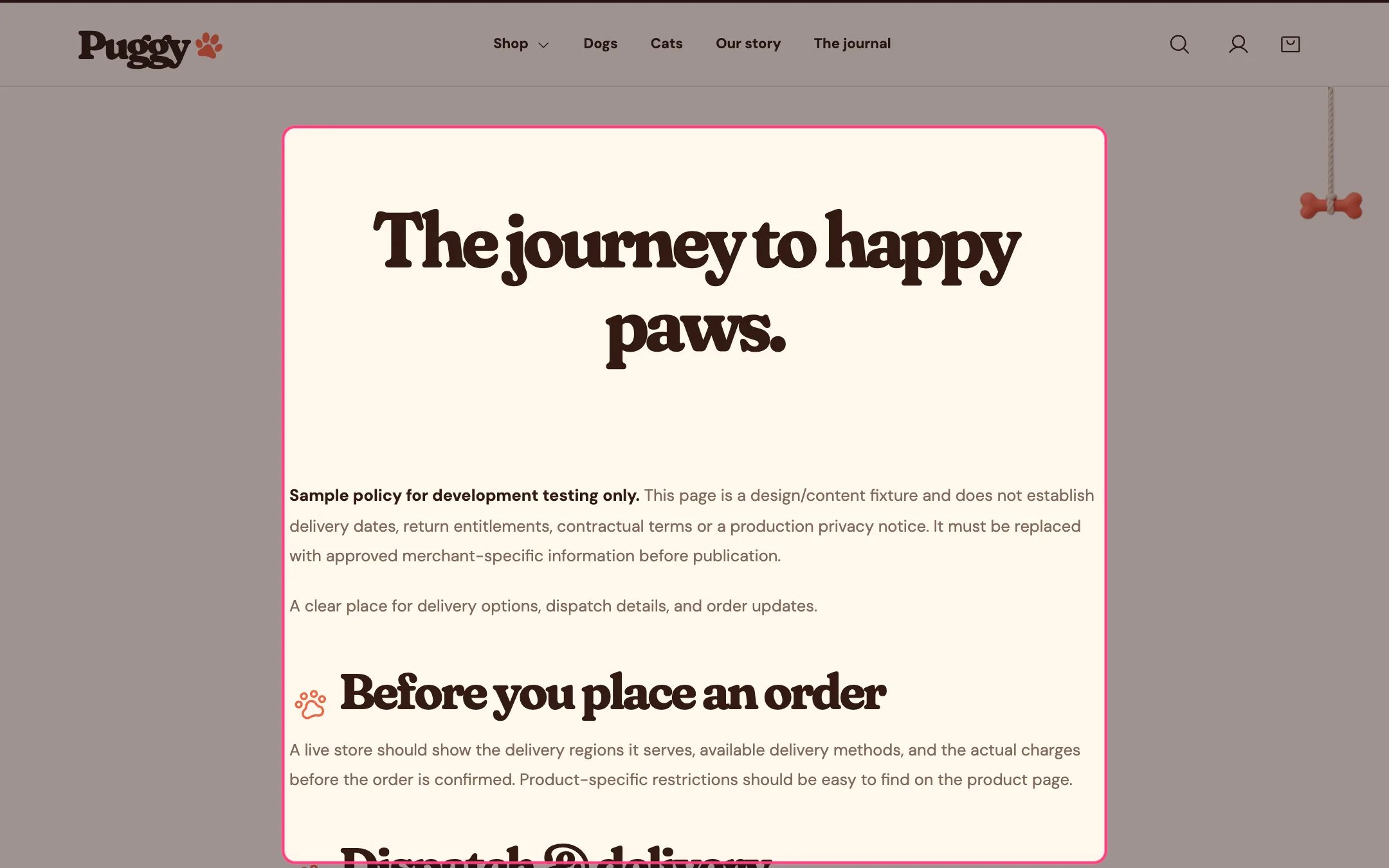
Page content, highlighted on the demo store
Where to find it
Standard pages such as shipping or returns. Choose Pages > Default page in the top page selector, then select Page content. The FAQ template uses it too, above the questions.How it works
- The title and content come from Online Store > Pages.
- Paw formatting adds a small paw before headings, list items and quotes in the content.
- Narrow keeps lines comfortable to read; Wide uses more of the page.
- On the page chosen in Page using the story layout, and on any page using the About template, the content is replaced by the Our story section.
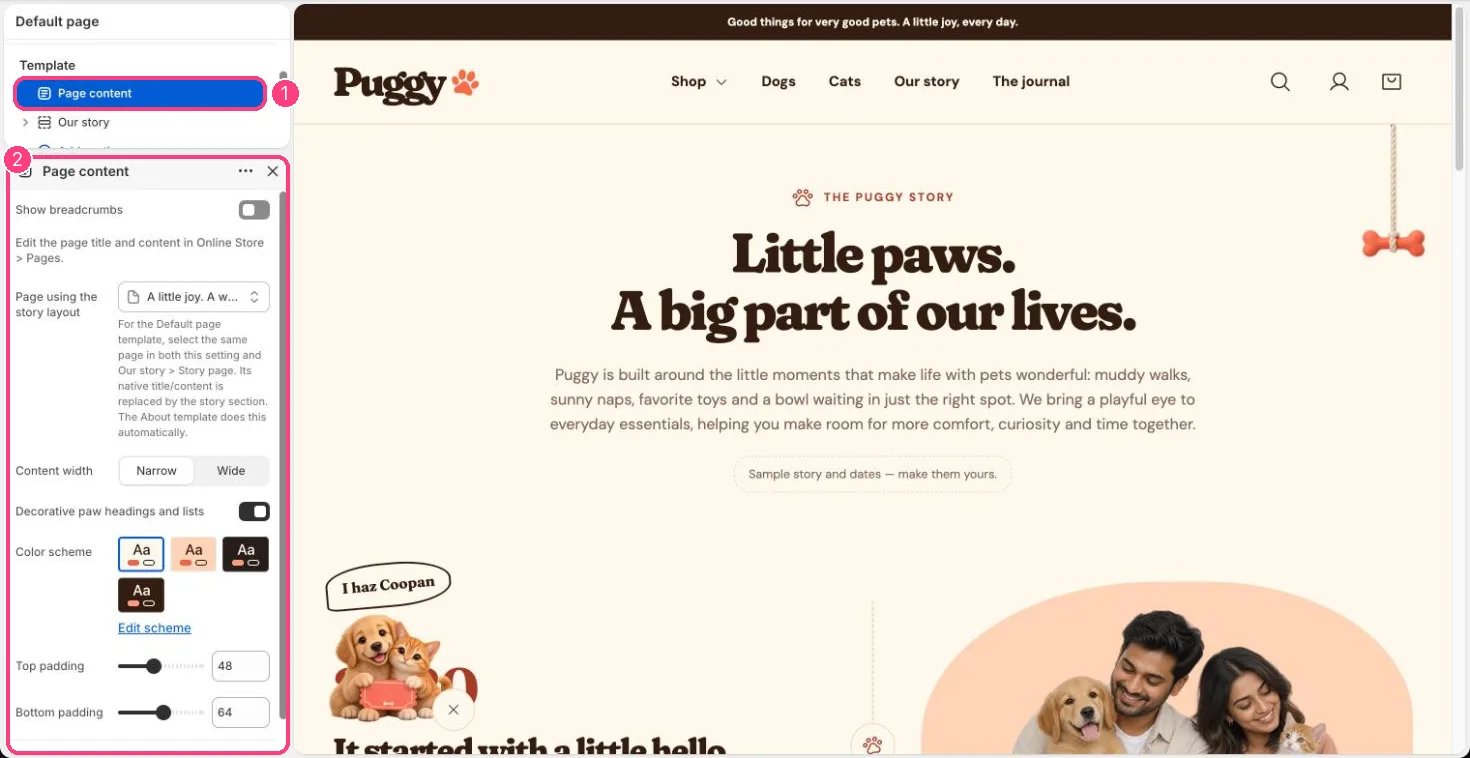
In the theme editor: 1 the section in the sidebar · 2 its settings · 3 the section in the preview
Edit it
- Choose Content width and turn Decorative paw headings and lists on or off.
- Turn on Show breadcrumbs to show Home > page title above the content.
- Write real headings, lists and quotes in the page editor; the paws decorate those elements only.
- Page using the story layout: pick the page that should show Our story while it uses the Default page template, and pick the same page in Our story > Story page. Clear both to go back to normal page content.