
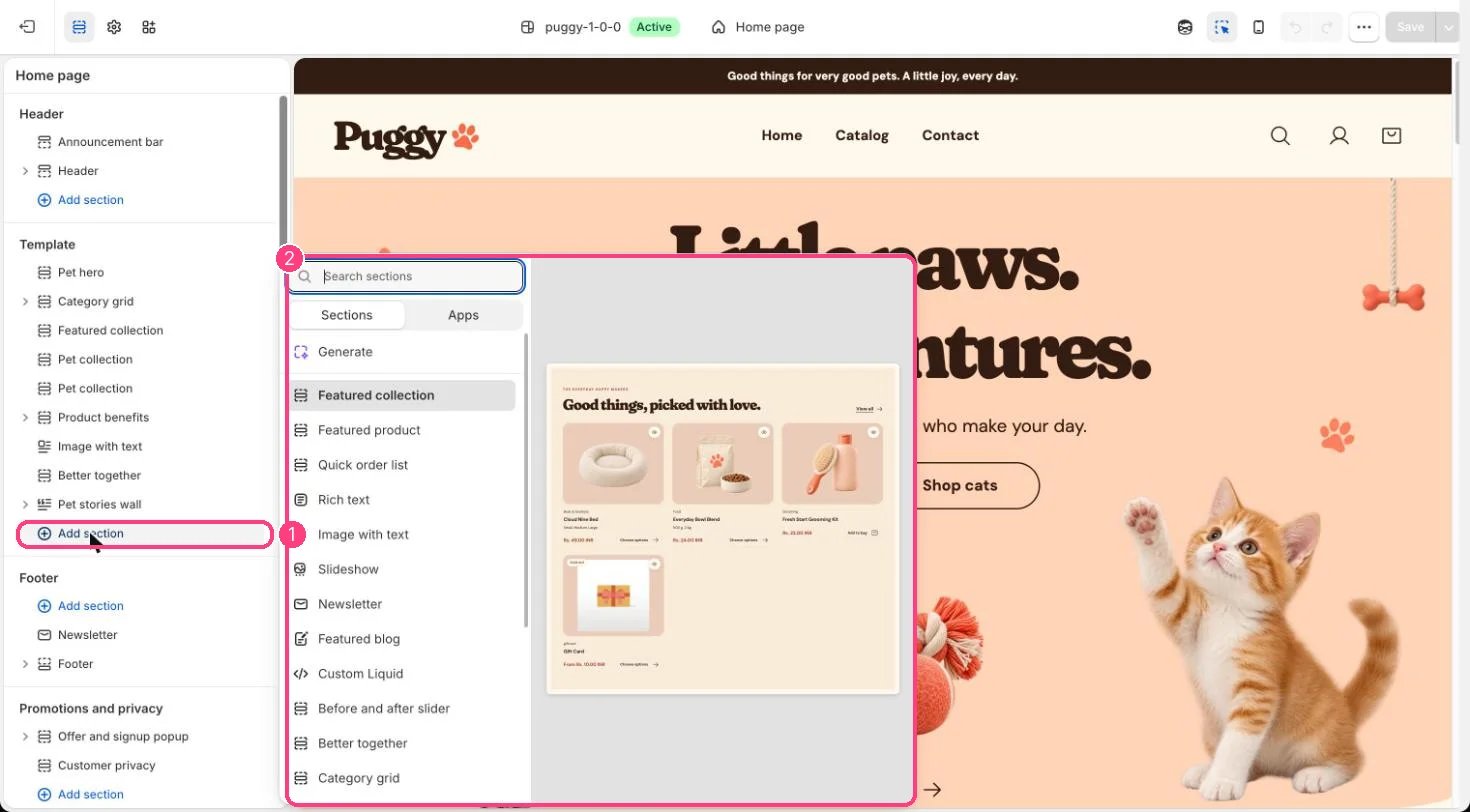
Not on the demo pages: add it with 1 Add section, then pick it in 2 the list
Where to find it
Not on a default template. Add it to the home page or any page with Add section > Featured blog, then choose a Blog.How it works
- Shows article cards with featured image, date, author, an excerpt and a Read the story link.
- Stays hidden on the storefront until a blog is chosen.
- View all links to the blog.
Edit it
- Choose the Blog and set Articles (2 to 4).
- Edit Eyebrow and Heading, and set the Color scheme and spacing.