
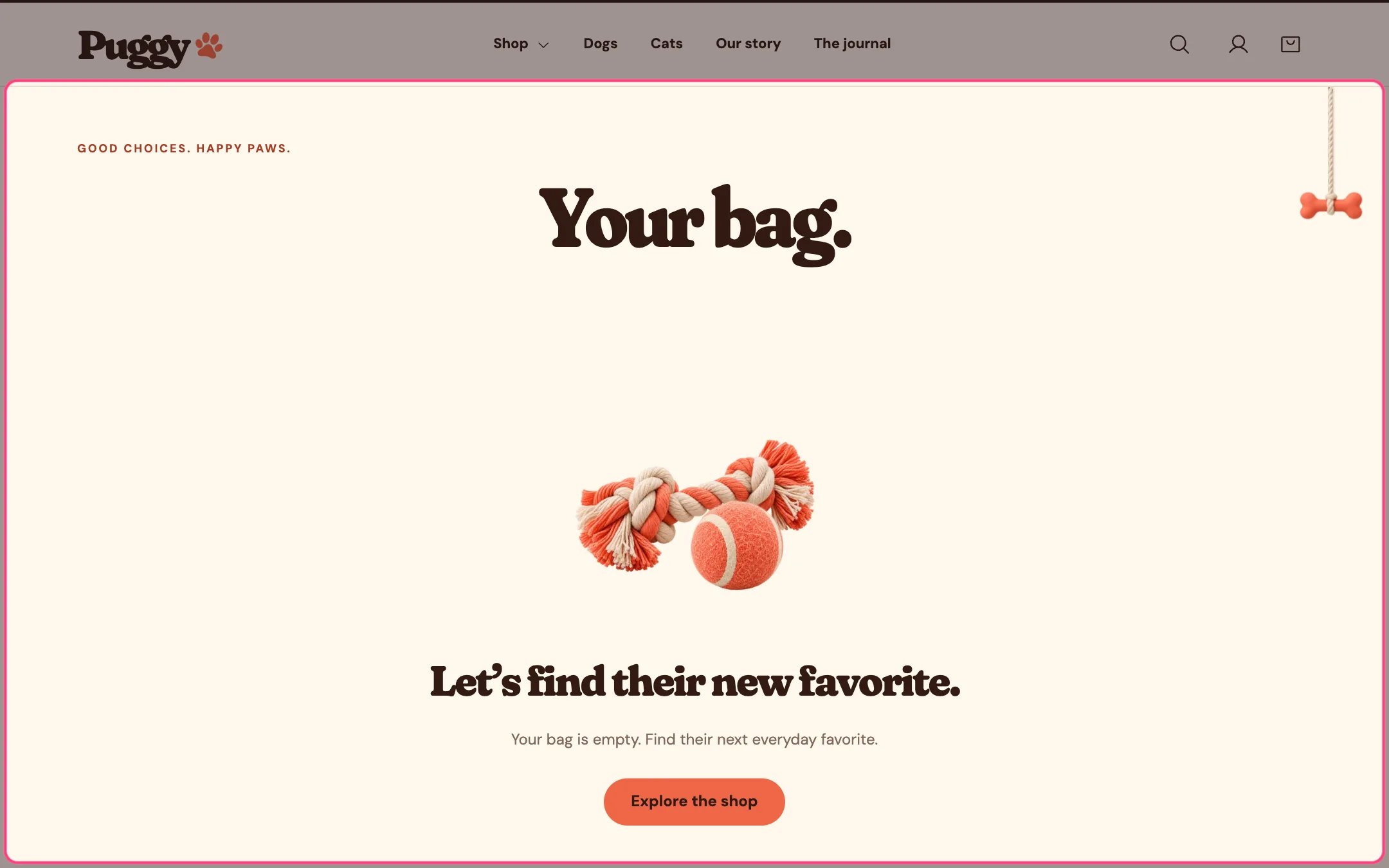
Cart, highlighted on the demo store
Where to find it
The cart page at /cart. In the theme editor, choose Cart in the top page selector, then select Cart.How it works
- Lists each item with image, options, subscription plan, custom details, unit price, discounts and line total.
- Changing a quantity or removing an item updates the cart without reloading. An Update bag button is there too.
- Shows the subtotal, cart discounts, the estimated total and a tax and shipping note that follows your store’s tax settings.
- Continue to checkout opens Shopify checkout. Express payment buttons such as Shop Pay, Apple Pay, Google Pay or PayPal appear when turned on here and enabled for your store.
- The order note and gift message save as soon as shoppers leave the field, so they are kept even with express checkout.
- Basket recommendations suggest products related to the first item in the bag, or your own picks, skipping items already in the bag and sold-out products. Add buttons add them without leaving the page.
- An empty cart shows an image, a heading and a button to explore the shop.
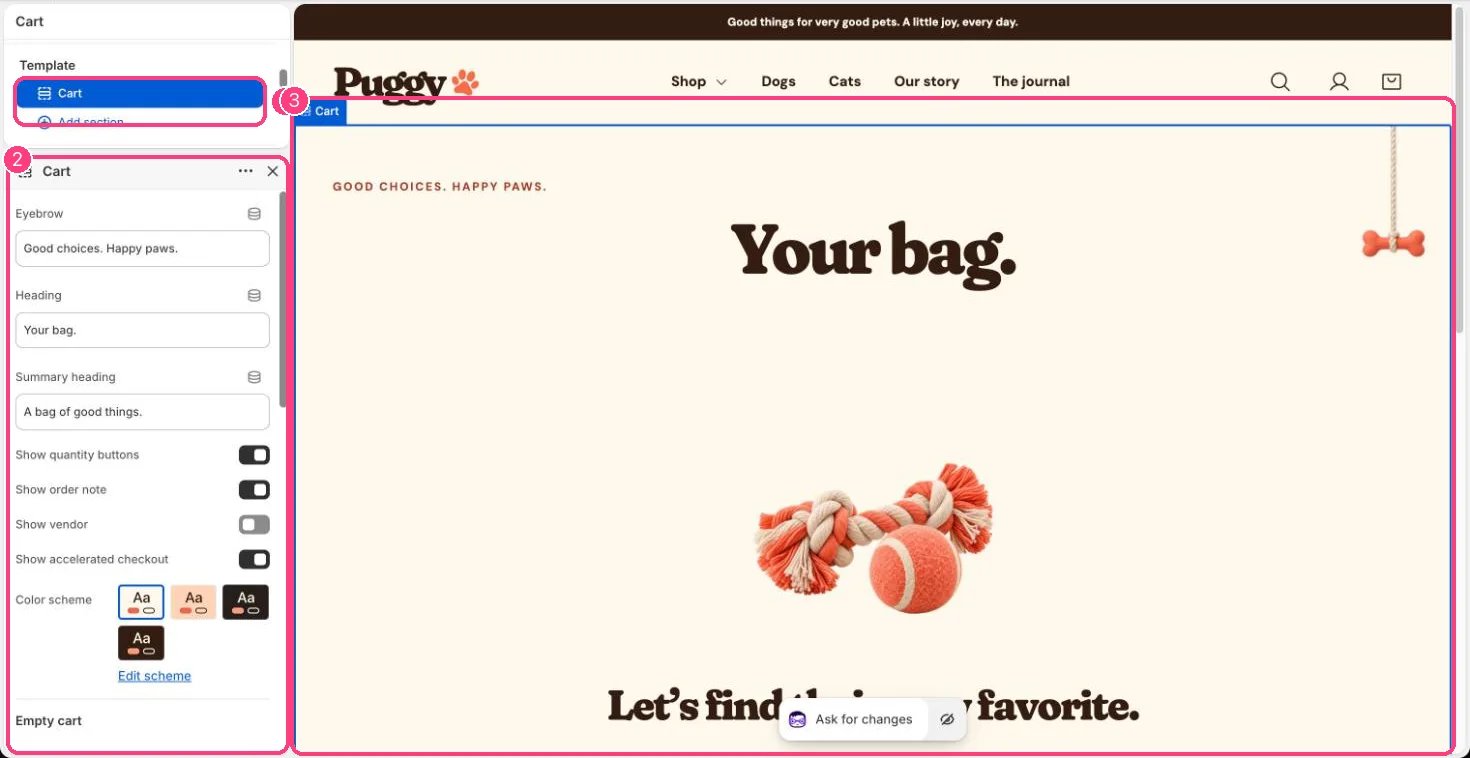
In the theme editor: 1 the section in the sidebar · 2 its settings · 3 the section in the preview
Edit it
- Edit Eyebrow, Heading and Summary heading.
- Turn Show quantity buttons, Show order note, Show vendor and Show accelerated checkout on or off.
- Under Empty cart, set the Heading and Image.
- Under Basket recommendations, choose Product source, Selected products or fallback, Fallback collection, Products to show (2 to 6) and Show add buttons. Turn it off with Show basket recommendations.
- Gift wrapping and the gift message are set in Theme settings > Cart.
Settings
Empty cart
Basket recommendations
Shopify calculates totals, discounts, shipping and taxes. The theme doesn’t apply discount codes itself.The cart drawer has its own settings in the Cart drawer section.