
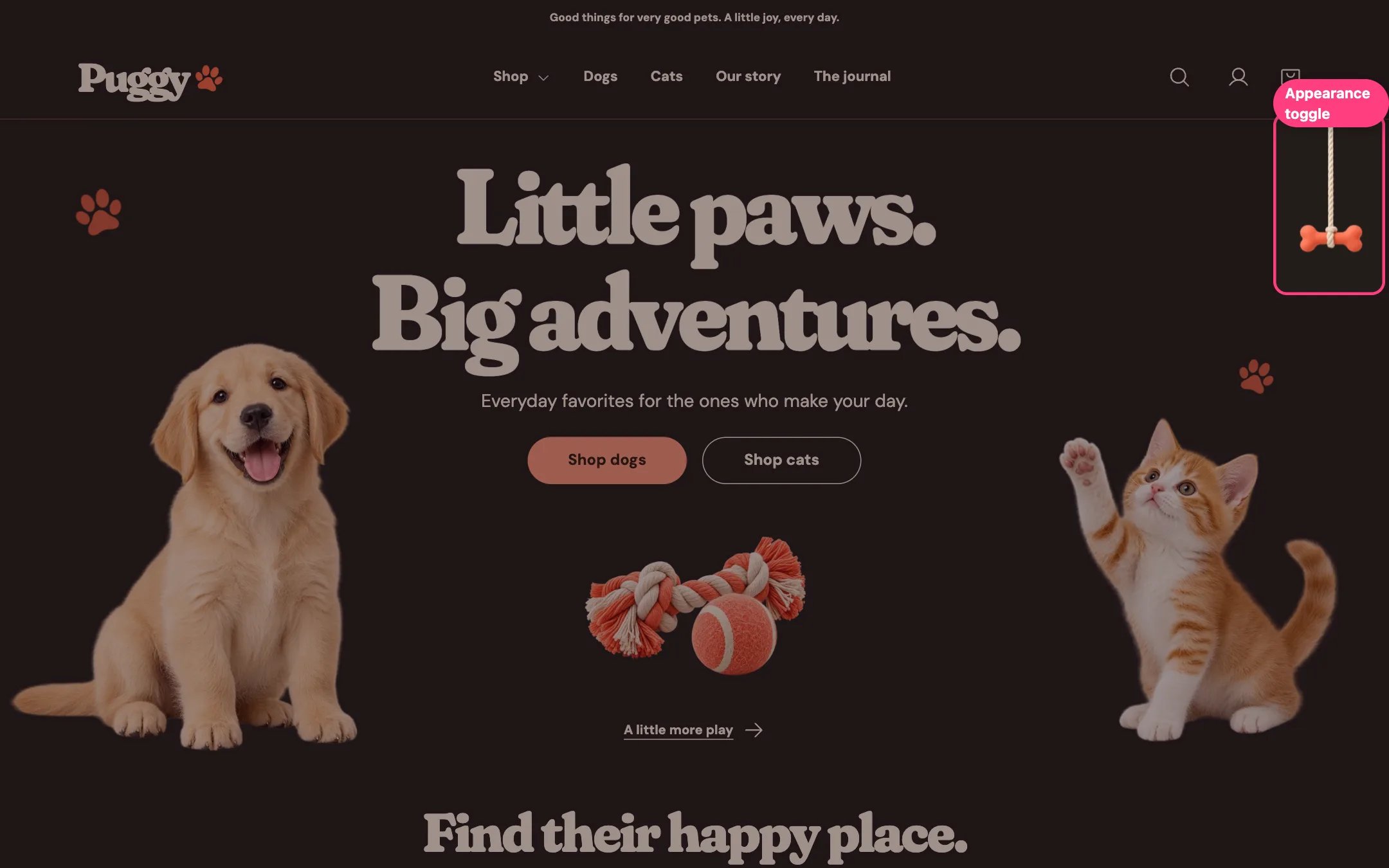
Pull the rope to switch between light and night
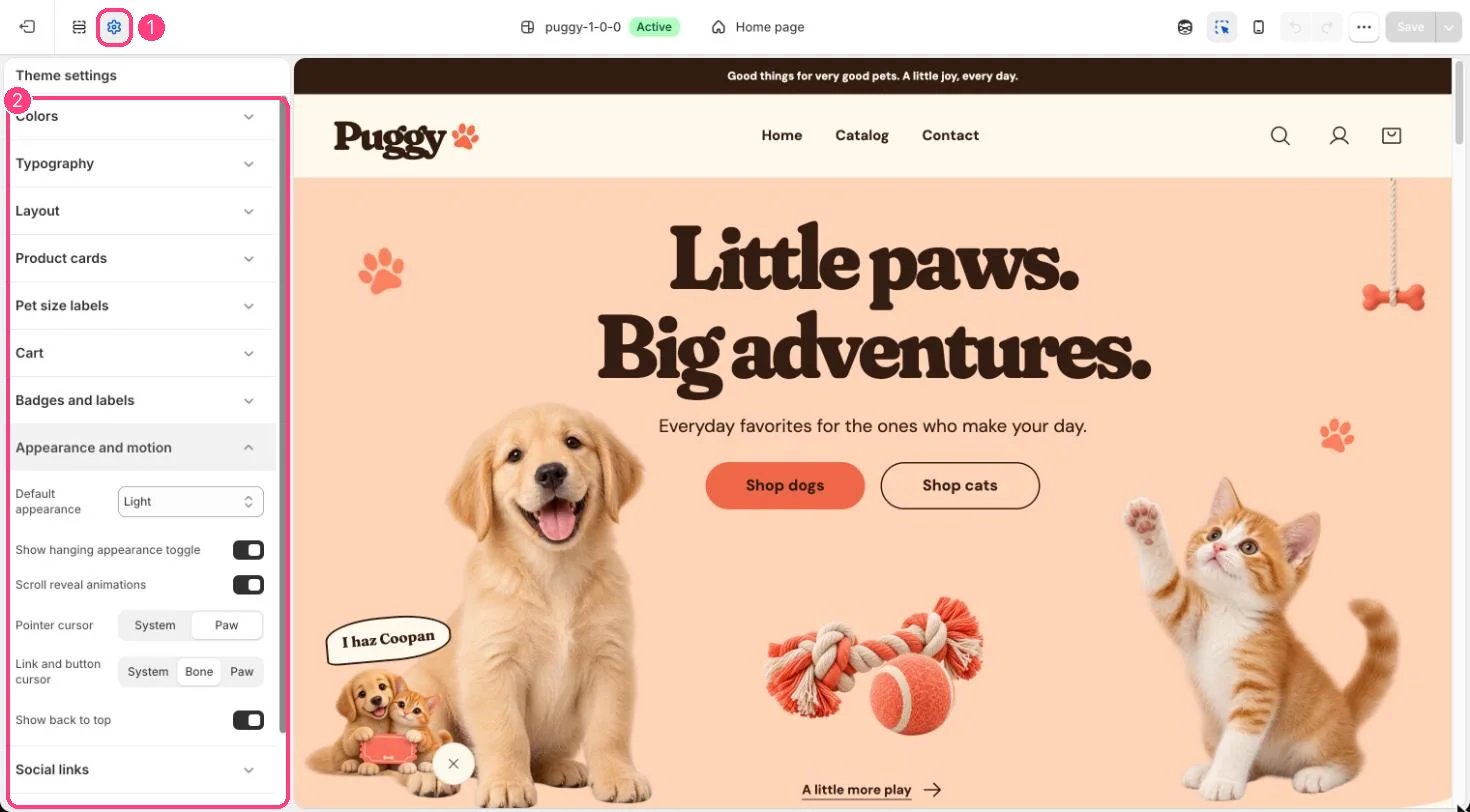
1 Theme settings · 2 Appearance and motion
What shoppers can do
- Click or tap the bone, pull the rope down, or press Tab to reach it and then Enter or Space.
- The label reads Pull for night or Pull for day. On very wide screens (1500 px and up) it is always shown; on smaller screens it appears on hover or keyboard focus.
- The rope follows the bottom edge of the header, tucks behind it while shoppers scroll down and comes back when they scroll up, so it never covers buttons or links. Only the rope and bone respond to clicks.
- For shoppers who prefer reduced motion, the rope switches without its stretch animation.
Your settings
- Theme settings > Appearance and motion > Default appearance: Light, Dark or Follow device. Follow device uses the shopper’s device setting until they pull the rope.
- Show hanging appearance toggle hides or shows the rope.