
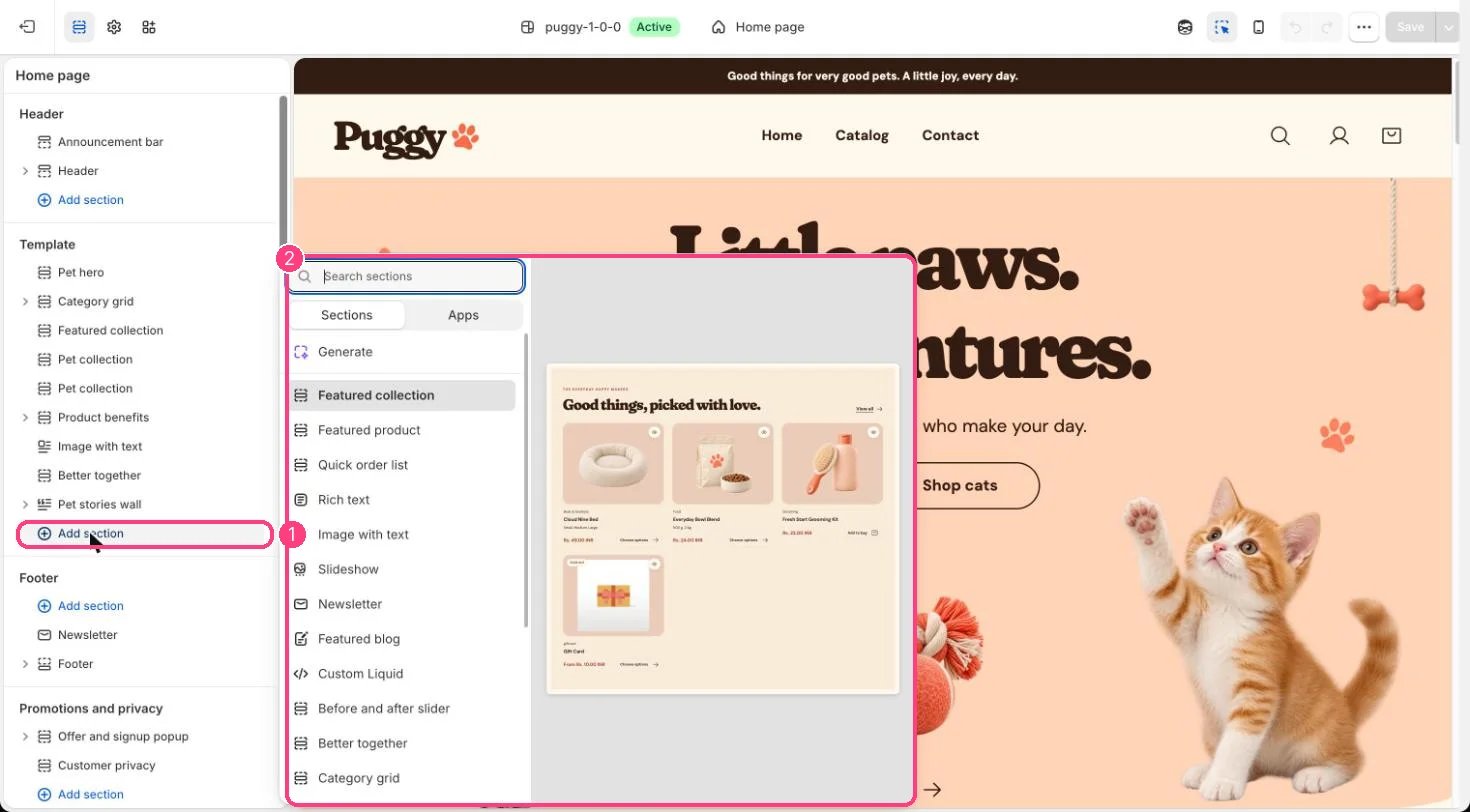
Not on the demo pages: add it with 1 Add section, then pick it in 2 the list
Where to find it
Not on a default template. Add it to any page with Add section > Store benefits.How it works
- Each Benefit block shows an icon (Paw, Package, Heart, Truck or Bone), a heading and text.
- Benefits sit three per row on larger screens and stack on phones.
Edit it
- Click Add block > Benefit, choose an Icon and write the Heading and Text. The preset starts with three benefits.
- Set the Color scheme and spacing.
Settings
Blocks
Add a block with Add block under the section in the sidebar; drag blocks to reorder them.Benefit
Only promise what you really offer, such as delivery thresholds or return windows that match your policies.