
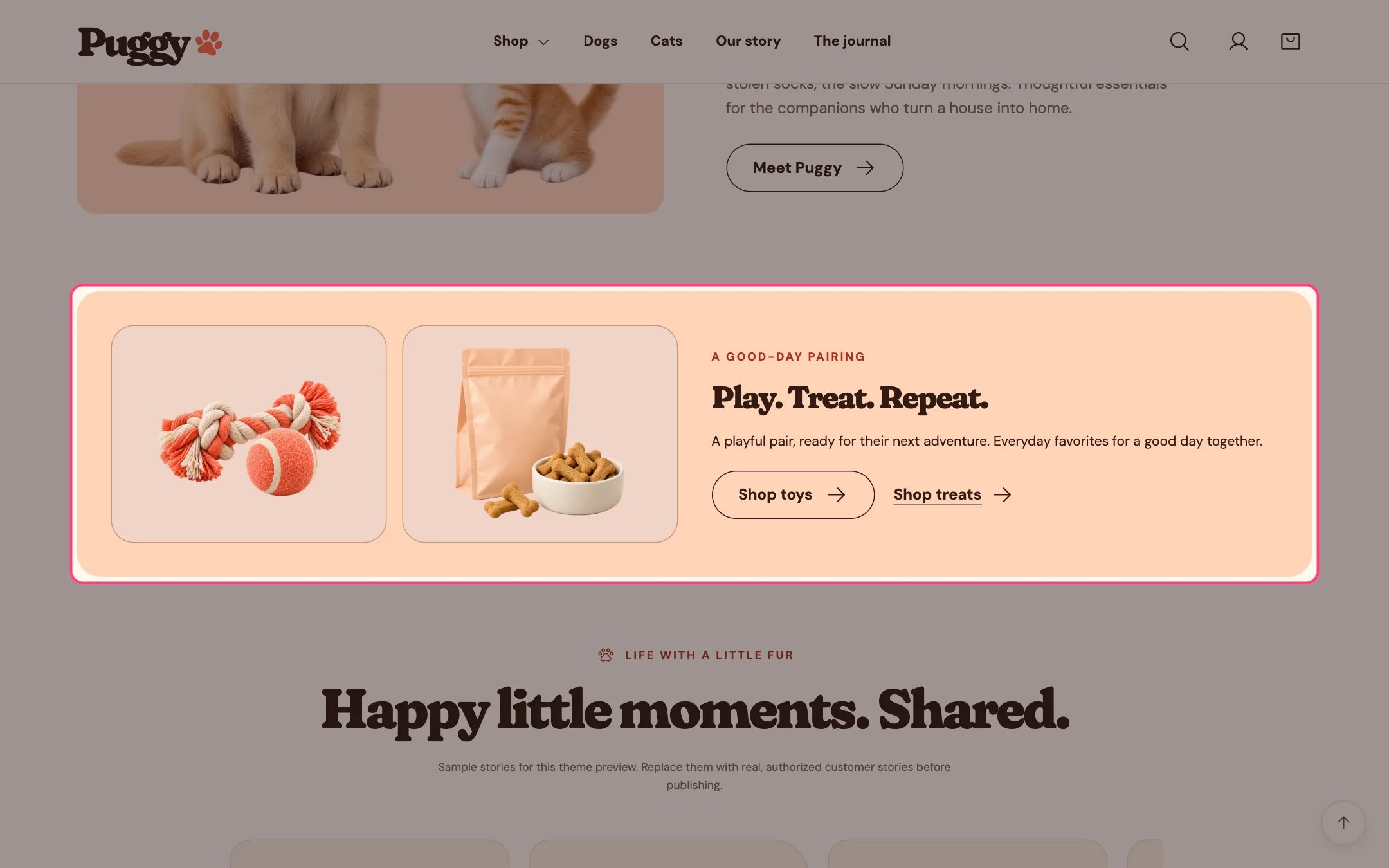
Better together, highlighted on the demo store
Where to find it
Home page. Choose Home page in the top page selector, then select Better together. Add it elsewhere with Add section > Better together.How it works
- Shows two images side by side next to the eyebrow, heading and text. On phones the text moves below the images.
- Without images, the built-in rope and ball and treats artwork appears.
- The first link shows as a button and the second as a text link. Each appears only when both its label and its link are set.
- It only links to your pages. It doesn’t add products to the bag or create a bundle price.
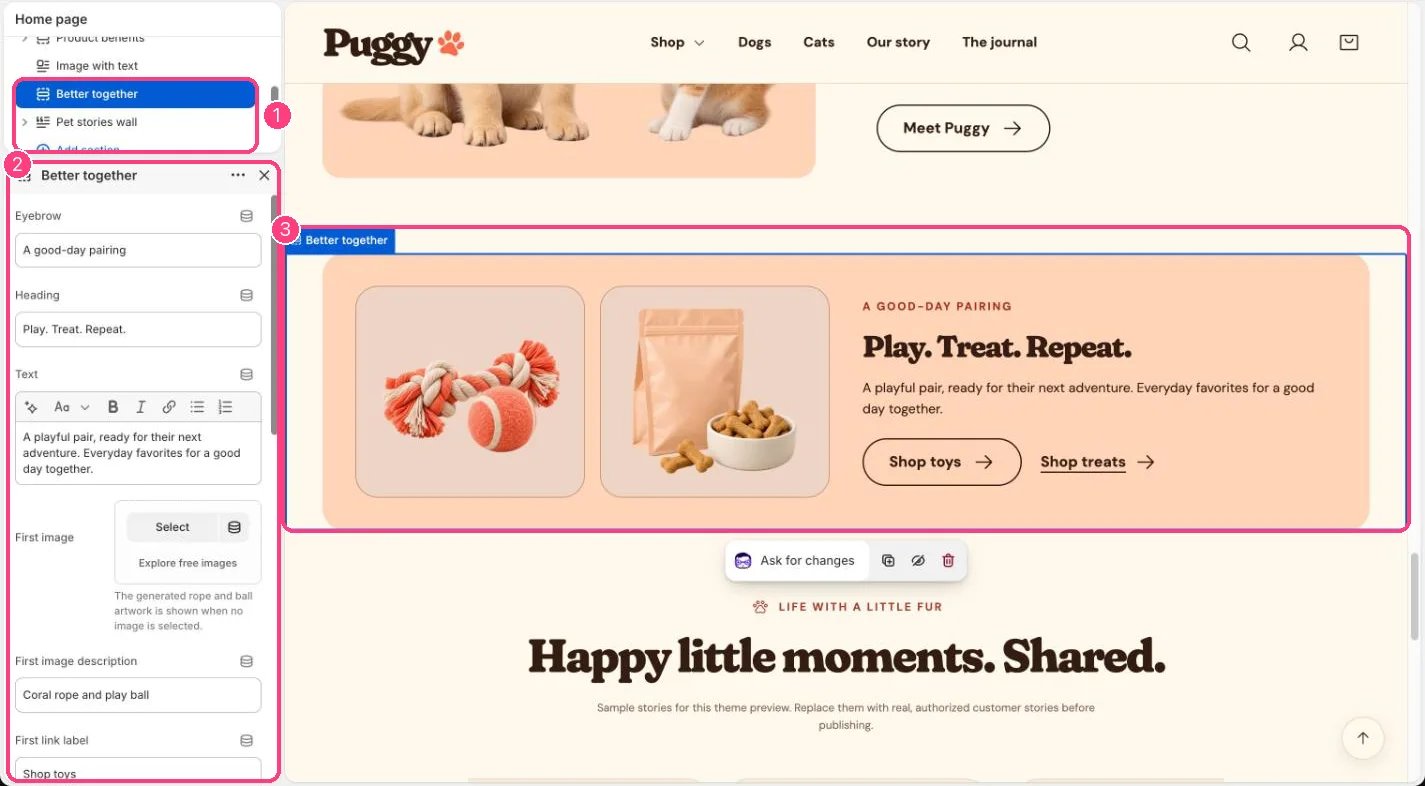
In the theme editor: 1 the section in the sidebar · 2 its settings · 3 the section in the preview
Edit it
- Upload First image and Second image, and write an image description for each.
- Set First link label with First link, and Second link label with Second link.
- Choose Product image background (Soft tinted panel, Peach or Transparent) for the two image panels.
- Spacing starts at 0. Raise Top spacing or Bottom spacing to separate it from neighboring sections.