
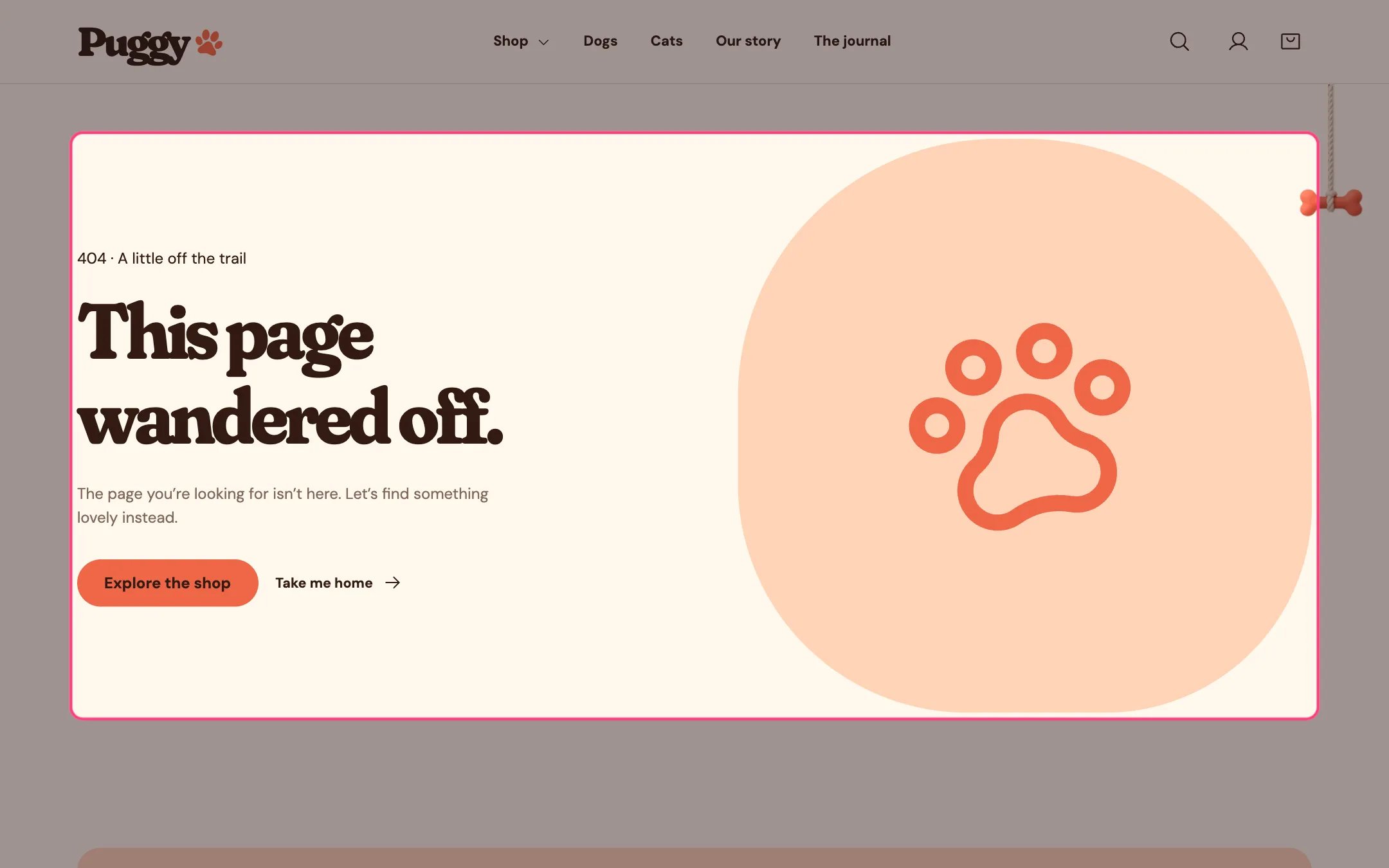
404 page, highlighted on the demo store
Where to find it
Any missing page. Choose 404 page in the top page selector, then select 404 page.How it works
- Shows a short message with an Explore the shop button and a Take me home link.
- Shows your image, or a large paw when no image is chosen.
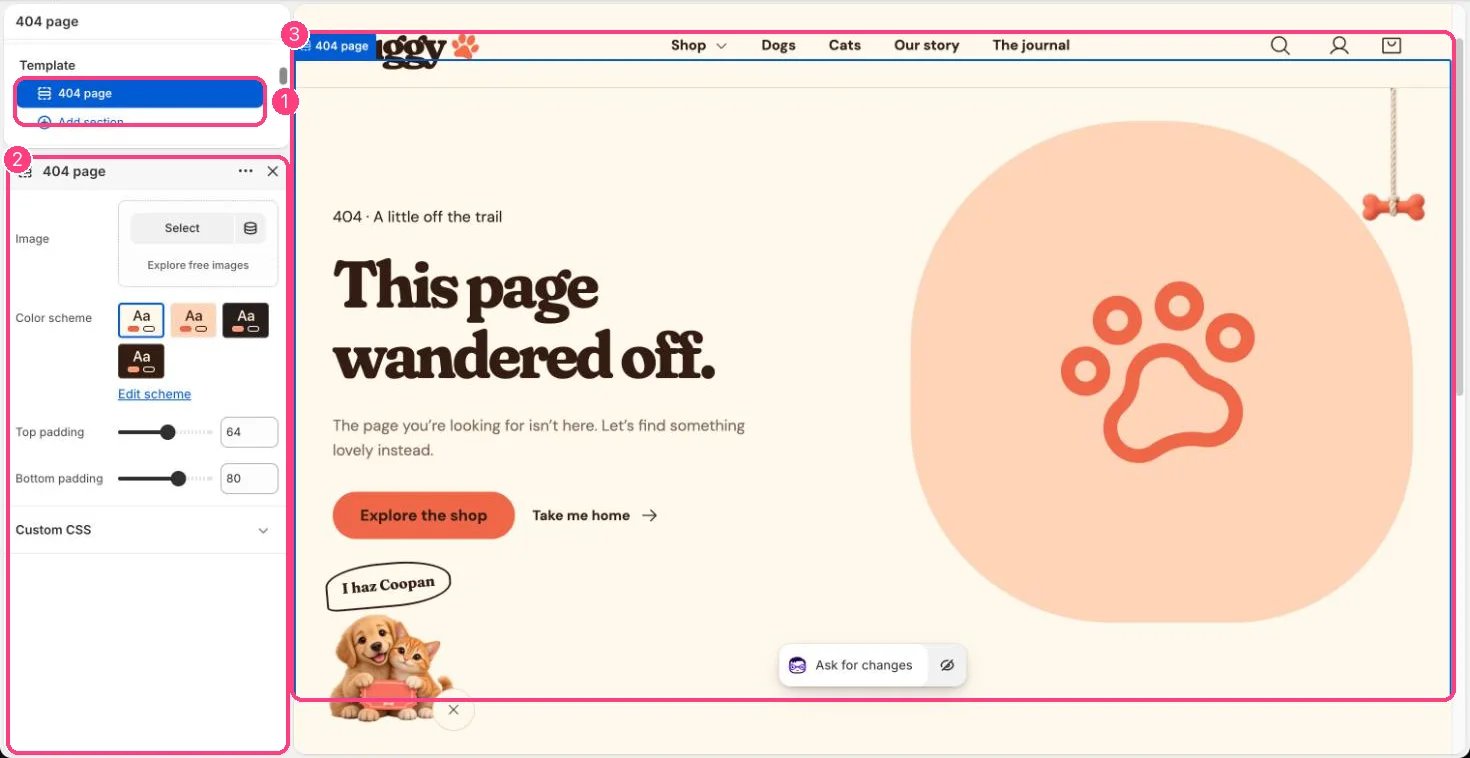
In the theme editor: 1 the section in the sidebar · 2 its settings · 3 the section in the preview
Edit it
- Choose an Image, Color scheme, Top padding and Bottom padding.
- To change the words, go to Online Store > Themes, open the menu beside Puggy, choose Edit default theme content and search for This page wandered off.