
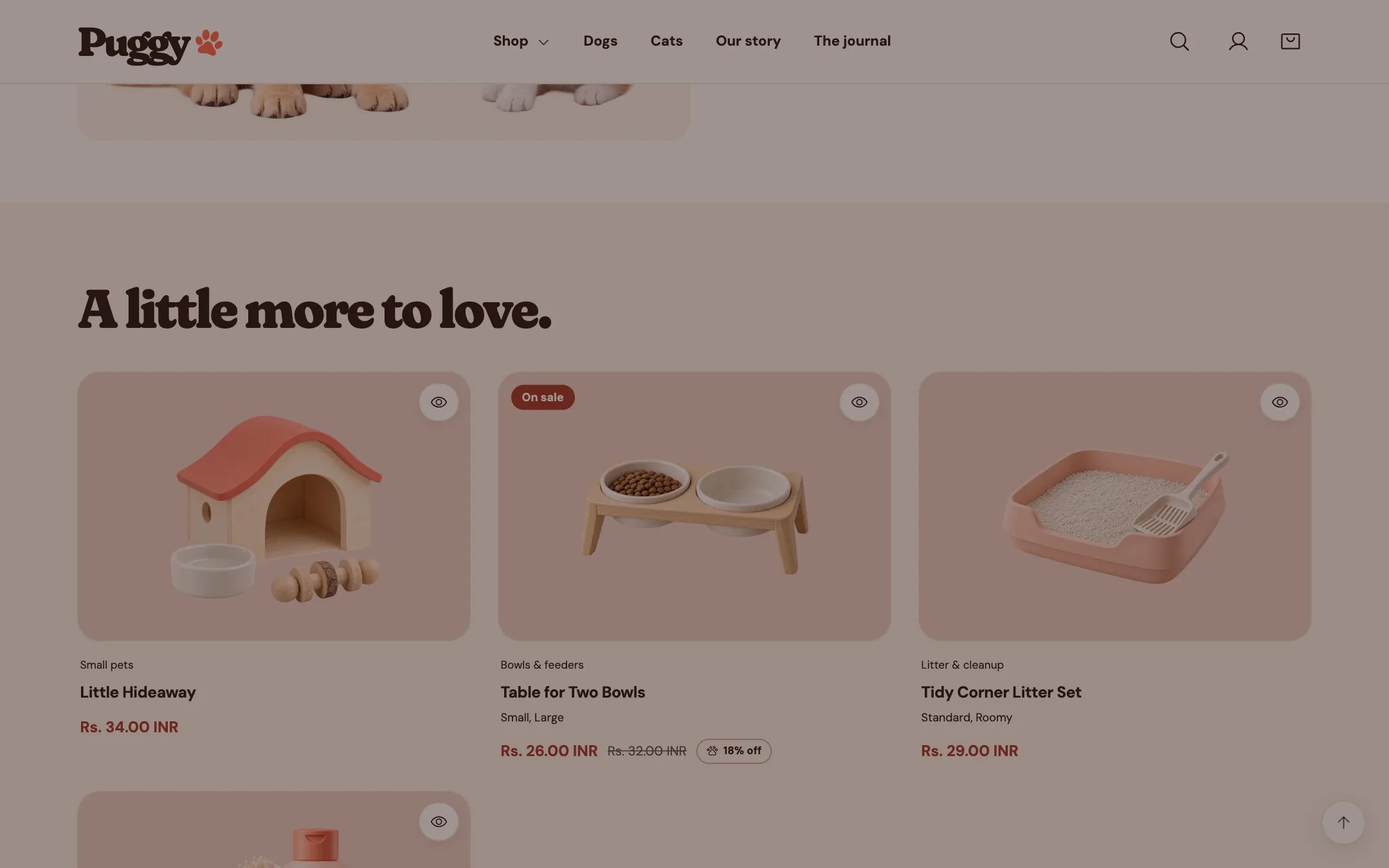
Product recommendations, highlighted on the demo store
Where to find it
Product pages, below the product. The default product template has two: a related row (A little more to love.) and a complementary row (Lovely together.). Choose Products > Default product in the top page selector, then select Product recommendations.How it works
- Shopify picks the products. Related products are automatic; complementary products are the ones you set in the Shopify Search & Discovery app.
- The row loads as shoppers scroll near it and stays hidden when Shopify has nothing to suggest.
- Cards include quick view but no quick add button.
- In the theme editor, an empty row shows a short explanation instead of disappearing.
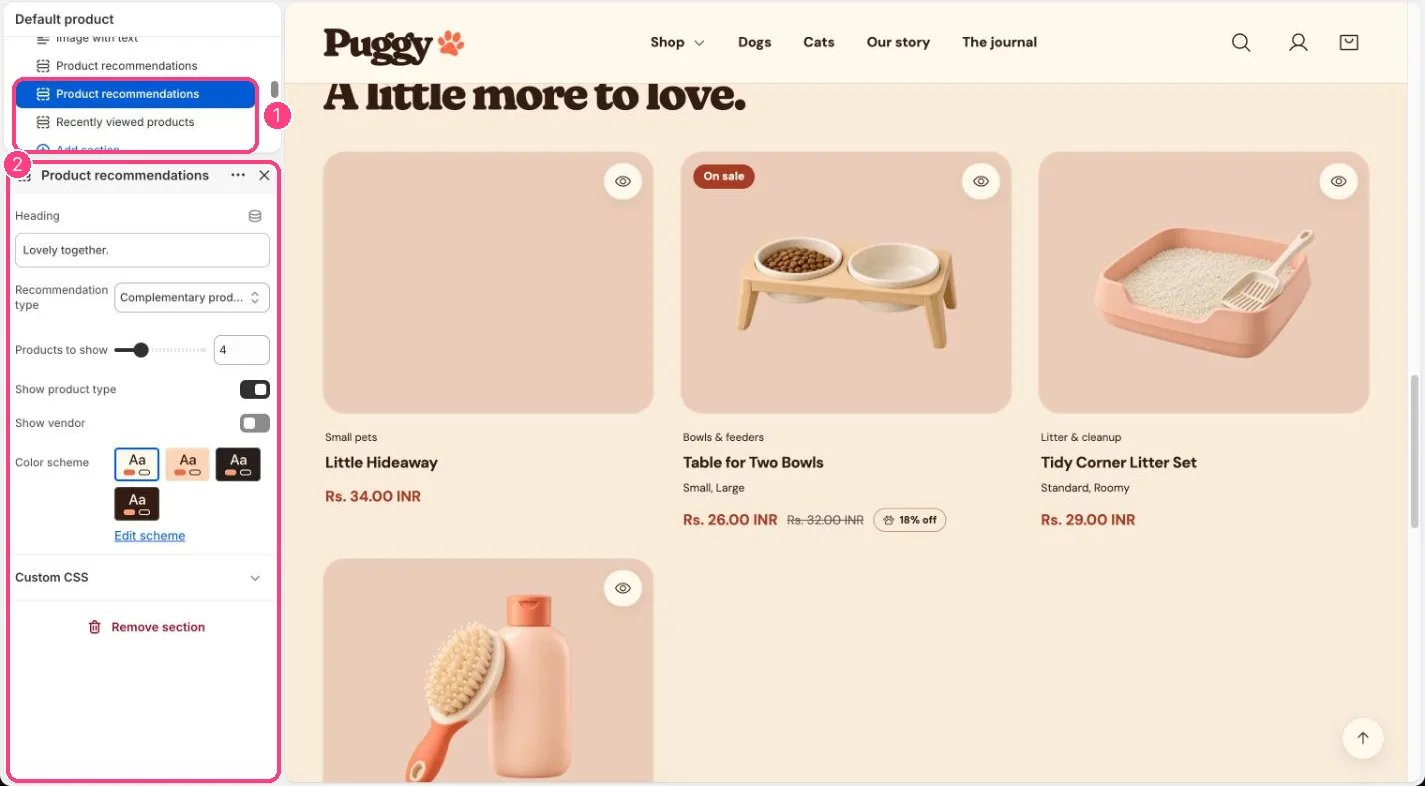
In the theme editor: 1 the section in the sidebar · 2 its settings · 3 the section in the preview
Edit it
- Choose Recommendation type: Related products or Complementary products.
- Set Products to show (2 to 10) and edit the Heading.
- Turn Show product type and Show vendor on or off.
- To choose complementary products, open the Shopify Search & Discovery app and edit the product’s recommendations.
Settings
This section can only be added to product templates.