
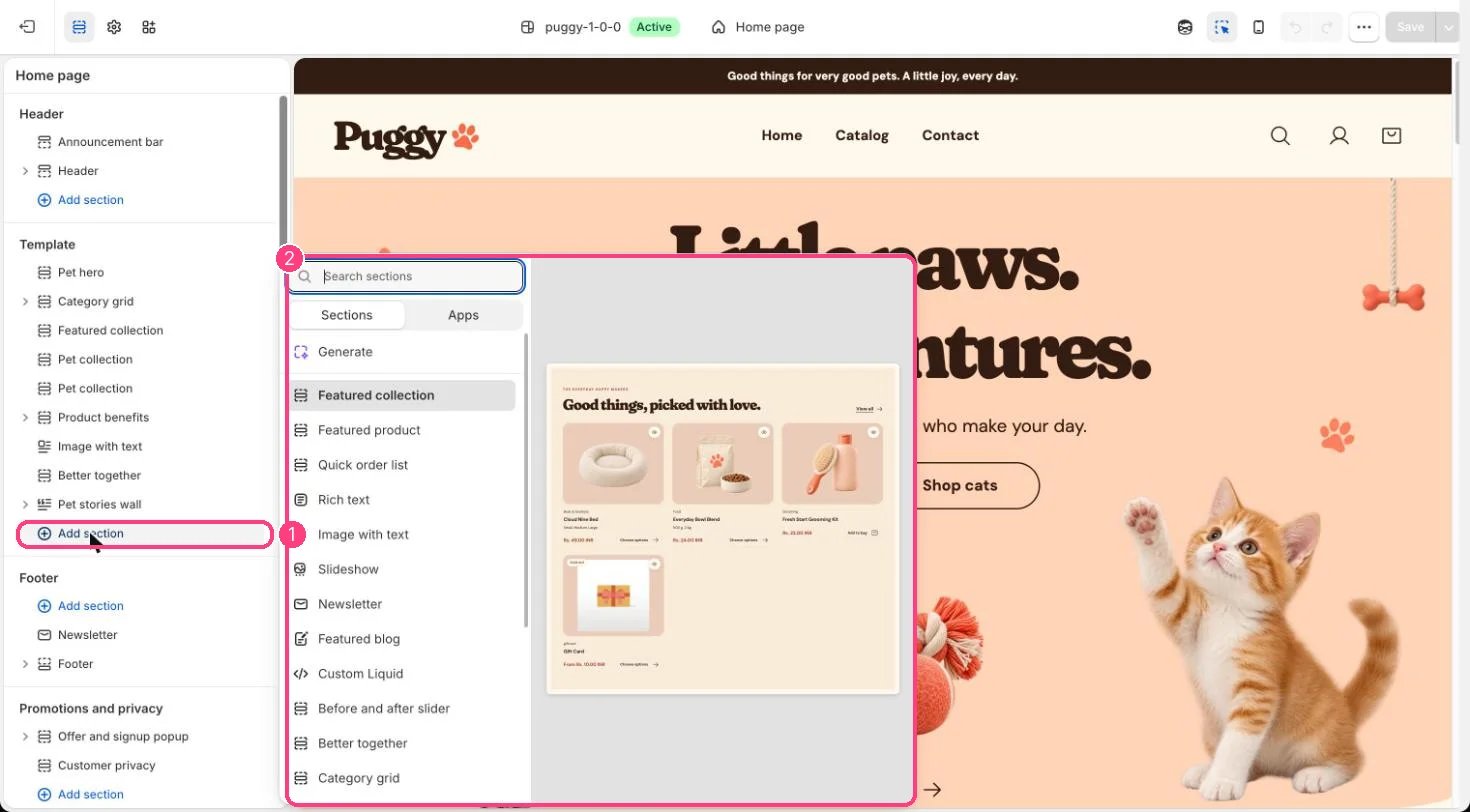
Not on the demo pages: add it with 1 Add section, then pick it in 2 the list
Where to find it
Not on a default template. Add it to any page with Add section > Rich text.How it works
- Text can be centered or left aligned.
- Lists and quotes use the theme’s text styling.
- The button appears only when Button label has text, and blank eyebrows and headings are hidden.
- The block fades in as it scrolls into view when scroll animations are on.
Edit it
- Edit Eyebrow, Heading and Text, and choose an Alignment.
- Add a Button label together with a Button link.
- Set the Color scheme and spacing.