
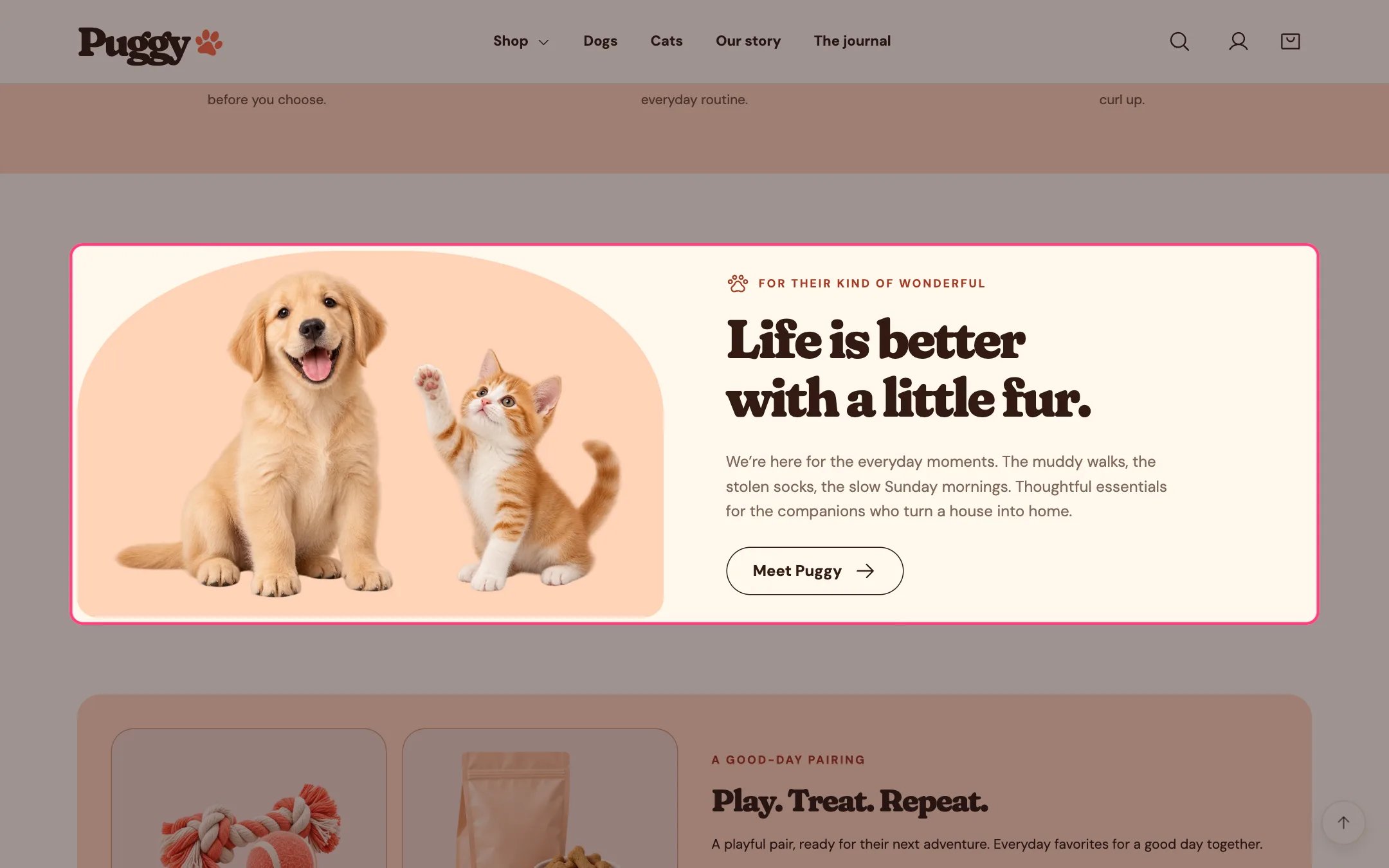
Image with text, highlighted on the demo store
Where to find it
Home page, and below the product information on product pages. Choose Home page (or Products > Default product) in the top page selector, then select Image with text. Add more with Add section > Image with text.How it works
- The image sits on the left or right on desktop and stacks above the text on phones.
- Images are shown whole inside an arched peach frame.
- Without an image, the built-in puppy and kitten artwork appears.
- The button appears only when Button label has text.
- The block fades in as it scrolls into view when scroll animations are on.
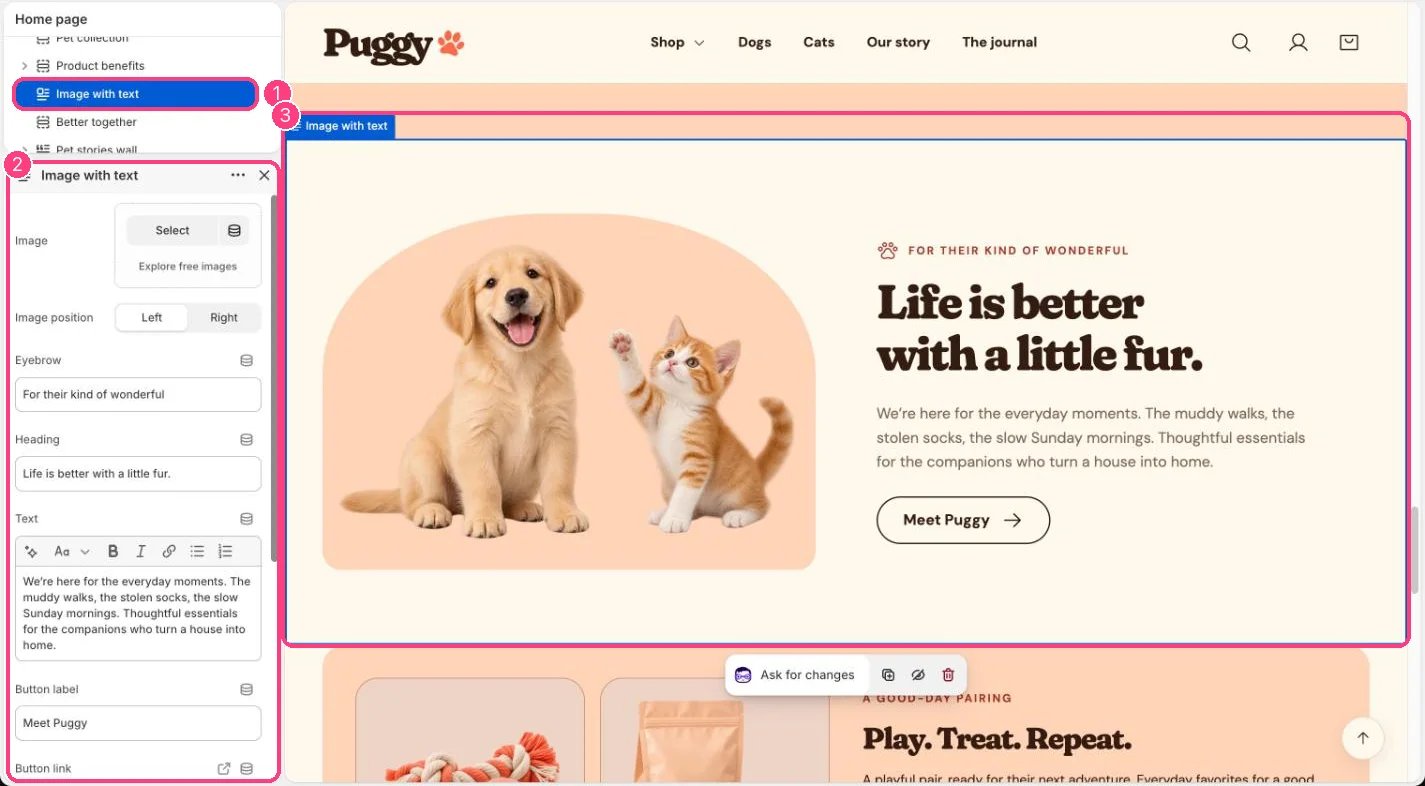
In the theme editor: 1 the section in the sidebar · 2 its settings · 3 the section in the preview
Edit it
- Upload an Image and choose Image position.
- Edit Eyebrow, Heading and Text.
- Add a Button label and always set a Button link with it.
- On the product template, the same content shows on every product that uses the template. Connect dynamic sources or create an alternate template for product-specific text.