
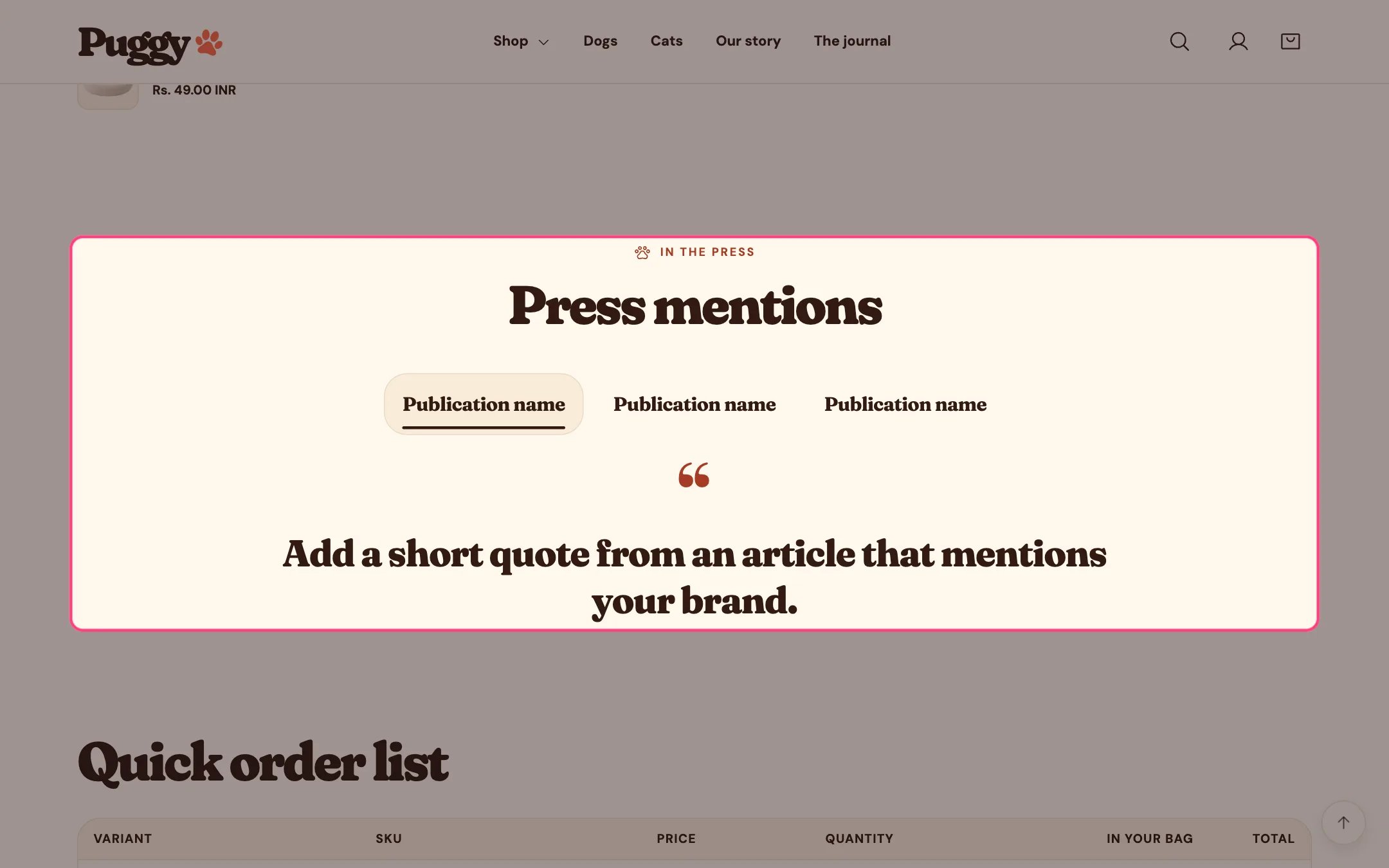
Press coverage, highlighted on the demo store
Where to find it
Not on a default template. Add it to any page with Add section > Press coverage.How it works
- Logo row with featured quote: shoppers select a logo to read its quote below, and arrow keys move between logos.
- Grid of quote cards shows every quote at once.
- Mentions without a quote show as a logo only. Without a logo, the publication name shows instead.
- Logos can show in grayscale and return to color on hover, focus and selection.
- Each mention can link to the article.
- Up to 10 mentions.
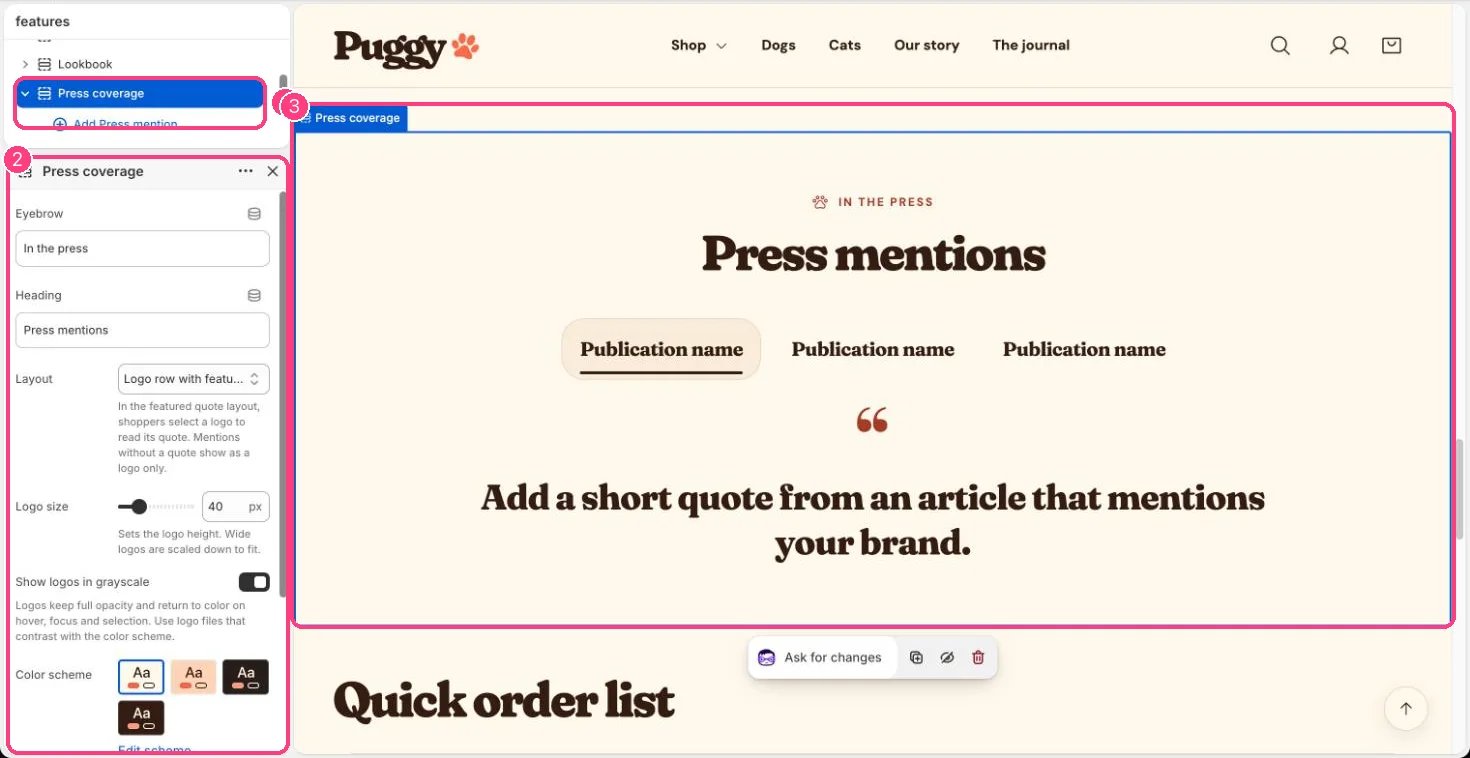
In the theme editor: 1 the section in the sidebar · 2 its settings · 3 the section in the preview
Edit it
- Click Add block > Press mention, then add a Logo (SVG or transparent PNG works best), Publication name, Quote, Article link and Link label.
- Choose a Layout and Logo size (24 to 96 px), and turn Show logos in grayscale on or off.
Settings
Blocks
Up to 10 blocks. Add a block with Add block under the section in the sidebar; drag blocks to reorder them.Press mention
Only quote articles that were actually published, and only use logos you have permission to show.